

Introduction
In this article, we will learn how to disable the new window/tab in web applications.
There are two challenges in preventing multiple windows or tab usage in web applications: i.e how can we differentiate among two requests (GET or POST) at the server-side and how we can stop the user from generating a request (GET or POST) from two tabbed/different windows at the client-side.
The solution to the above problems is the use of window.name at the client-side using JavaScript and checking the HTTP Referer header at the server-side.
Step 1: First we create a Homepage.aspx in our website, like this:
- <head runat="server">
- <title>Home - Restrict Multiple Tab</title>
- <script language="javascript" type="text/javascript">
- if(window.name != "<%=GetWindowName()%>")
- {
- window.name = "invalidAccess";
- window.open("InvalidAccess.aspx", "_self");
- }
- </script>
- </head>
- <body>
- <form id="form1" runat="server">
- <div>
- <h2>Try to Open the Link given below either in new window or tab.</h2><br />
- <img src="image/img1.jpg" alt="Image" align="right" />
- <br />
- <asp:HyperLink ID="hlDemo1" runat="server" NavigateUrl="~/Demo1.aspx">Page 1</asp:HyperLink>
- <asp:HyperLink ID="hlDemo2" runat="server" NavigateUrl="~/Demo2.aspx">Page 2</asp:HyperLink>
- <asp:HyperLink ID="hlDemo3" runat="server" NavigateUrl="~/Demo3.aspx">Page 3</asp:HyperLink>
- </div>
- </form>
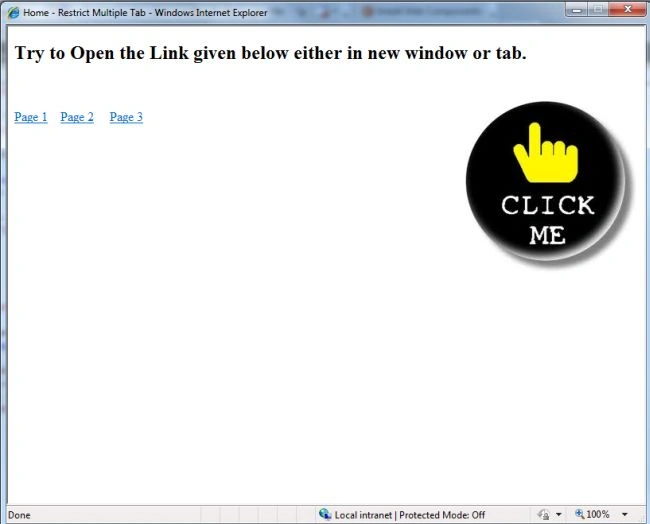
The output of this page looks like this
- <head runat="server">
- <title>Demo 1</title>
- <script language="javascript" type="text/javascript">
- if(window.name != "<%=GetWindowName()%>")
- {
- window.name = "invalidAccess";
- window.open("InvalidAccess.aspx", "_self");
- }
- </script>
- </head>
- <body bgcolor="green">
- <form id="form1" runat="server" >
- <div>
- <h1> Page 1 </h1>
- Try to Open the Link given below either in new window or tab.<br />
- <img src="image/img.jpg" alt="Image" align="right" />
- <br />
- <asp:HyperLink ID="hlDemo1" runat="server" NavigateUrl="~/Demo1.aspx">Page 1</asp:HyperLink>
- <asp:HyperLink ID="hlDemo2" runat="server" NavigateUrl="~/Demo2.aspx">Page 2</asp:HyperLink>
- <asp:HyperLink ID="hlDemo3" runat="server" NavigateUrl="~/Demo3.aspx">Page 3</asp:HyperLink>
- </div>
- </form>
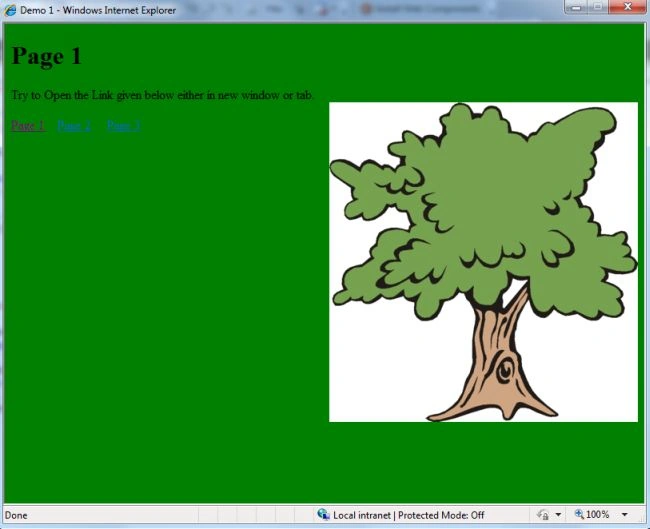
The output of this page looks like this
- <head runat="server">
- <title>Demo 2</title>
- <script language="javascript" type="text/javascript">
- if(window.name != "<%=GetWindowName()%>")
- {
- window.name = "invalidAccess";
- window.open("InvalidAccess.aspx", "_self");
- }
- </script>
- </head>
- <body bgcolor="lime">
- <form id="form1" runat="server">
- <div>
- <h1>Page 2</h1>
- Try to Open the Link given below either in new window or tab.<br />
- <img src="image/img.jpg" alt="Image" align="right" />
- <br />
- <asp:HyperLink ID="hlDemo1" runat="server" NavigateUrl="~/Demo1.aspx">Page 1</asp:HyperLink>
- <asp:HyperLink ID="hlDemo2" runat="server" NavigateUrl="~/Demo2.aspx">Page 2</asp:HyperLink>
- <asp:HyperLink ID="hlDemo3" runat="server" NavigateUrl="~/Demo3.aspx">Page 3</asp:HyperLink>
- </div>
- </form>
- </body>
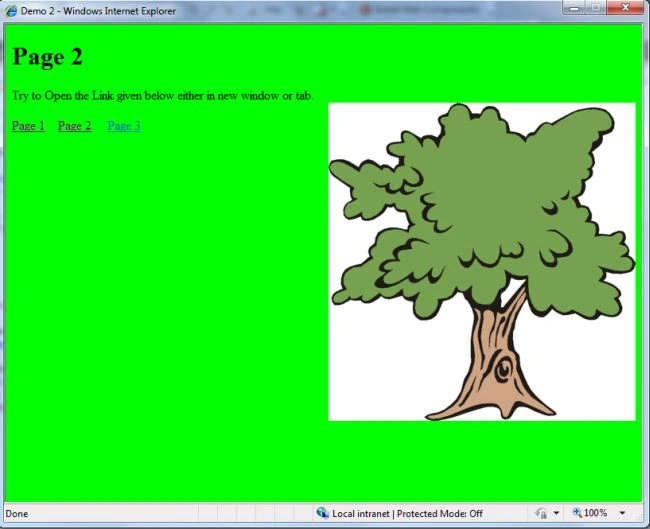
The output of this page looks like this
- <html xmlns="http://www.w3.org/1999/xhtml" >
- <head runat="server">
- <title>Demo 3</title>
- <script language="javascript" type="text/javascript">
- if(window.name != "<%=GetWindowName()%>")
- {
- window.name = "invalidAccess";
- window.open("InvalidAccess.aspx", "_self");
- }
- </script>
- </head>
- <body bgcolor="#669999">
- <form id="form1" runat="server">
- <div>
- <h1>Page 3</h1>
- Try to Open the Link given below either in new window or tab.<br />
- <img src="image/img.jpg" alt="Image" align="right" />
- <br />
- <asp:HyperLink ID="hlDemo1" runat="server" NavigateUrl="~/Demo1.aspx">Page 1</asp:HyperLink>
- <asp:HyperLink ID="hlDemo2" runat="server" NavigateUrl="~/Demo2.aspx">Page 2</asp:HyperLink>
- <asp:HyperLink ID="hlDemo3" runat="server" NavigateUrl="~/Demo3.aspx">Page 3</asp:HyperLink>
- </div>
- </form>
- </body>
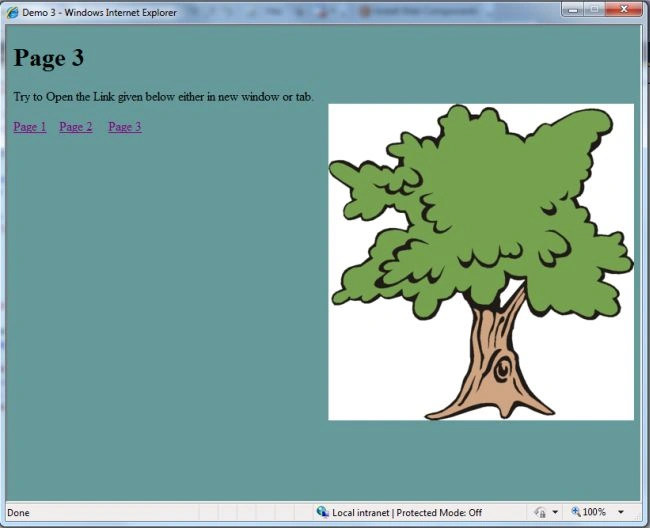
The output of this page looks like this
- <head runat="server">
- <title>Default</title>
- <script language="javascript" type="text/javascript">
- if (window.name == "default") {
- var windowFeatures = 'channelmode=0, directories=0, location=0, menubar=0, resizable=0, scrollbars=1,status=1,titlebar=0,toolbar=0,top=0,left=0,width=800,height=600';
- //With windowFeatures
- window.open("Home.aspx", "<%=GetWindowName()%>", windowFeatures);
- window.opener = top;
- window.close();
- }
- else if (window.name == "") {
- window.name = "default";
- window.open("Default.aspx", "_self");
- }
- else if (window.name == "invalidAccess") {
- alert("Invalid access. Please close the window, and try again.");
- window.close();
- }
- else {
- window.name = "invalidAccess";
- window.open("Default.aspx", "_self");
- }
- </script>
- </head>
- <body>
- <form id="form1" runat="server">
- <div>
- </div>
- </form>
Step 6: Then we create an InvalidAccess.aspx page which is used only when the user opens a page either in a new window or a tab:
- <head runat="server">
- <title>Invalid Access</title>
- </head>
- <body>
- <form id="form1" runat="server">
- <div>
- <h1> Invalid Access. Please close the window and try again.</h1> <br />
- </div>
- </form>
- </body>
- <script language="javascript" type="text/javascript">
- alert(" Operation not allowed either you opened this webpage in a new tab or a new window. ");
- window.close();
- </script>
The output of this page looks like this:
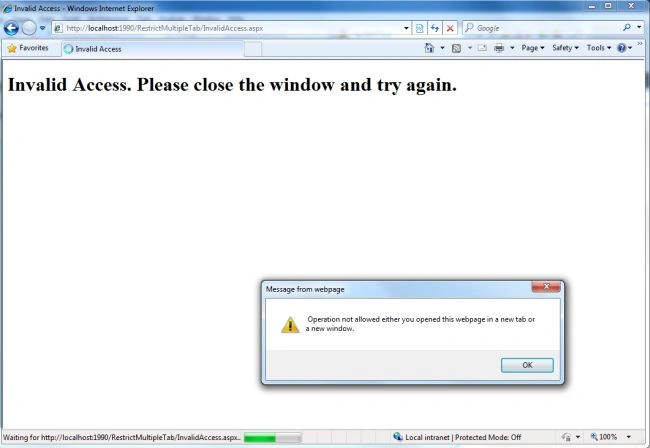
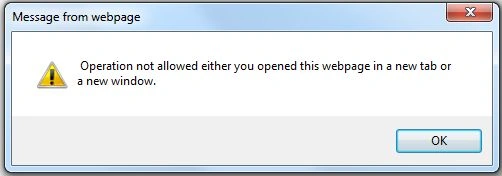
The final result when the user tries to open a new window/tab looks like this:
Balakrishna reddyPosted May 15, 2019, 9:09 AM
Can you place the total solution.
Balakrishna reddyPosted May 15, 2019, 9:09 AM
Where to put GetWindowName() method?.
senthil kPosted Sep 6, 2016, 8:07 AM
Please Provide GetWindowName() method definition.
vinod sainiPosted Sep 10, 2015, 11:41 PM
Incomplete article ... GetWindowName() not found . . . ???
Aamir HussainPosted Aug 25, 2015, 2:10 AM
GetWindowName() not found . . . Please complete article...
vaibhav parmarPosted May 14, 2015, 7:07 AM
I haven't found any method with the GetWindowName(),I think you missed it or forget to include in the blog.Please response.
Suthish NaireditedPosted Oct 31, 2012, 6:05 PMEdited Oct 31, 2012, 6:09 PM
what is GetWindowName() method, where you creating this method.? And where you defining the Window Name, this article is not complete...