

Introduction
This article demonstrates how to build and set up Pi-powered Google Assistant, also known as Google Home. This is early adoption of integrating Google Home to the Raspberry Pi.
Google Assistant
Google Home speakers enable the users to give voice commands to interact with services through Google's personal assistant software called Google Assistant.
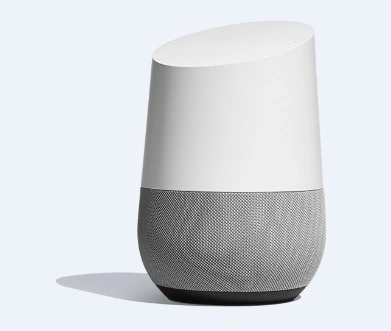
Equipment List
- Raspberry Pi 2 or 3
- Micro SD Card
- USB Microphone
- Speakers
Step 1
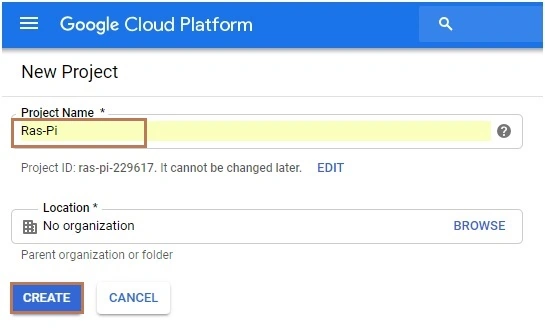
Register and set up a project on the Google Action console. You must have logged into your Google account and you will be greeted with the following screen to create a new project. Here, our project name is Ras-Pi and then, click the "Create" button.
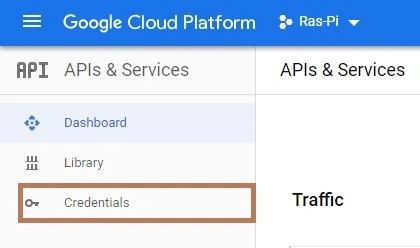
Navigate to the credentials page and enable the Google Assistant API before you go to select the project.
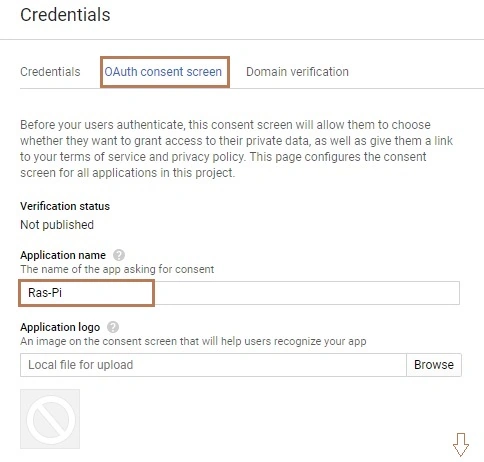
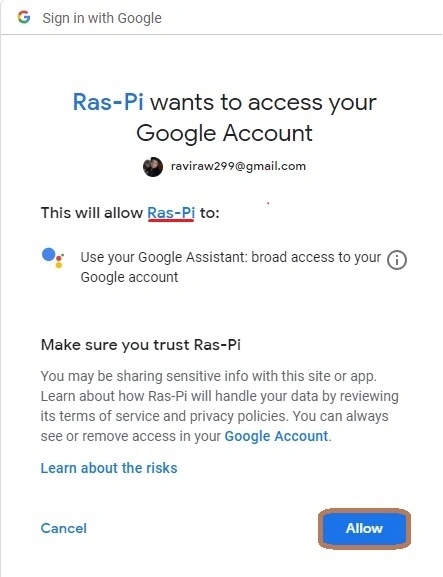
Select OAuth consent screen and create a new application with a name same as the project name.
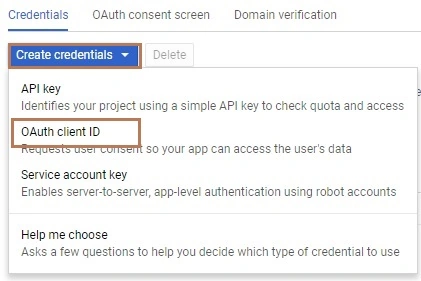
Click the drop-down button and select the client ID.
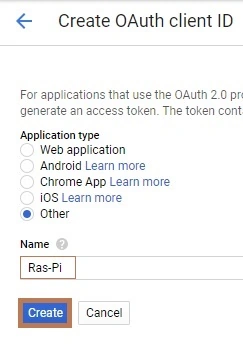
After that, select the application type. This is the Linux operating system, so select the "Other" option.
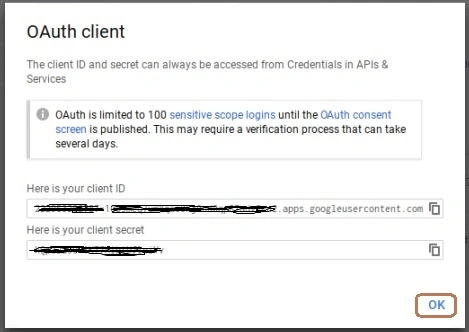
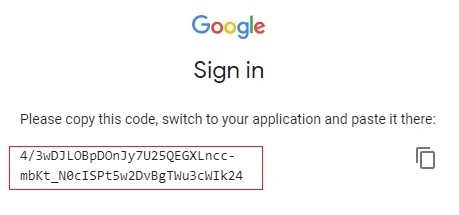
Provide the code for client ID and client secret.
Step 2
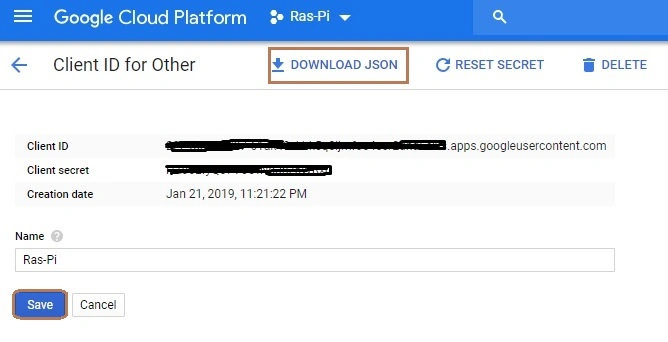
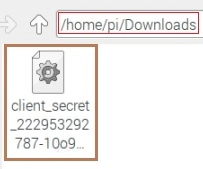
Download the JSON file in Raspberry Pi. The download location is "home/pi/Downloads".
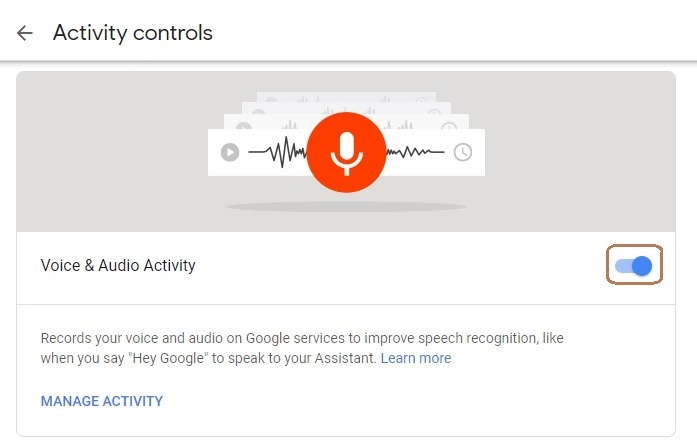
Go to the following link https://myaccount.google.com/activitycontrols to enable the voice and audio activity.
Step 3
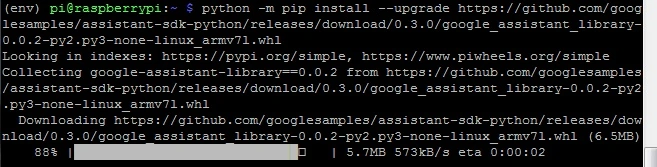
Open Noobs terminal or Putty. To learn how to connect putty, refer to my article Lightweight Raspberry Pi 3 Web Server Using PHP And HTML and install the latest Python IDE.

Hiten PandyaPosted Jan 29, 2019, 11:50 PM
Good article I really like it. Thanks for sharing.