
Today, in this article let's play around with one of the interesting and most useful concepts in SharePoint 2010.
Question: What is a Document Library?
In simple terms "It allows the sharing and managing of documents across the site with a group of people". I think we are now good to go and implement this wonderful concept.
Step 1: Open SharePoint 2010 Central Administration and navigate to a specific site: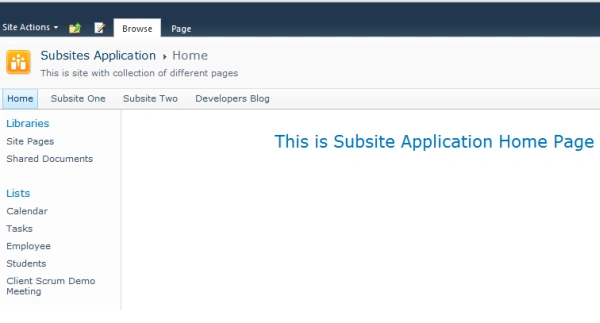
Step 2: Navigate to "Site Actions" -> "More Options...":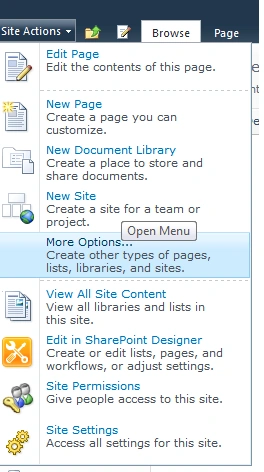
Step 3: Select "Document Library" from the listed categories. Give a name to the document library: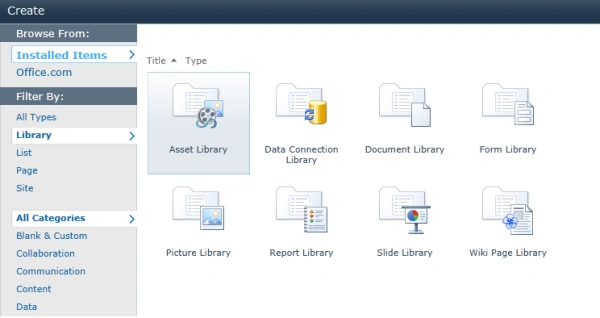
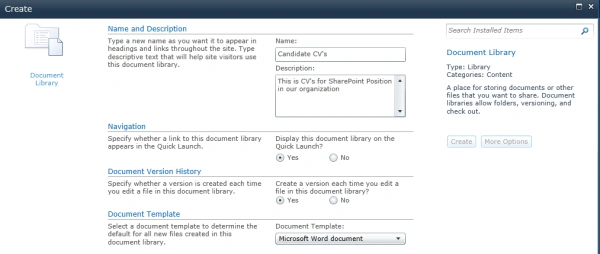
Step 4: The document library is now created. The site now looks like this: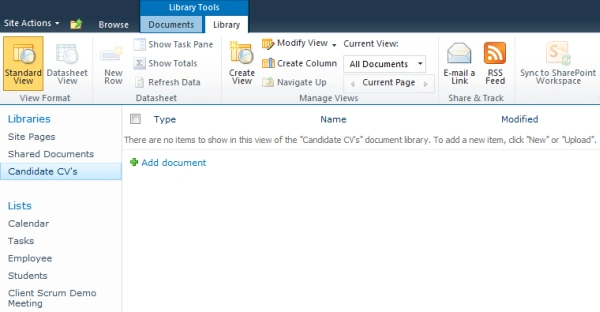
Step 5: The file upload dialogue box looks like this: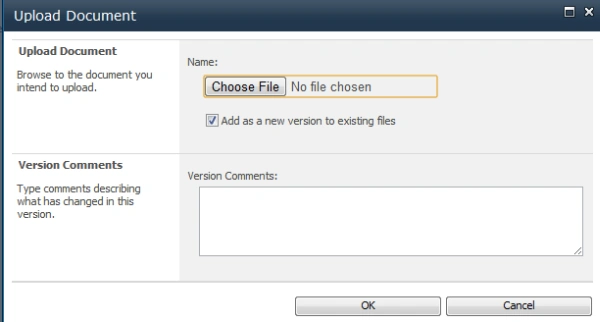
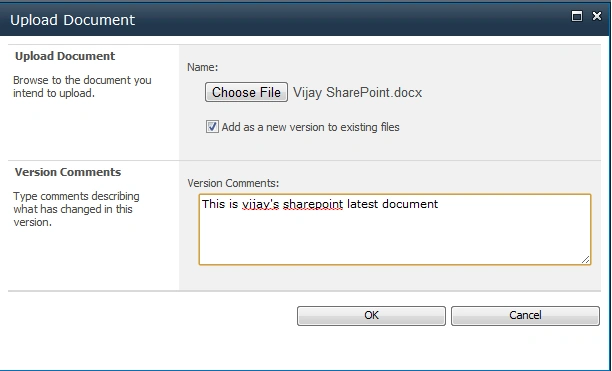
Step 6: The document library with a document looks like this:
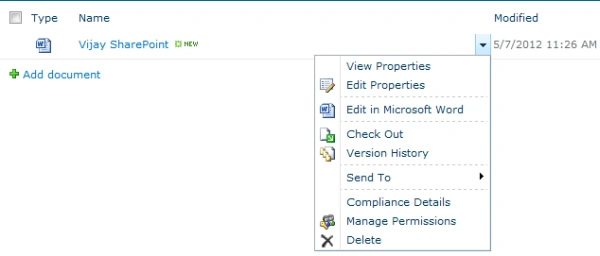
Step 7: The document library, upon quick launch of the site, looks like this: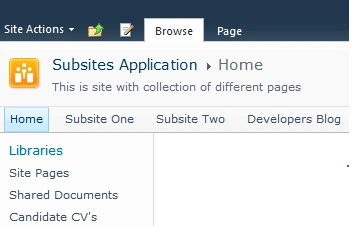
I hope this article is useful for you. I look forward to your comments and feedback.

Comments
Join the conversation! Your thoughts help the community grow.