

Following the steps you will be introduced to the Blend Workspace, Panels, Tools & Graphic Element Creation. In this tutorial, we will be creating an "Emoticon" or "Smiley" face from scratch.
Step 1: Start a New Project
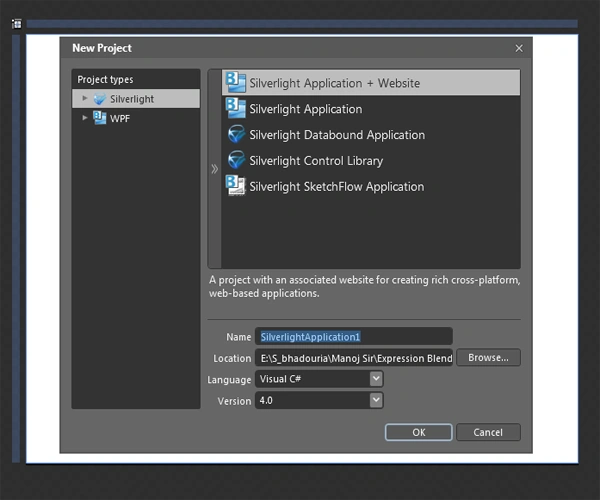
Open Blend select file ->New Project.
Select Silver light 3 Application + Website & name the project "Basic Drawing".
After hitting OK, the new project will be created & main page will be open on the Art Board.
Step 2: Draw a Circle -> Select ellipse tool from tool box on the left side of the blend workspace.
Right-click on the rectangle icon to open the sub panel for more shapes.
Click the Ellipse icon or use shortcut key L to select the ellipse drawing tool.
Draw a large circle in the middle of the Art board holding the Shift key.
Step 3: Use of Brush -> Change the brush type with the circle selected -> look at the Properties Panel to the right of the workspace.
At the very top you'll find the Brushes section.
Locate the Fill Brush & change the Brush type from Solid to Gradient by selecting the Gradient Brush icon found in the Brush Type menu below the Brushes.
Step 4: Fill Color -> #f2663c
To make the emoticon look round change to a Radial Gradient by clicking the icon below the gradient bar in the Brushes section.
Select each gradient stop to modify its color & position.
Click on the gradient to add a new stop.
Double-click a gradient stop to remove it.
The gradient shown in the image has three stops: #FDF365: 34.9%, #FEE834: 71.1% & #DEAE32: 100%.
Set the Stroke below the Fill Brush.
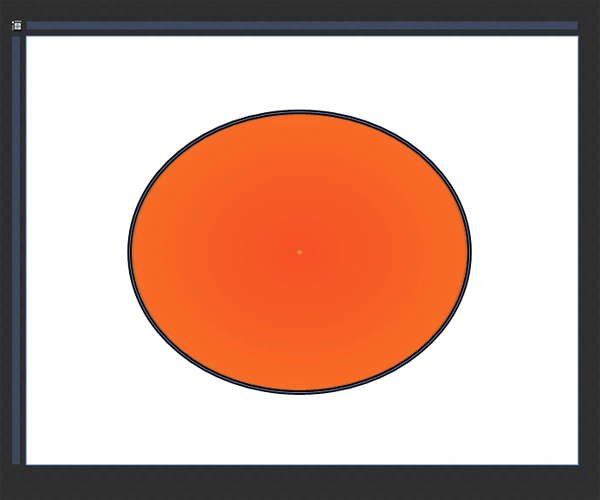
Note: The same Brush Types are available for Stroke, for our emoticon the default Solid Black Brush is perfect. To add more, change Stroke Thickness found in the Appearance section from 1 to 5.
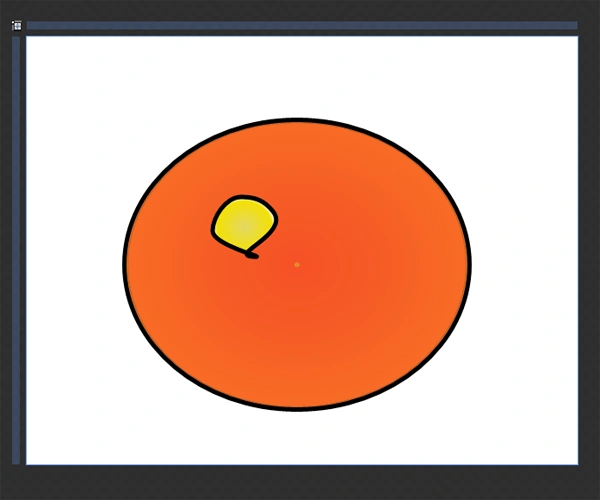
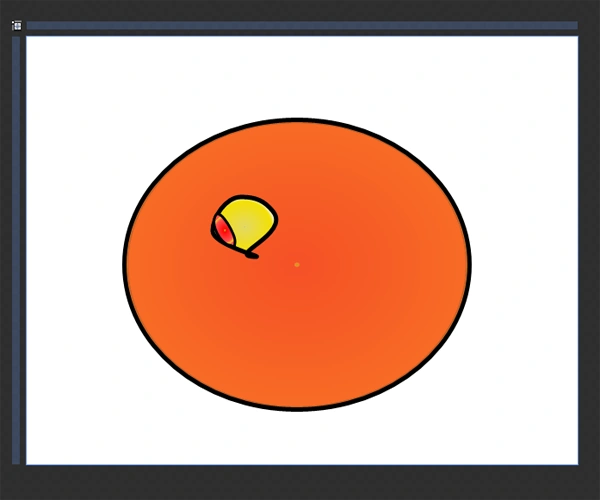
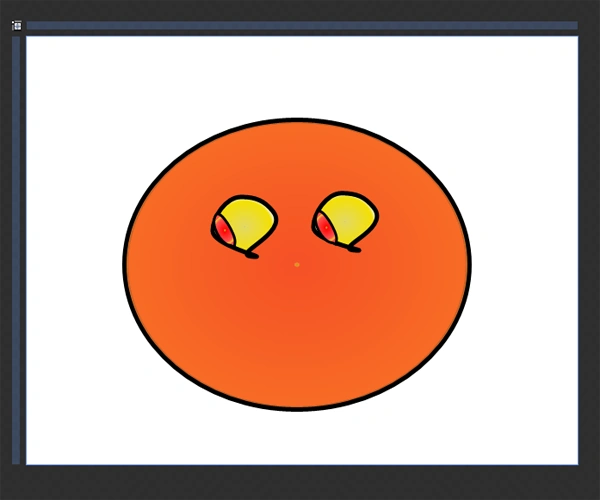
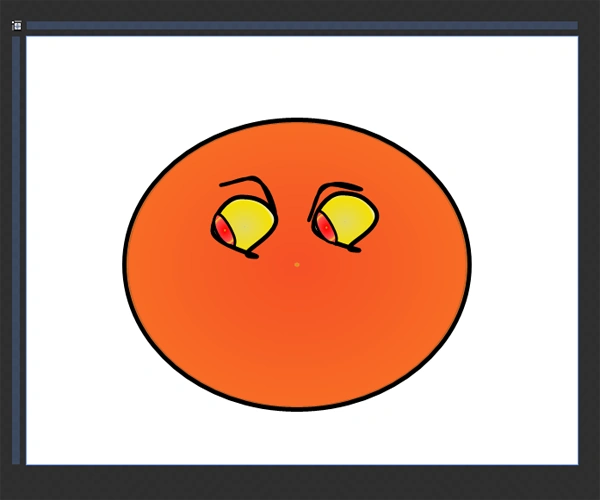
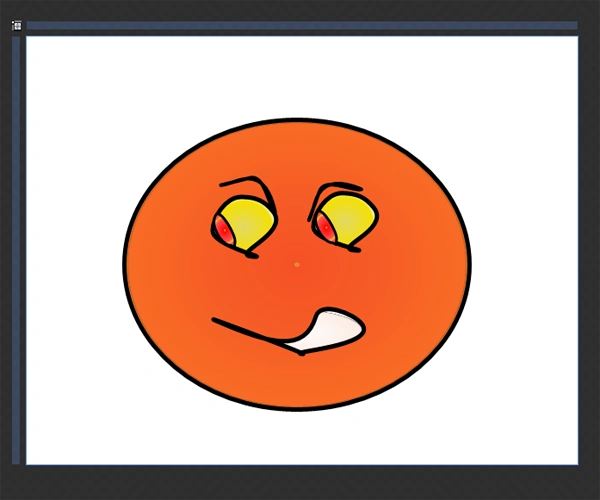
Step 5: Draw an Eye -> Select the Ellipse Tool (L) & draw a smaller circle to represent an Eye.
To reposition or scale the circle use the Selection Tool (V).
Sonia Bhadouria VishvkarmaPosted Jun 26, 2012, 10:56 PM
Expression Blend 4.
Mahesh ChandPosted Jun 26, 2012, 11:13 AM
Well written tutorial. What version of Blend did you use Sonia?