

Introduction
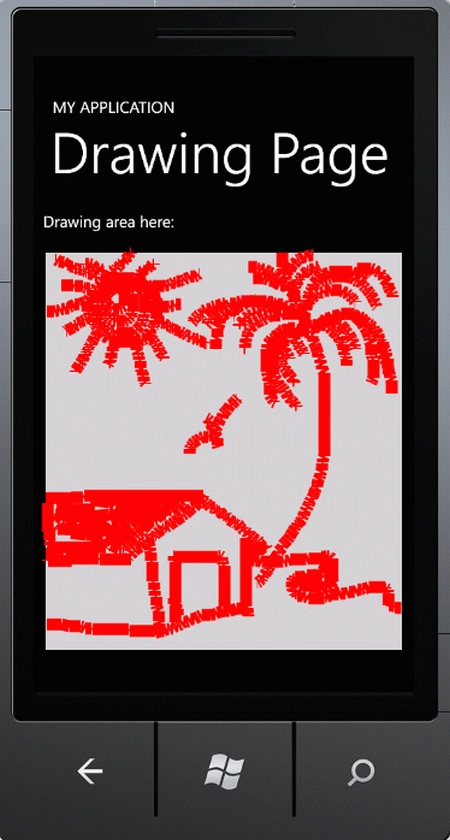
In this article we will create a customized drawing application in Windows Phone. Actually we just provide a drawing editor like Paint but with less functionality. Using this editor the user is able to create their own design as the user desires. To create this editor in design page we use a canvas control with a light gray background and use two mouse events Mouse_Move and Mouse_LeftButtonDown to provide the action. The types of classes and controls used in this application is given below.
Canvas Control- Gives a customized look and feel of the editor of drawing applications.
Line Class- This class provides the ability to create a design in the editor with the help of SolidColorBrush class.
Mouse Events- We will use mouse events for actions in the application.
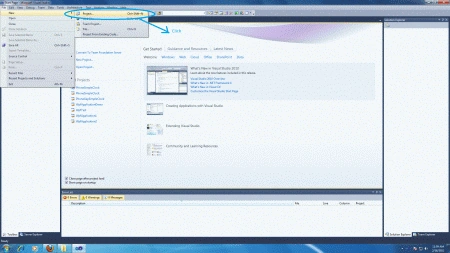
Step 1 : Open Visual Studio.
- Select new -> project
- Select your preferred language
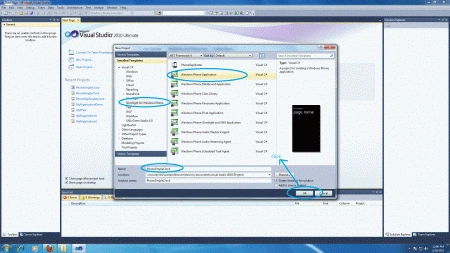
- Select Silverlight for Windows Phone application
- Name the project
- Now name the project "WindowsPhoneApplication"
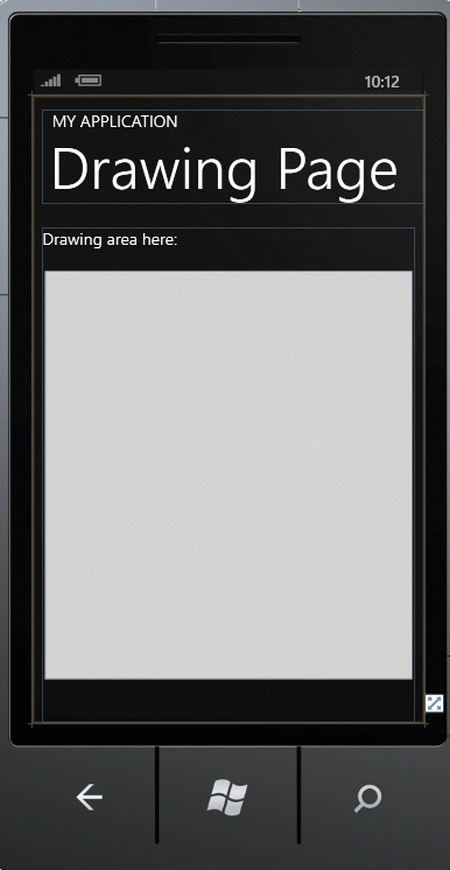
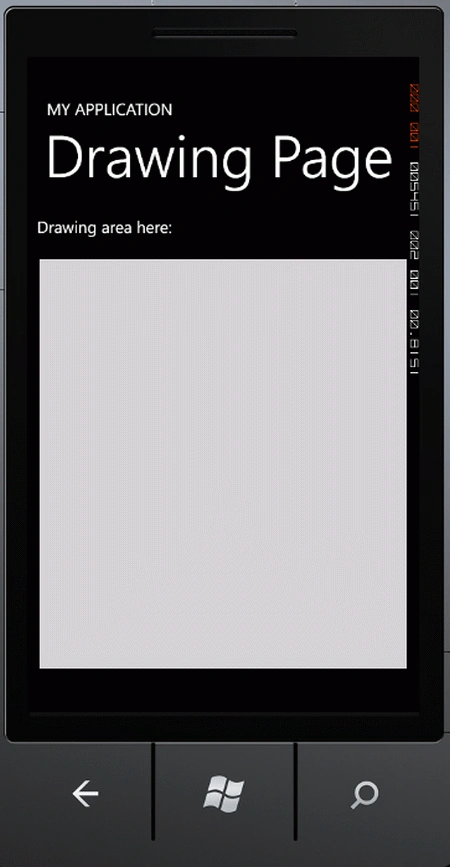
Step 2 : In the design page we will use a canvas control and a textblock control to customize the control as shown below.
Code
<Grid x:Name="ContentPanel" Grid.Row="1" Margin="12,0,12,0">
<TextBlock Text="Drawing area here:"/>
<Canvas x:Name="ContentPanelCanvas" Background="LightGray" Height="500" Width="450" MouseMove="ContentPanelCanvas_MouseMove" MouseLeftButtonDown="ContentPanelCanvas_MouseLeftButtonDown"/>
</Grid>
Step 3 : The whole code of the MainPage.xaml page is:
Code
<phone:PhoneApplicationPage
x:Class="PhoneApp9.MainPage"
xmlns="http://schemas.microsoft.com/winfx/2006/xaml/presentation"
xmlns:x="http://schemas.microsoft.com/winfx/2006/xaml"
xmlns:phone="clr-namespace:Microsoft.Phone.Controls;assembly=Microsoft.Phone"
xmlns:shell="clr-namespace:Microsoft.Phone.Shell;assembly=Microsoft.Phone"
xmlns:d="http://schemas.microsoft.com/expression/blend/2008"
xmlns:mc="http://schemas.openxmlformats.org/markup-compatibility/2006"
mc:Ignorable="d" d:DesignWidth="480" d:DesignHeight="768"
FontFamily="{StaticResource PhoneFontFamilyNormal}"
FontSize="{StaticResource PhoneFontSizeNormal}"
Foreground="{StaticResource PhoneForegroundBrush}"
SupportedOrientations="Portrait" Orientation="Portrait"
shell:SystemTray.IsVisible="True">
<!--LayoutRoot is the root grid where all page content is placed-->
<Grid x:Name="LayoutRoot" Background="Transparent">
<Grid.RowDefinitions>
<RowDefinition Height="Auto"/>
<RowDefinition Height="*"/>
</Grid.RowDefinitions>
<!--TitlePanel contains the name of the application and page title-->
<StackPanel x:Name="TitlePanel" Grid.Row="0" Margin="12,17,0,28">
<TextBlock x:Name="ApplicationTitle" Text="MY APPLICATION" Style="{StaticResource PhoneTextNormalStyle}"/>
<TextBlock x:Name="PageTitle" Text="Drawing Page" Margin="9,-7,0,0" Style="{StaticResource PhoneTextTitle1Style}"/>
Join the conversation! Your thoughts help the community grow.