

Introduction
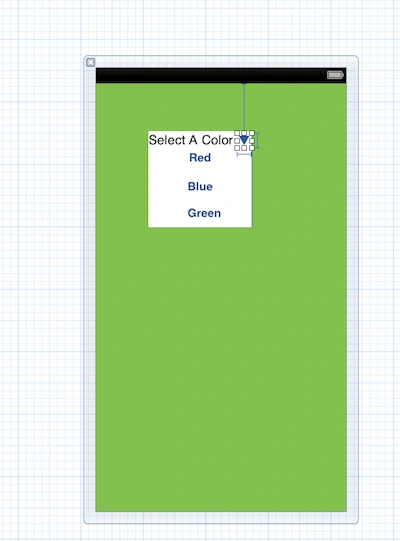
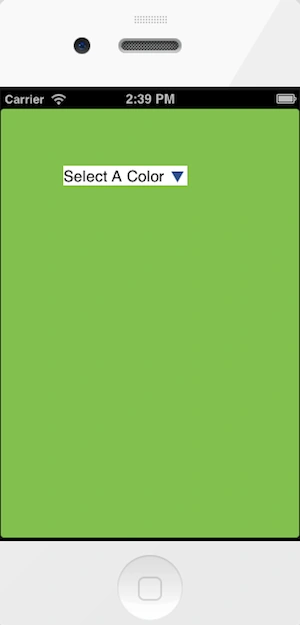
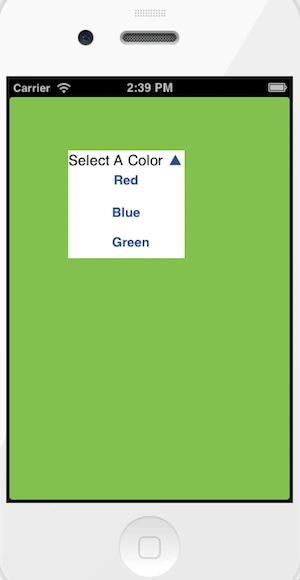
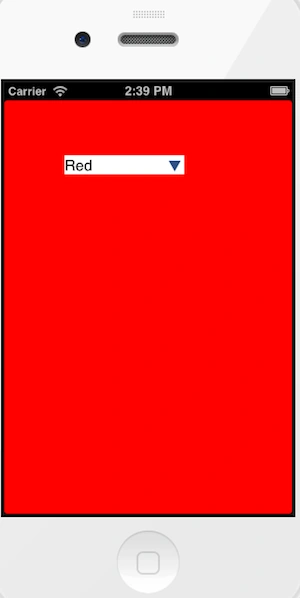
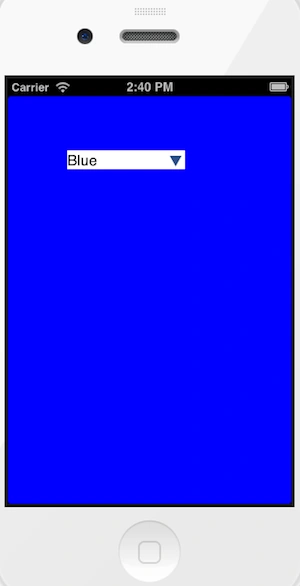
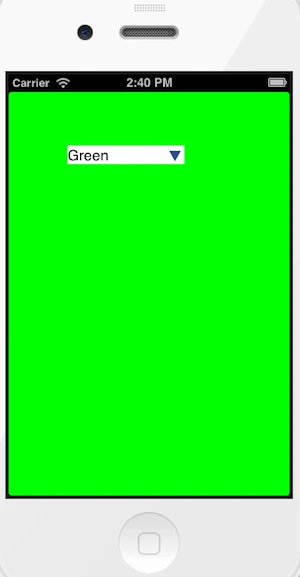
In this article I will create a Single View application to implement a DropDown menu. In this article I will use a label, 4 buttons and a view. When we click on the Down arrow button it will show a menu for the view where we set the button with their title name. Now we select any color button from the menu. After selection it shows its title on the label and the corresponding color on the view.
To understand it we use the following.
Step 1
Open XCode by double-clicking on it.
Step 2
Create a New XCode Project by clicking on it.
Step 3
Now select Single View Application and click on Next.
Step 4
Now provide your Product Name and Company Identifier.
Step 5
Select the location where you want to save your project and click on Create.
Step 6
Now here we write the code.
ViewController.h
#import <UIKit/UIKit.h>
@interface ViewController : UIViewController
@property (nonatomic, strong) IBOutlet UILabel *ddText;
@property (nonatomic, strong) IBOutlet UIView *ddMenu;
@property (nonatomic, strong) IBOutlet UIButton *ddMenuShowButton;
- (IBAction)ddMenuShow:(UIButton *)sender;
- (IBAction)ddMenuSelectionMade:(UIButton *)sender;
@end
ViewController.m
Sachin BhardwajeditedPosted Mar 13, 2013, 5:59 AMEdited Mar 13, 2013, 10:29 AM
thank you sir, now i am working on UI design.
Kush MuchaalPosted Mar 13, 2013, 4:47 AM
your coding skill is improving day by day ,now you have to concentrate on your UI designing.