

Introduction
In this article, we will see how to dynamically apply a theme (color & background color) without any external library in Angular. This process creates a localized experience to change the theme in our Angular application, which helps to update multiple components theme on the fly without updating the CSS files and ship to deploy.
Initially, components are loaded with default colors from CSS. These CSS file values will be dynamically updated or controlled from a different component.
Step 1
Create an Angular application using Angular CLI command below.
ng new angular-theme
cd angular-theme
Step 2
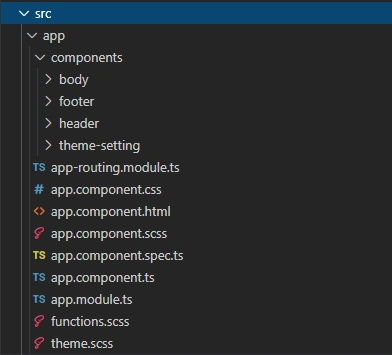
Here, we have created a different component for header, body and footer sections.
Step 3
Now create a theme.scss file and add the following code to set the default value and pass it to a Sass map.
On Sass map, represent one or more key/value pairs and return the specific key in the map.
- @import url('https://fonts.googleapis.com/css?family=Open+Sans');
- // default colors
- .theme - wrapper {
- --headColor: #FFF;
- --headBackground: #FFF;
- --bodyColor: #FFF;
- --bodyBackground: #FFF;
- --footerColor: #FFF;
- --footerBackground: #FFF;
- }
- $variables: (
- --headColor: var (--headColor),
- --headBackground: var (--headBackground),
- --bodyColor: var (--bodyColor),
- --bodyBackground: var (--bodyBackground),
- --footerColor: var (--footerColor),
- --footerBackground: var (--footerBackground), );
Create a function.scss file and follow the below codes.
- // grabs the native css variable from the global sass map
- @function
- var ($variable) {
- @return map - get($variables, $variable);
- }
The components can now read these files and host a dynamic variable that will change on the form submit.
Step 4
Add every component page *. scss file. You need to import “theme” and “function” files and set every page's default value. Here I have assigned all three components a page text-color and background-color like #FFFFF.
header.component.scss
- @import '../../theme';
- @import '../../functions';.header {
- background - color: var (--headBackground);
- color: var (--headColor);
- }
Body.component.scss
- @import '../../theme';
- @import '../../functions';.body {
- background - color: var (--bodyBackground);
- color: var (--bodyColor);
- }
Footer.component.scss
- @import '../../theme';
- @import '../../functions';.footer {
- background - color: var (--footerBackground);
- color: var (--footerColor);
- }
Header, body, and footer; all three values get a function.css $variable. The variables are declared and set in theme.css. Every component has a different dynamic color and background color variables.
- Header Page- --headBackground, --headColor;
- Body Page- -- bodyBackground, -- bodyColor;
- Footer Page- -- footerBackground, -- footerColor;
We need to call the style class in a component.html page.
Step 5
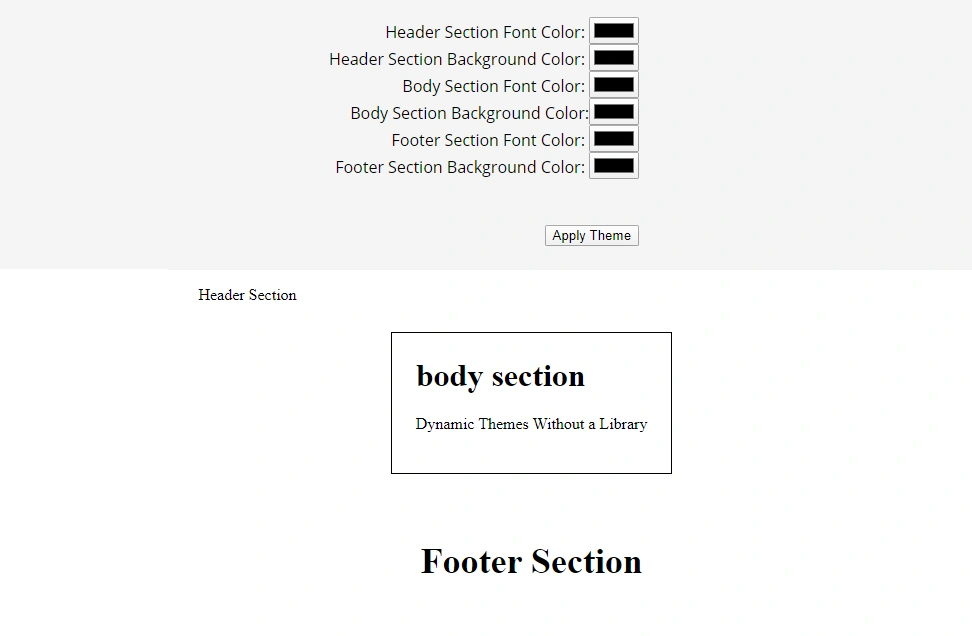
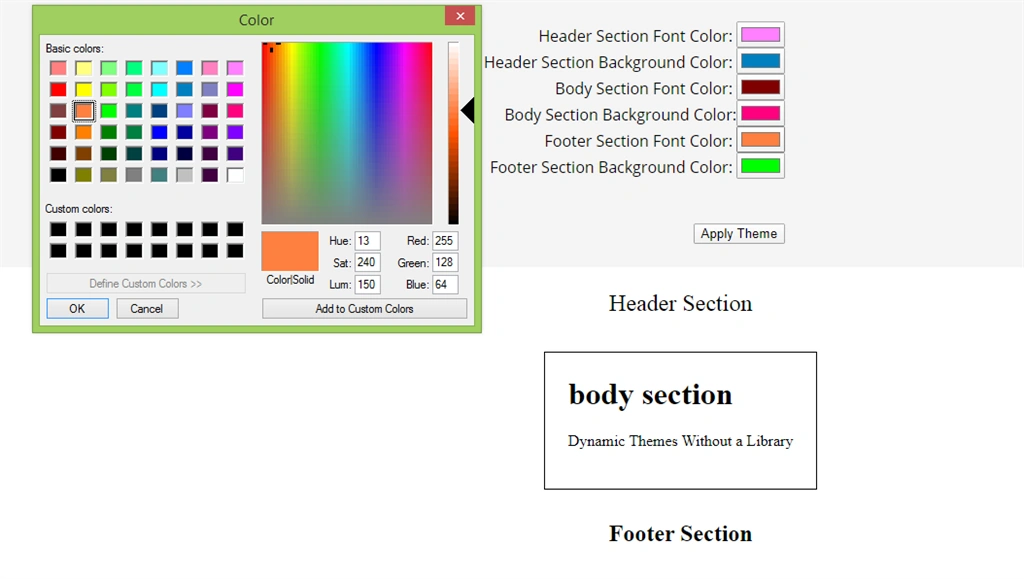
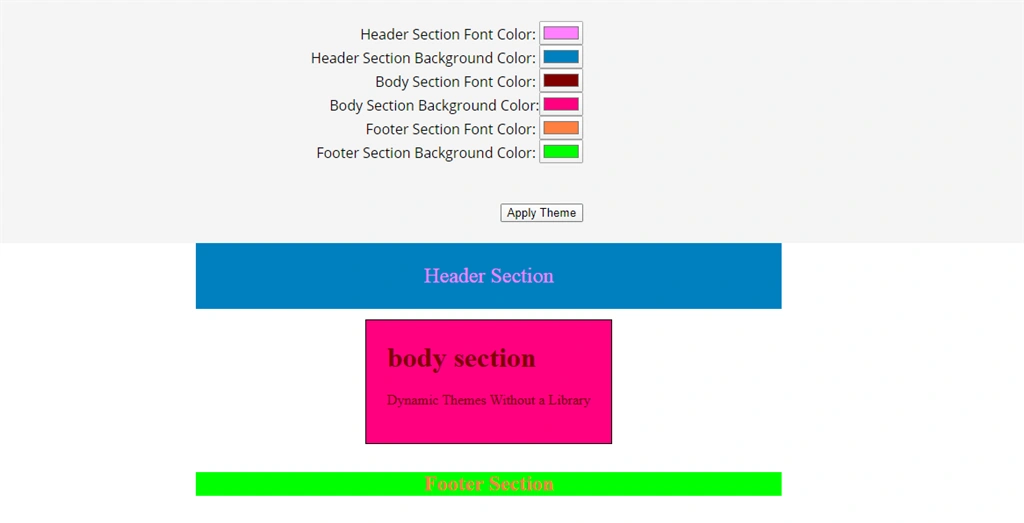
How do we change the color values in variables? I'm going to use the user theme-setting component.
In theme-setting.component.html, use template forms with ngModal to create a unique key and value.
Haridhass ManiPosted Feb 25, 2020, 8:38 AM
Well written bro...
Sundaram SubramanianPosted Feb 24, 2020, 10:12 PM
Well written. Good to know new :).