
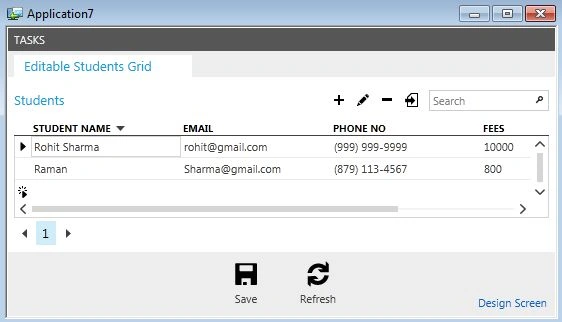
Here we will see how to use Exponential Notation in LightSwitch Visual Studio 2012.
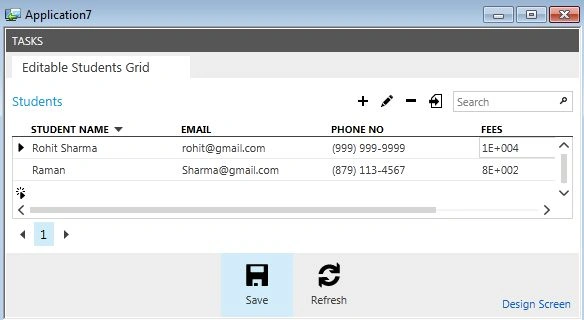
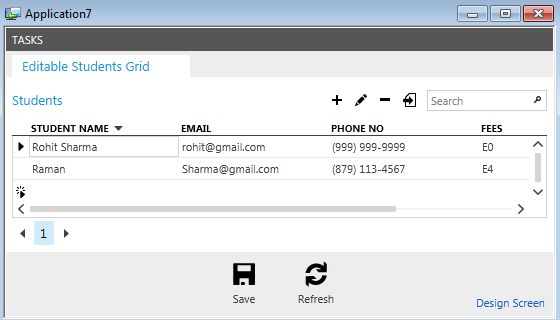
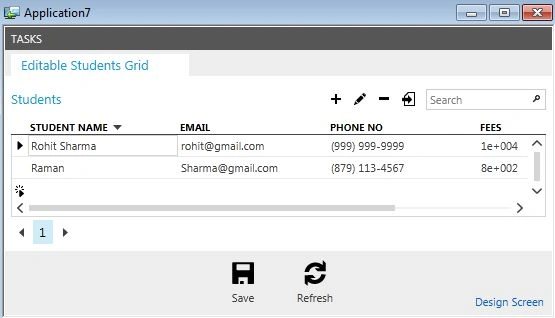
If any of the Exponential Notation Format Specifiers are present in the string and are followed immediately by at least one zero, then the number is formatted using scientific notation with an "E" or "e" that is inserted between the number and the exponent. The multiple number of zeros following the scientific notation represent the minimum number of digits to output for the exponent.
The "E+" and "e+" formats indicate that a plus sign or minus sign should always precede the exponent. The "E", "E-", "e", or "e-" formats indicate that a sign character should precede only negative exponents.
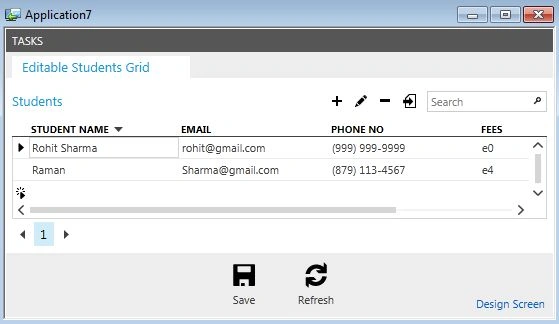
Use the following procedure to create a sample showing how to use Exponential Notation on a Screen.
Step 1
Open the LightSwitch Application in Visual Studio 2012 and go to the Solution Explorer.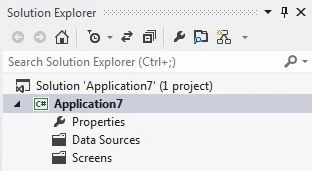
Right-click on "Data Sources" and choose "Add Table".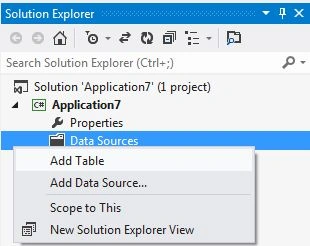
The table appears in the Table Designer window. Insert the records in the following table.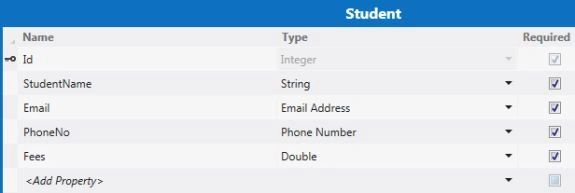
Here in the table I had added a record named "Fees" and I provided its datatype as "Double".
Step 2
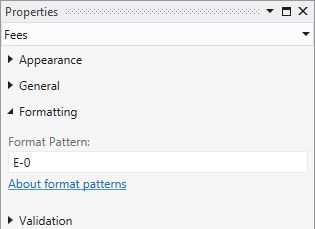
Select the "Fees" record from the table and go to the Property window and provide "E0" in the Format Pattern TextBox. 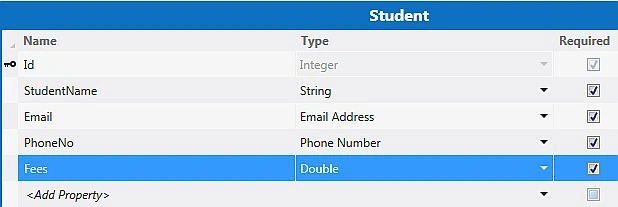
The Format Pattern Property Window: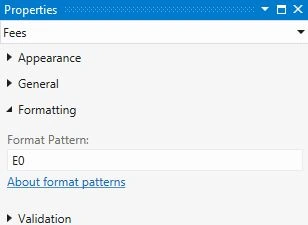
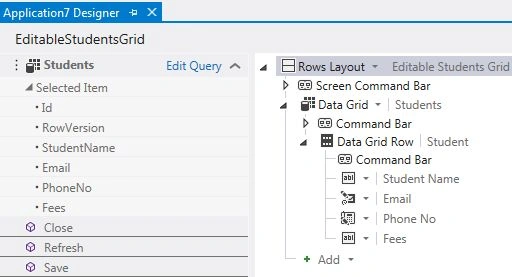
Now once again go to the Solution Explorer, right-click on Screens and choose "Add Screen".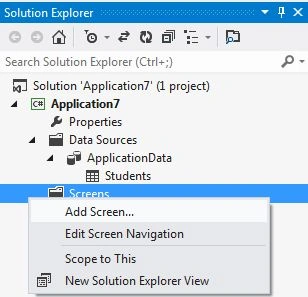







Join the conversation! Your thoughts help the community grow.