

Introduction
In this article I will explain how to use the employee template; for that use the following steps.
Step 1
Open Access 2013, then select employee just below the search textbox.

Step 2
Now all the available employee templates will be search for and the result list is displayed as: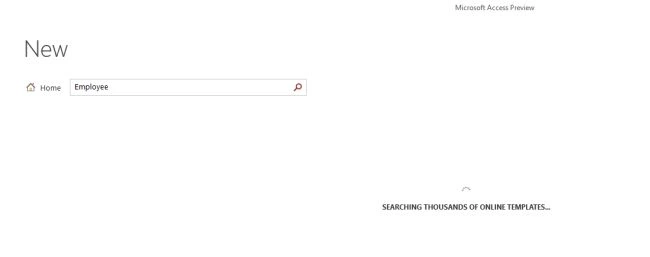
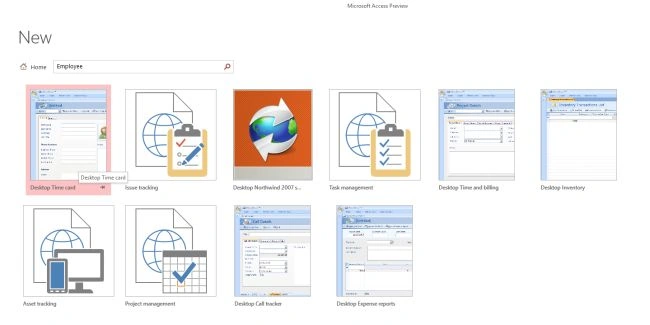
Step 3
Select the first template, that is desktop Time card; now give the name of the database you want to use (I am using database1) then click ok.
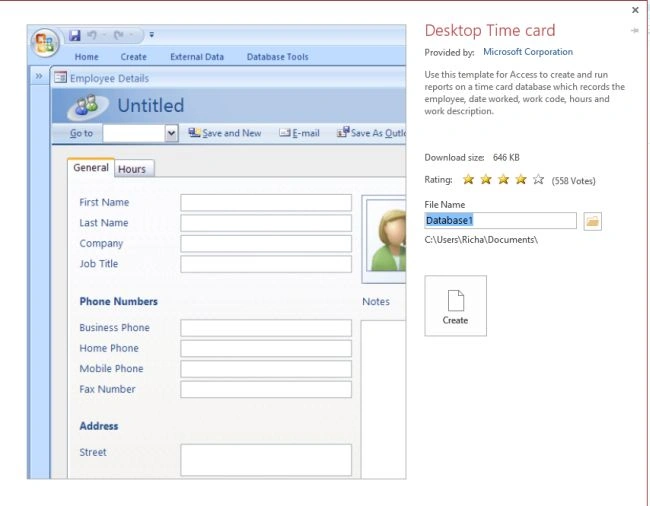
Step 4
Now this template is downloaded and give the database screen like this:
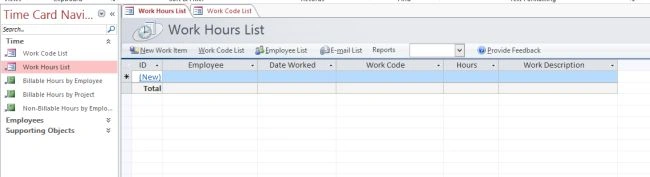
Step 5
Now enter some data into the database, like employee, work date, work code etc. When we fill this in, the employee detail page is opened as: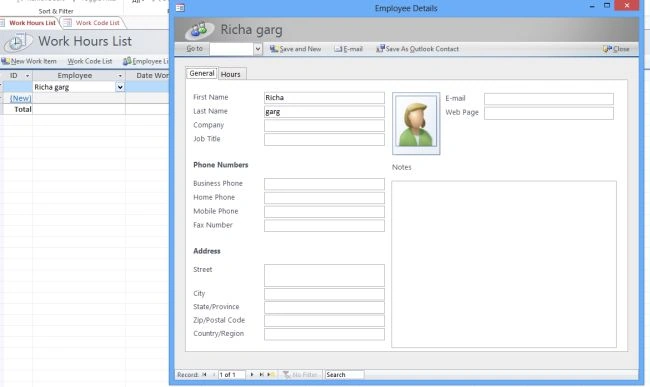
Step 6
Enter the data you want to enter. I entered one entry as:

Step 7
The billing report will be generated as: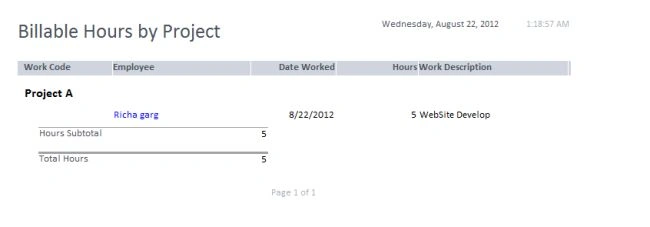
Mari ShankariPosted Aug 2, 2017, 3:25 AM
I got this but how can i calculate their actual timings once they punch in...I need to develop a punch in/out app so that it automatically takes the data from the current timing and also the out time thus calculating the overall time for the day