
1. Login to CRM
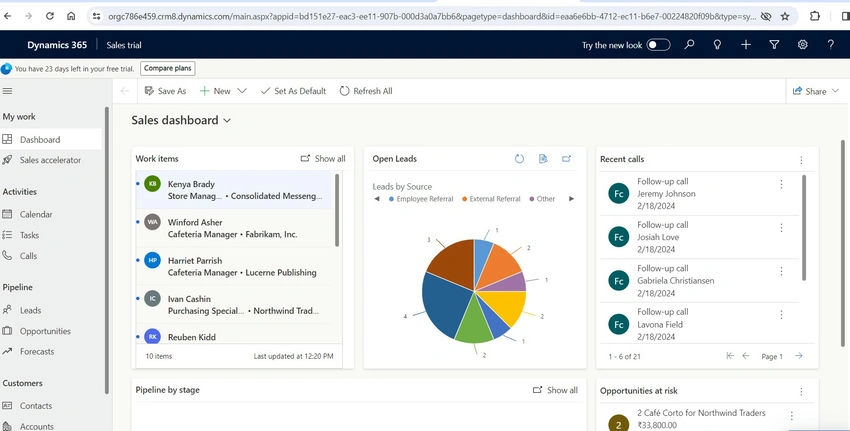
2. Go to Advanced Settings.
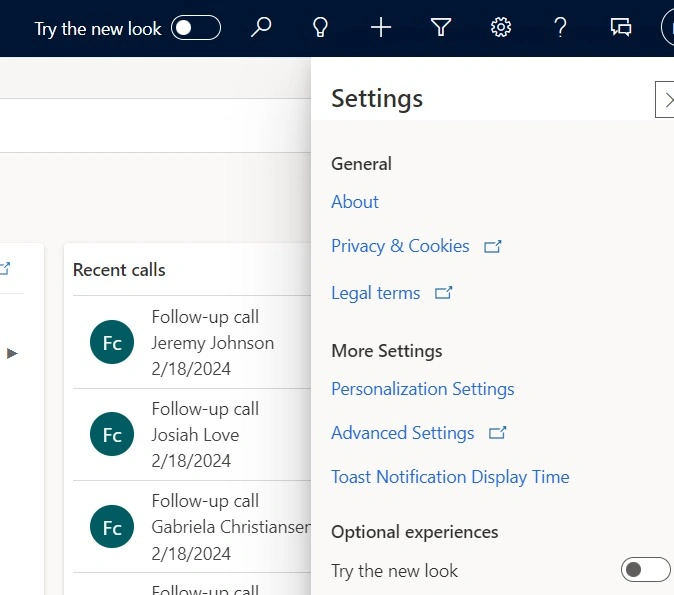
3. Go to Customizations Customize the system.

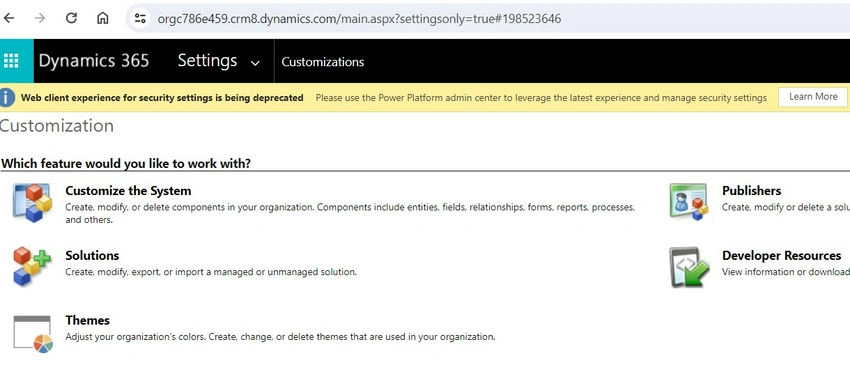
4. Go to the Account entity.
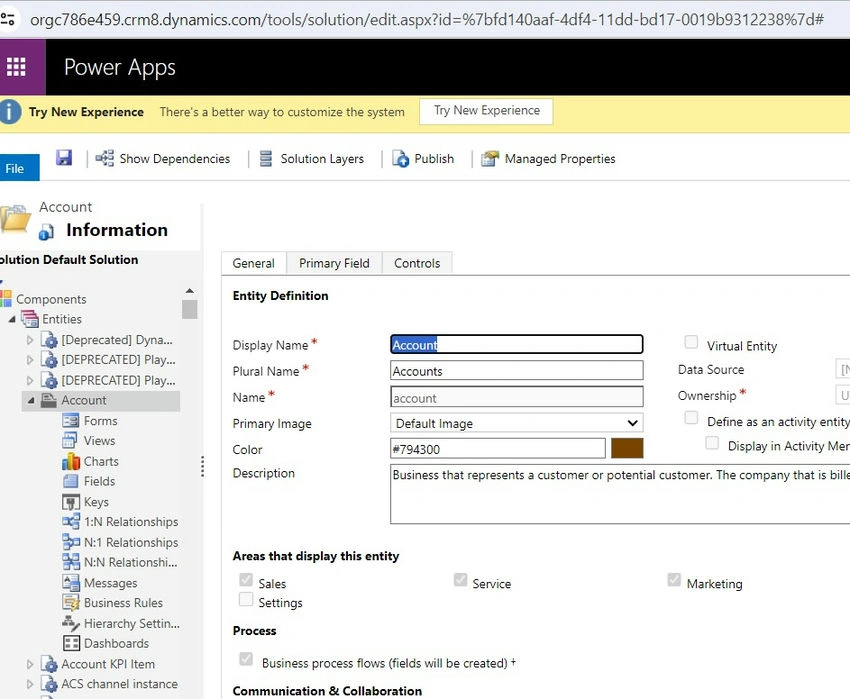
5. “Check” the option auditing.
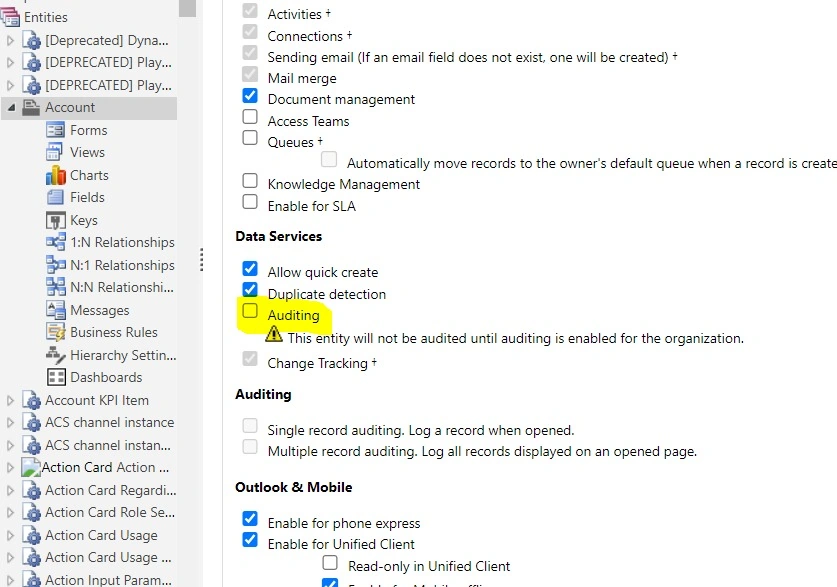
So now finally we have enabled the auditing for account entities. Thanks.!!

1. Login to CRM
2. Go to Advanced Settings.
3. Go to Customizations Customize the system.
4. Go to the Account entity.
5. “Check” the option auditing.
So now finally we have enabled the auditing for account entities. Thanks.!!
Join the conversation! Your thoughts help the community grow.