

Introduction
If you're using Windows 8 Pro just like me, the Windows Store is disabled by default.
An Update
If you installed Windows 8 normally through a disc,or installed over internet or bought a new machine installed on it,Windows Store comes active by default.
If you installed it to a USB disk,then it installs it as a Windows To Go workspace which proves deactivation of Windows Store that comes by default.
See here for more information- http://technet.microsoft.com/library/hh831833.aspx#BKMK_wtgdif
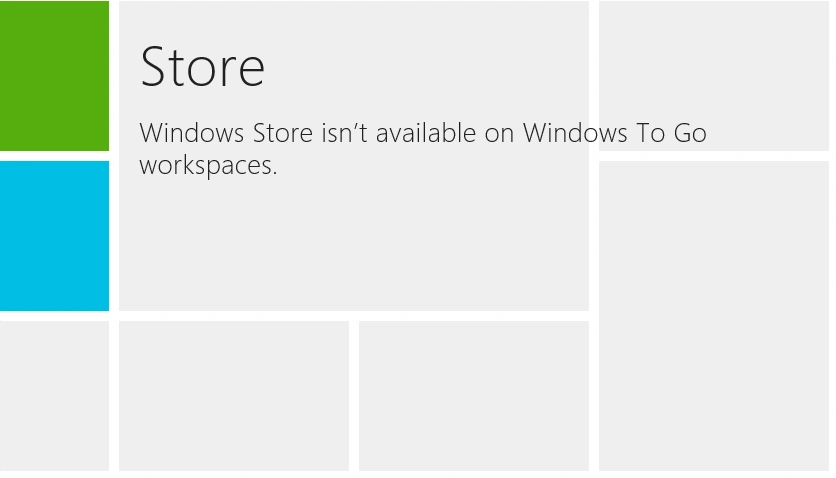
Here is the solution-
1. Run gpedit.msc
To run it, use the key combination Windows + R
2. Get to Computer Configuration->Administrative Templates->Windows Components->Store
3. Edit "Allow Store to install apps on Windows To Go workspaces" and set its value to "Enabled" and then click Apply
That's enough for running Windows Store and installing apps but if you need further editing you can also.
4. Edit "Turn off Automatic Download of Updates" and set its value to "Not Configured" or "Disabled"
This will install any update from the Windows Store.
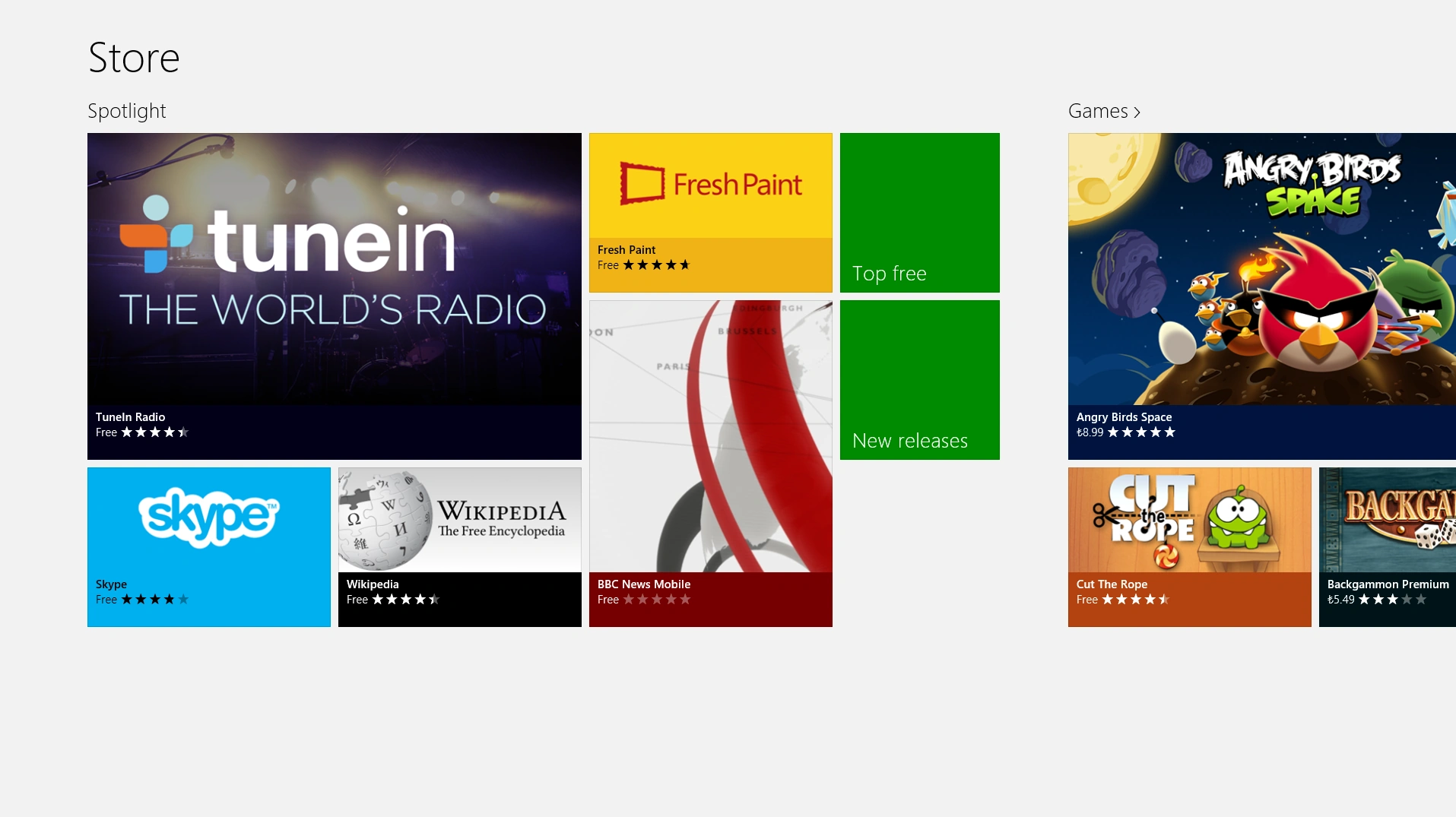
So generally,when you run a Store application, you'll now see it fully activated!
Now you can use it gladly.
Summary
In this article, we learned about Enabling Windows Store in Windows 8.
Agus IrengPosted Dec 4, 2012, 4:01 AM
Asap. And thanks for helping... :)
Ibrahim ErsoyPosted Dec 3, 2012, 8:27 AM
Yes,that might be the reason! Thank you for sharing the solution.Why dont you write it as a blog in C# Corner? So that people can find it so easily :)
Agus IrengPosted Dec 3, 2012, 7:34 AM
"Finally I found a solution. go to troubleshooting (press win+w >then type troubleshooting). now a window opens in desktop. click "fix problems with windows updates". now click next. windows will search for solutions, but it wont find anything. then windows will ask if u want to try in administrator mode. click yes. windows will find and solve the problem. that's it." Hehehe, I got this from windows forum. And it works....! Yeay! :)
Ibrahim ErsoyPosted Dec 2, 2012, 12:52 PM
Windows 8 Pro is the best out there but im suprised its not working.Maybe you should ask this on msdn forums.im sure MS employees will give you an acceptable answer.
Agus IrengPosted Dec 2, 2012, 11:20 AM
It's not working T.T Windows 8 enterprise and windows 8 pro, so which one's the best?
Ibrahim ErsoyPosted Dec 2, 2012, 6:12 AM
That might be the case.A firewall can interrupt it.But im not sure.You cant uninstall Windows Store.Only can disable it from Administration settings.if it doesnt work; disable Windows Store again.Restart your pc.Enable Windows Store,restart it again and try to download an app.That might work.if that doesnt work too,re-install Windows 8 :)
Agus IrengPosted Dec 2, 2012, 5:00 AM
I'm using a usb-modem, and only me who use the internet connection. I can download file using my browser. Mmmm is there any possibilities to uninstall the store and then install it back? Or maybe there is something wrong in my security settings?
Ibrahim ErsoyeditedPosted Dec 2, 2012, 4:47 AMEdited Dec 2, 2012, 4:49 AM
my windows 8 installation was pro but that doesnt matter it should've given you access to download apps.So the problem is something else rather than Windows 8 related.Might be a DNS access problem or if your connected to a network your administrator doesnt give you the right to download files...There are so many different types of problems.
Agus IrengPosted Dec 2, 2012, 4:32 AM
I'm using windows 8 enterprise evaluation. Yes I install it through USB. It all work just fine (I can install many applications from the store), until yesterday. When I try to install any applications, it says downloading, but the download progress bar won't move a single bit.
Ibrahim ErsoyPosted Dec 2, 2012, 3:44 AM
Whats your Windows 8 OS version? Did you install it to a portable device like USB?
Agus IrengPosted Dec 1, 2012, 10:48 PM
I can browse the store, but I can't install/Update any App. I've put a "Enabled" value in "Allow Store to install apps on Windows To Go workspaces", but it doesn't change anything. Please help me...
Tushar kumarPosted Oct 29, 2012, 11:45 PM
Nice article Ibrahim.
Shruti GuptaPosted Oct 29, 2012, 11:35 PM
very good article.
Aditya GoelPosted Oct 29, 2012, 11:11 PM
Amazing article i'll try this..
Shekhar ChauhanPosted Oct 29, 2012, 11:09 PM
Nice article. Thanks for sharing.
Nishant RoyPosted Oct 29, 2012, 11:08 PM
Thanks for sharing this article.