

Introduction
In a previous article, we explored the new modern Microsoft Lists forms experience in SharePoint. Let's dive into the latest updates to Microsoft Lists forms [MC1005510], which aim to enhance your list data collection and management in SharePoint Online. These updates include subscribing to notifications, form scheduling, conditional branching, quick form creation, and additional field-type support. You can read more about it here.
New Modern Microsoft Lists Forms Experience in SharePoint
Features
- New Creation Experience: Users can now create forms directly from Lists home, SharePoint, and the Lists app in Microsoft Teams. This streamlined process automatically creates the underlying list for responses, saving time and effort.
- Conditional Branching: Conditional branching allows you to show or hide questions based on previous answers, ensuring respondents only see relevant questions. You can branch questions to other questions or based on choices in a Choice field.
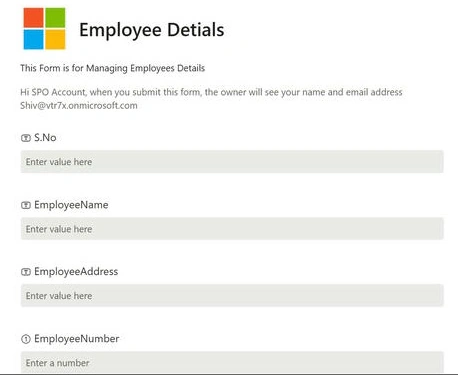
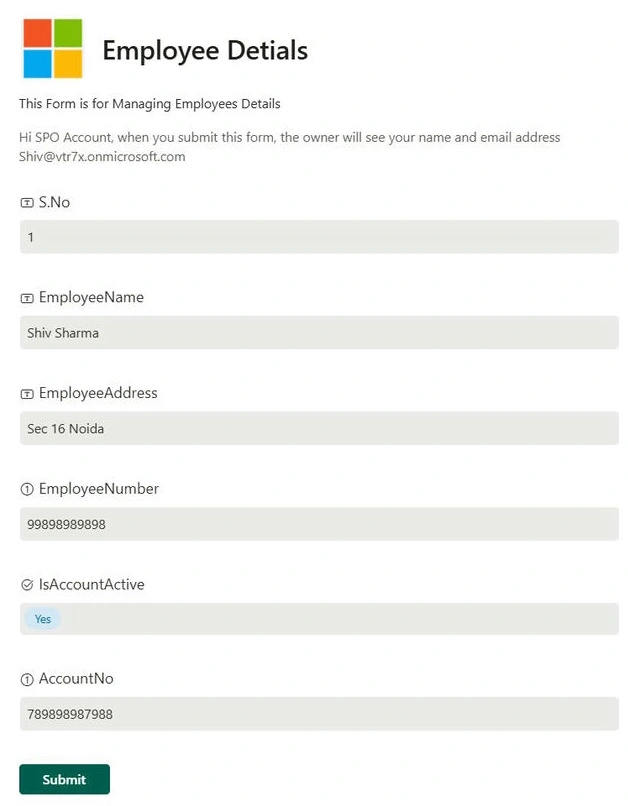
- Add Logo: Enhance your forms with a relevant logo, making them look more professional and reinforcing brand identity.
- Support for Additional Field Types: Attachments, Image, Location, and Lookup fields are now supported. Note that for Lookup fields, respondents need at least read access to the underlying source list to see and select the options.
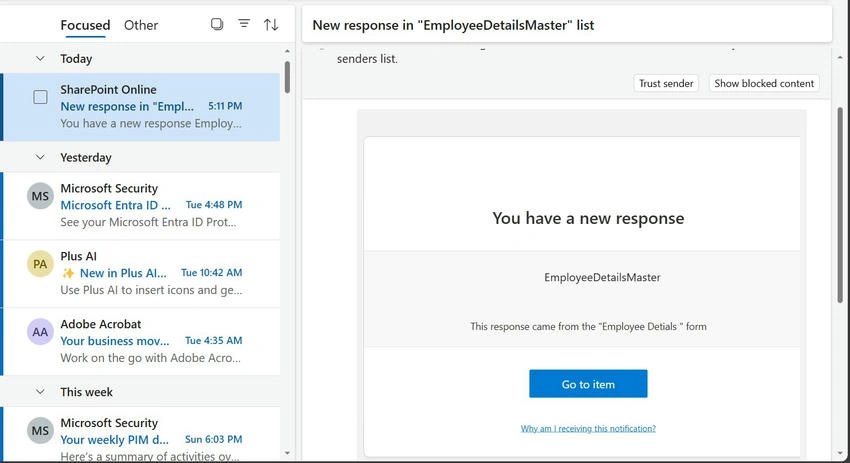
- Get Notified of New Responses and Schedule Form Start/End Dates: Choose to be notified when someone submits a response to a form you own or have access to. Set specific start and end dates for your forms.
Steps to Implement New Features
- Login.
- Sign in to SharePoint via Office 365 or directly through the SharePoint site.
- Open SharePoint Site: Navigate to the SharePoint site where you want to apply the new form.
- Open List: Go to Site Contents and select the list where you wish to apply the form.
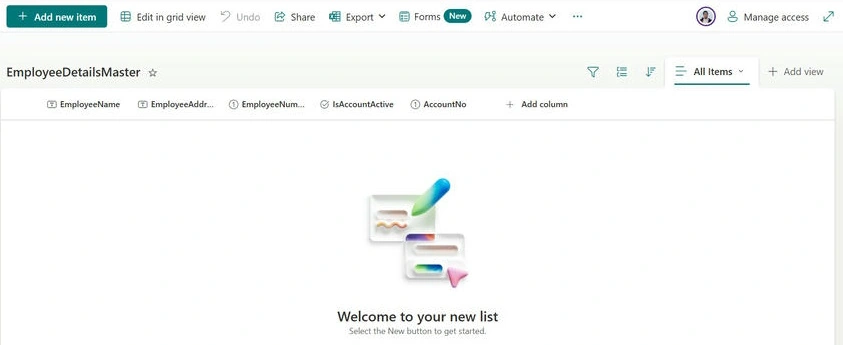
- Open the list by clicking on its name.
- Add Logo.
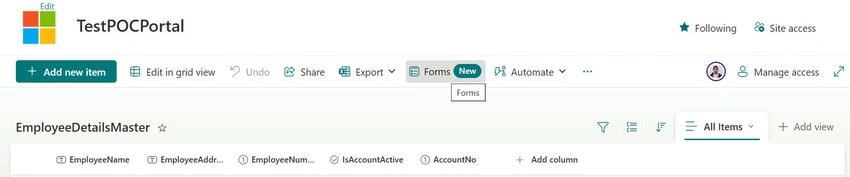
- On the top command bar of the list, find and click on the Forms menu.
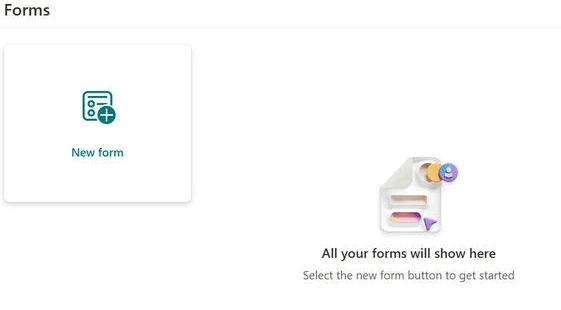
- Choose the New Form option from the dropdown.
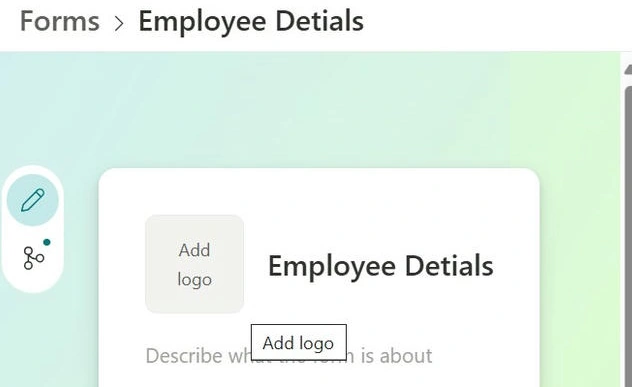
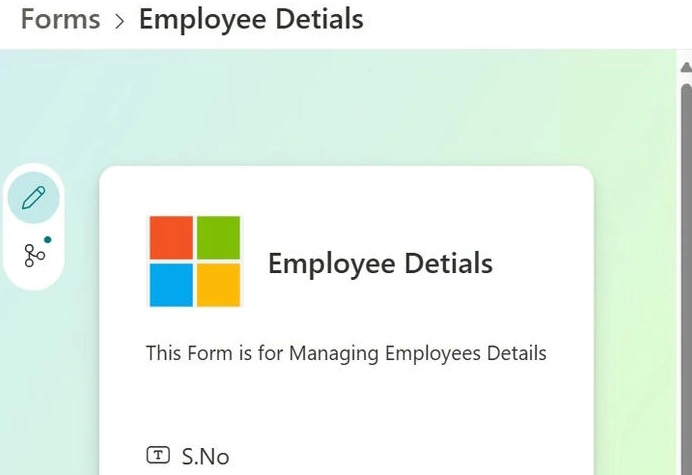
- Click on the logo option and upload your desired logo.
- Conditional Branching.
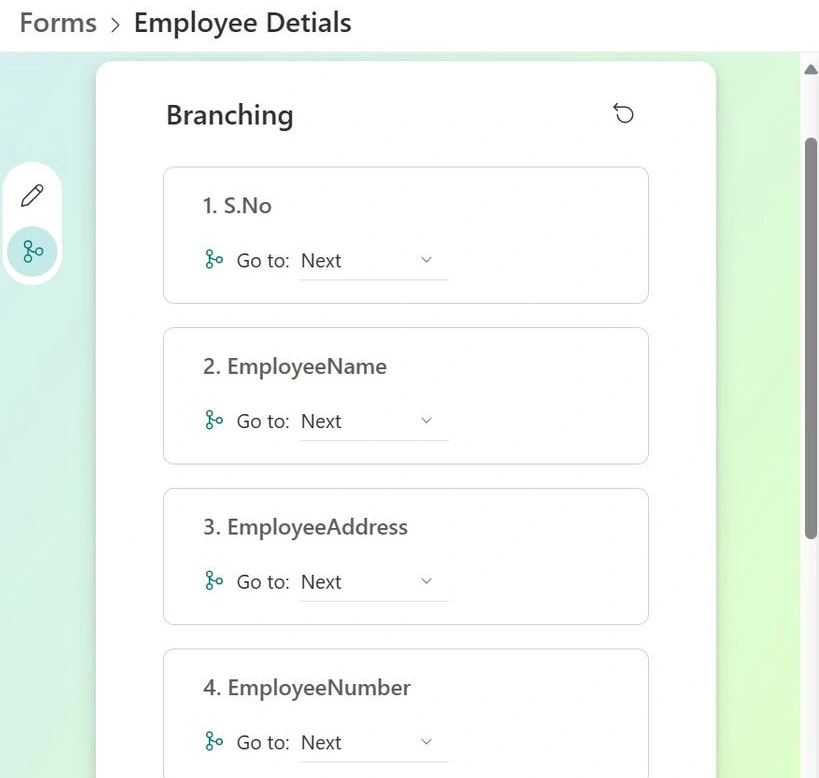
- In the form customization settings, select the field you want to apply branching to.
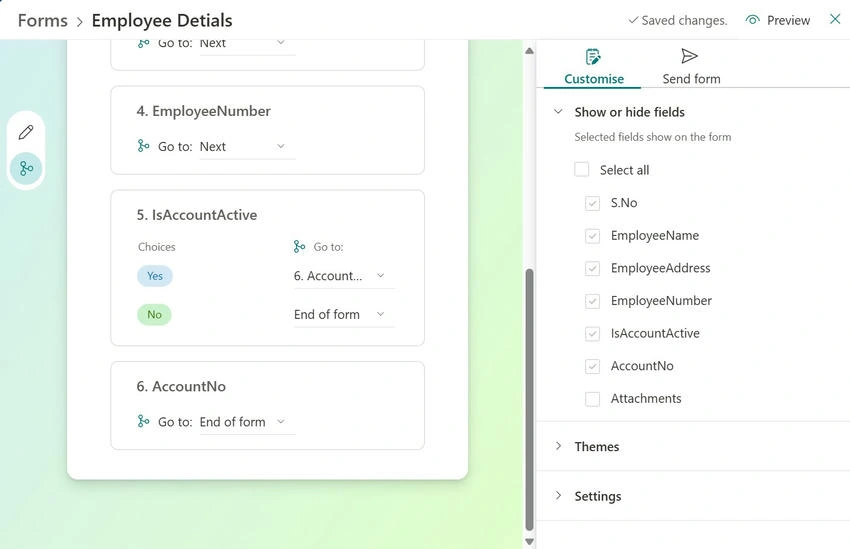
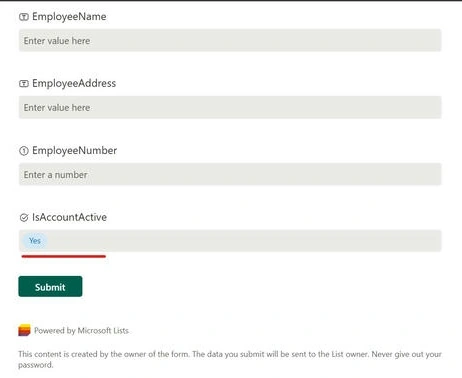
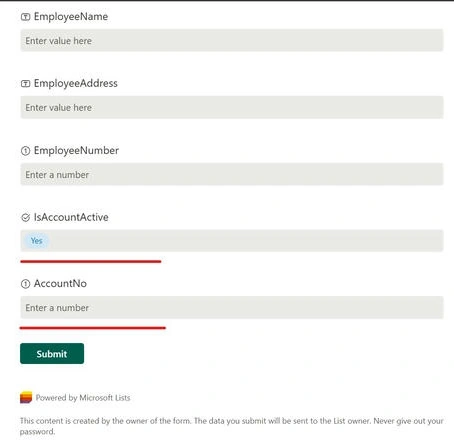
- Set the conditions for branching based on previous answers or choices in a Choice field.
- Set Start and End Dates.
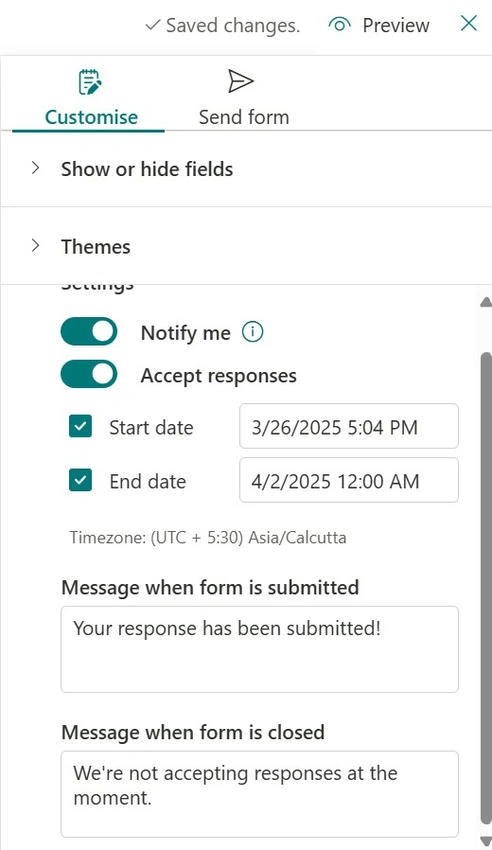
- In the form settings, find the scheduling options.
- Set specific start and end dates for your form.
- Enable Notifications.
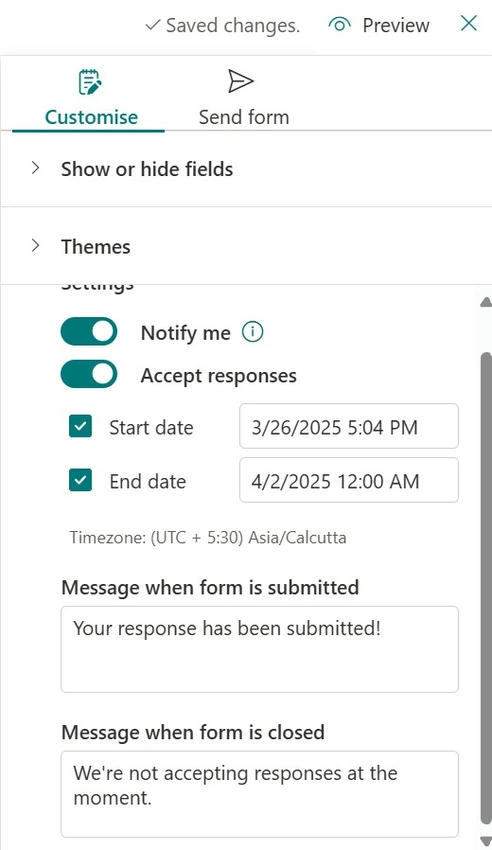
- Choose to be notified when someone submits a response to a form you own or have access to.
- Enable the notification settings in the form options.
Advantages
- User-Friendly: The new creation experience is intuitive and saves time.
- Customizable: Conditional branching and logo addition enhance form customization.
- Enhanced Data Collection: Support for additional field types and notification options improve data collection and management.
- Professional Appearance: Adding logos and customizing forms make them look more professional.
Conclusion
The latest updates to Microsoft Lists forms in SharePoint Online bring significant improvements to data collection and management. With features like conditional branching, logo addition, and support for additional field types users can create more customized and professional forms. These updates streamline the form-creation process and enhance the overall user experience.
Join the conversation! Your thoughts help the community grow.