Introduction
The inspiration of this article was Mahesh's posted news. In this article I am exploring some of the new Excel features of Office 2016.
Setup Instruction
You can set up the Office Developer Preview from the following link
After installing Office 2016 Developer Preview you will see it as in the following screen.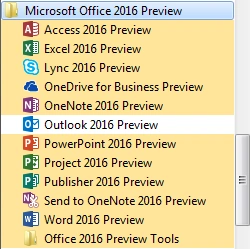
Note
If you already have an Office version and install the Developer Preview on the same machine then your current Office version might not work. I suggest installing the preview on a different machine where no prior Office version is installed.
Excel Developer Features
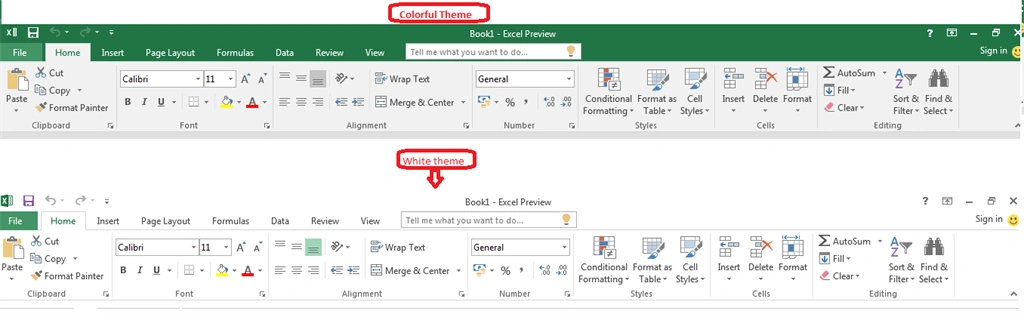
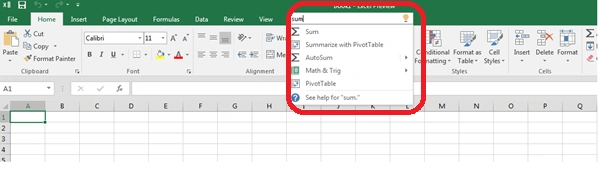
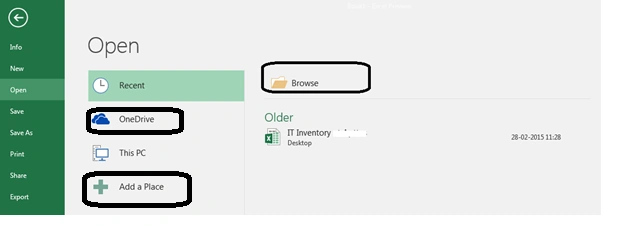
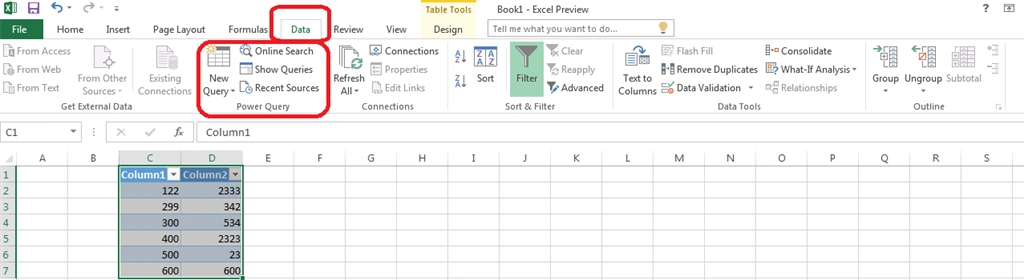
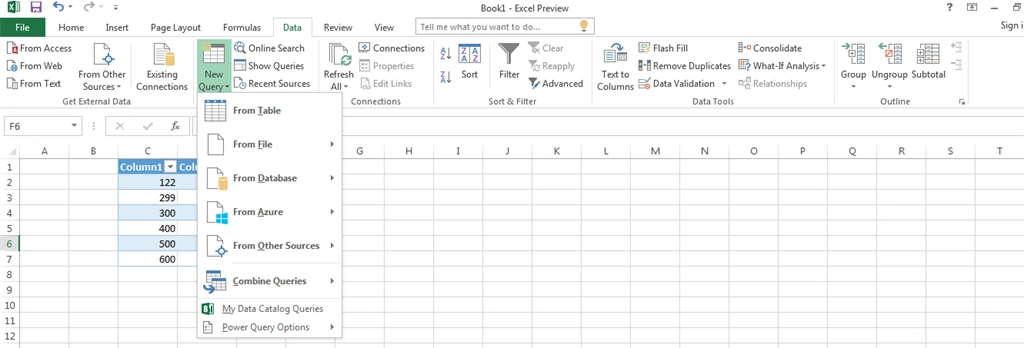
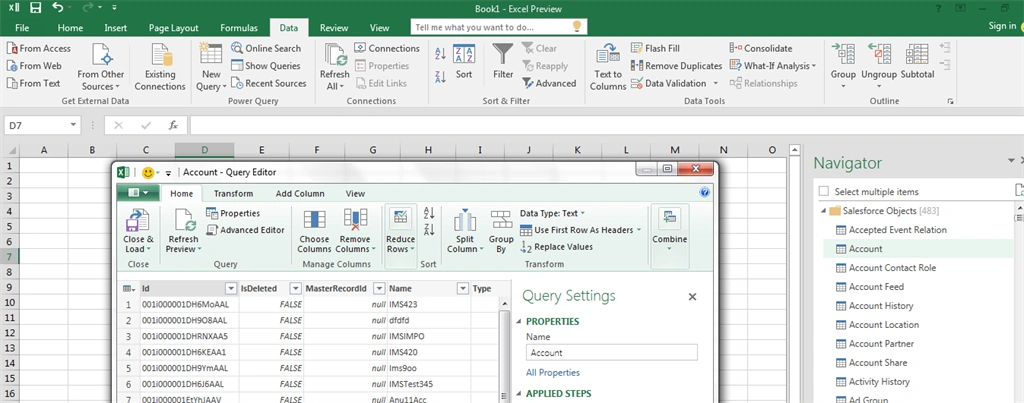
I explored a few features of the Excel 2016 Developer Preview as in the following.

Excel Office 2016 Developer Preview Features
Join the conversation! Your thoughts help the community grow.
Sign in to leave a comment
It is the same account you read, post and publish with — and you will come straight back to this page.
Keyur PatelPosted Mar 20, 2015, 1:52 AM
Thanks for the comment Tom Mohan
Tom MohanPosted Mar 19, 2015, 12:35 PM
NIce