

In this article we will be seeing how to export the BDC model using SharePoint
Designer and deploy the BDC model as a feature using Visual Studio 2010.
In this article we will be performing the following steps:
- Export the BDC model using SharePoint Designer 2010
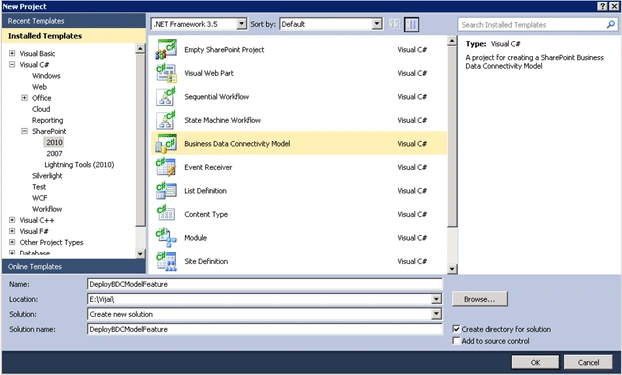
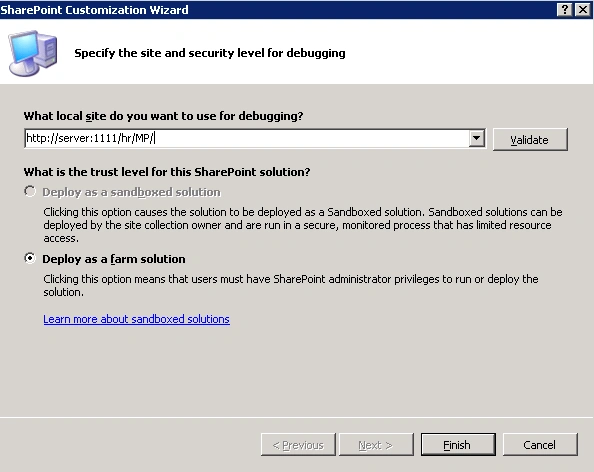
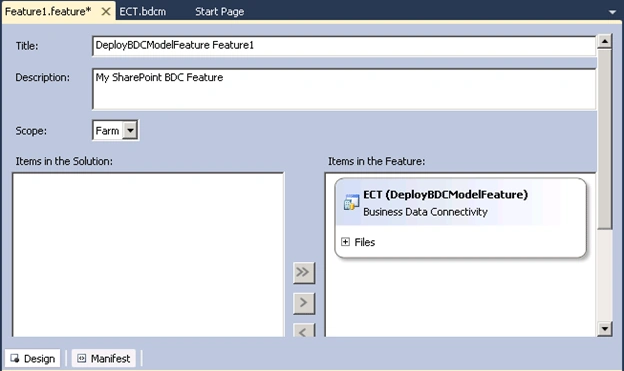
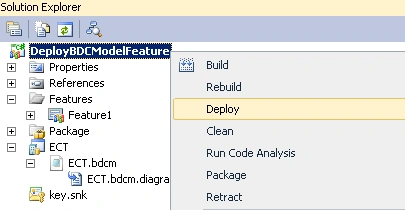
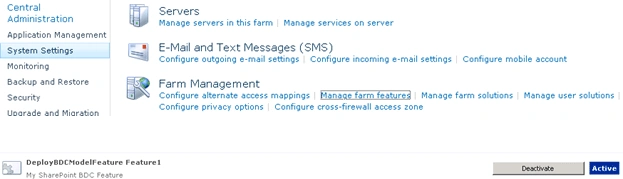
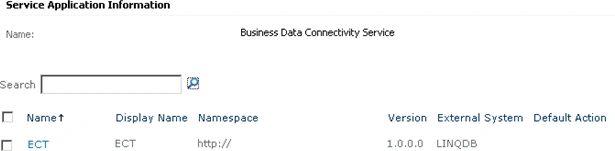
- Deploy the BDC model as a feature using Visual Studio 2010
Export the BDC model using SharePoint
Designer 2010:
To create an external content types using SharePoint Designer refer
http://msdn.microsoft.com/en-us/library/ee557243.aspx.
In this section we will be seeing how to export the BDC model using SharePoint
Designer.
- Open SharePoint Designer 2010.
- Click on Open Site.
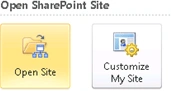
- Enter the site URL and click on Open.
- Go to Navigation => External Content
Types.
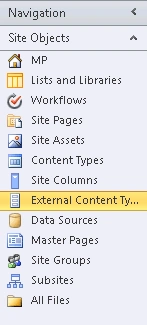
- I have created an External content type
named "ECT" as shown in the following

- Right click on ECT and click on "Export
BDC Model".
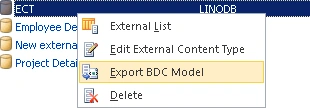
- Enter the BDC Model Name and click on Ok.
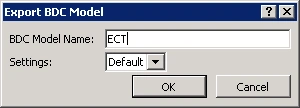
- You will be getting the following dialog
box
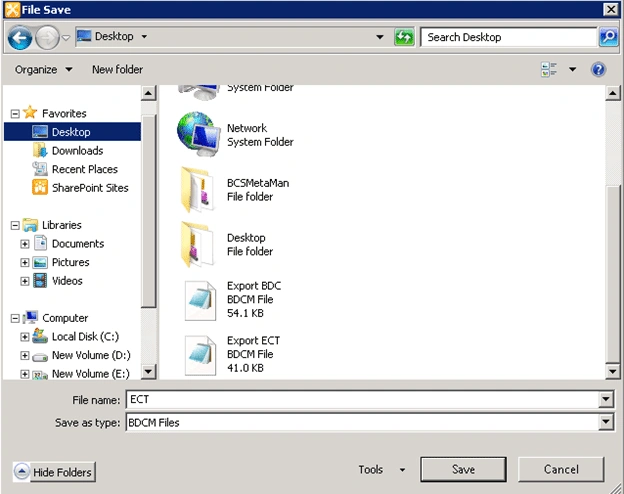
- Save the file.
Ram VashistaPosted Jan 28, 2016, 12:48 AM
I used same approach to move my external Content Types from Dev to QA. I created a WSP package with features having ECTs and when it is deployed on QA, no ECTs get deployed to QA. Is this approach work for moving from dev to qa and then prod