

As organizations continue to embrace Microsoft Fabric as a unified analytics platform, one of the features users love most is the ability to export Power BI reports directly to PowerPoint. Whether you're preparing a monthly business review, presenting insights to senior leadership, or sharing analysis with non-technical teams, exporting to PowerPoint provides a quick, polished way to communicate data-driven stories.
In this article, we’ll walk through how to export a Power BI report to PowerPoint from the Fabric workspace, and highlight the key benefits of using this feature.
Why Export Power BI Reports to PowerPoint?
Power BI visuals are ideal for interactive exploration, but presentations often require static snapshots. Being able to export directly to PowerPoint means you can package insights neatly without rebuilding slides from scratch.
How to Export a Power BI Report to PowerPoint in Fabric Workspace
In this article, I've got a Sales Power BI published to Power BI workspace that I will export to PowerPoint
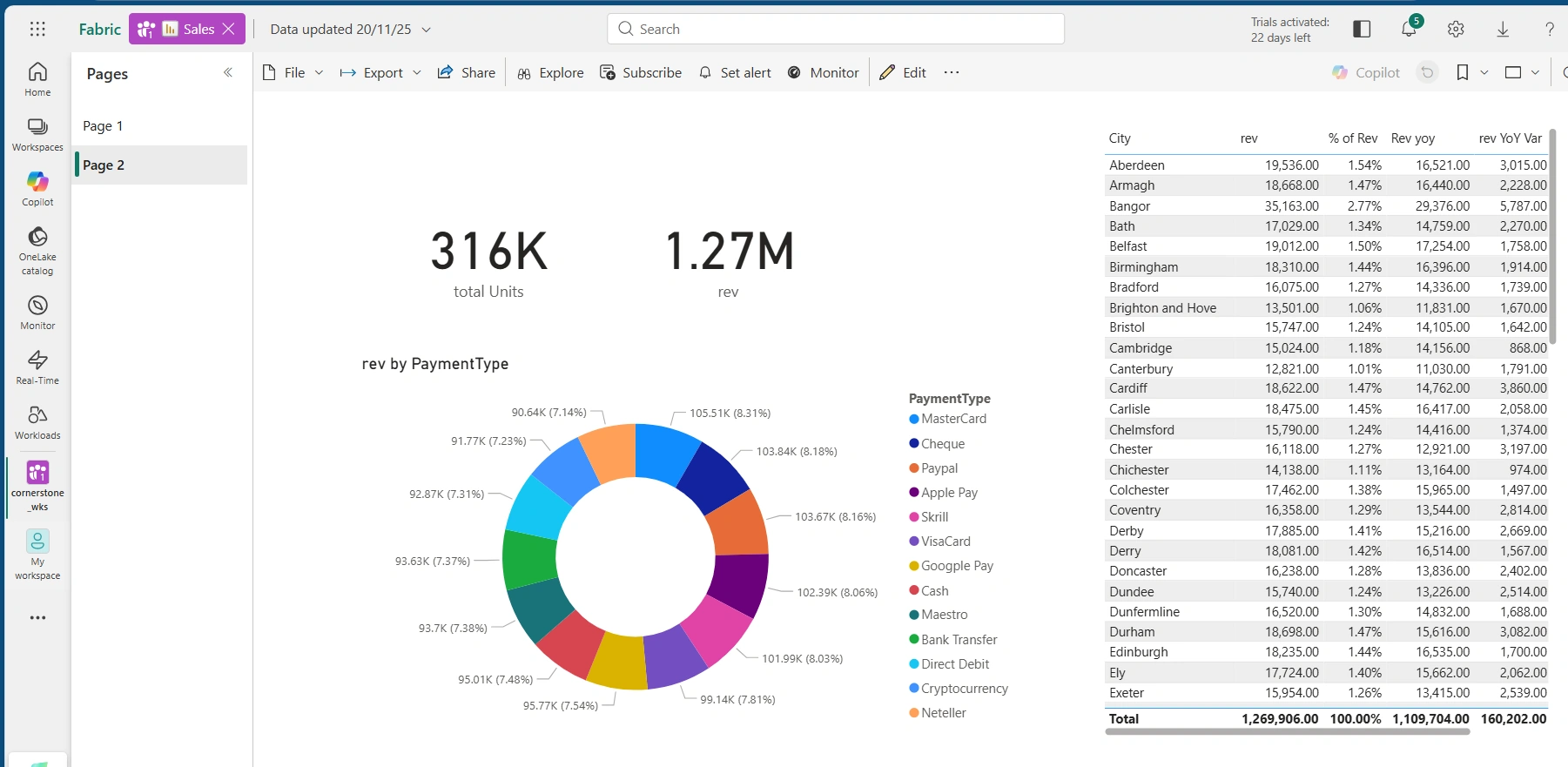
To export, click on Export at the top the report
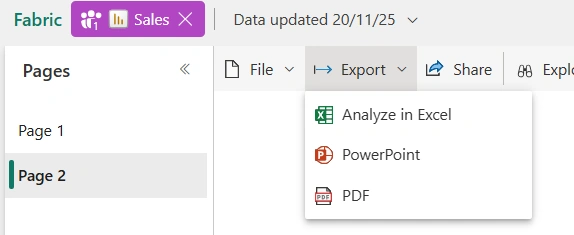
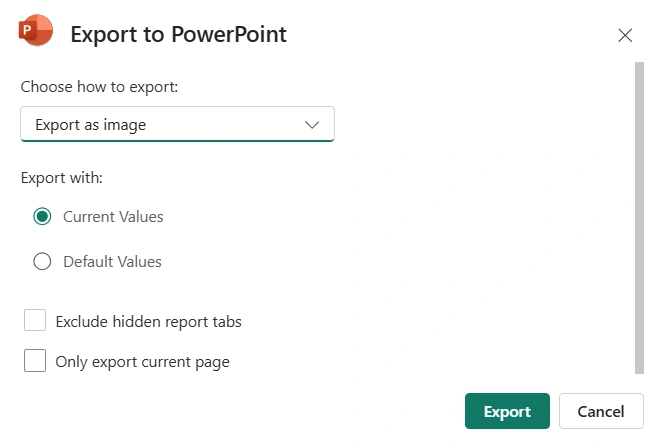
Next is to choose how to export. This can be exporting as image or live. For this demonstration, I will use export as image
Click on Export. Sales ppt is automatically downloaded
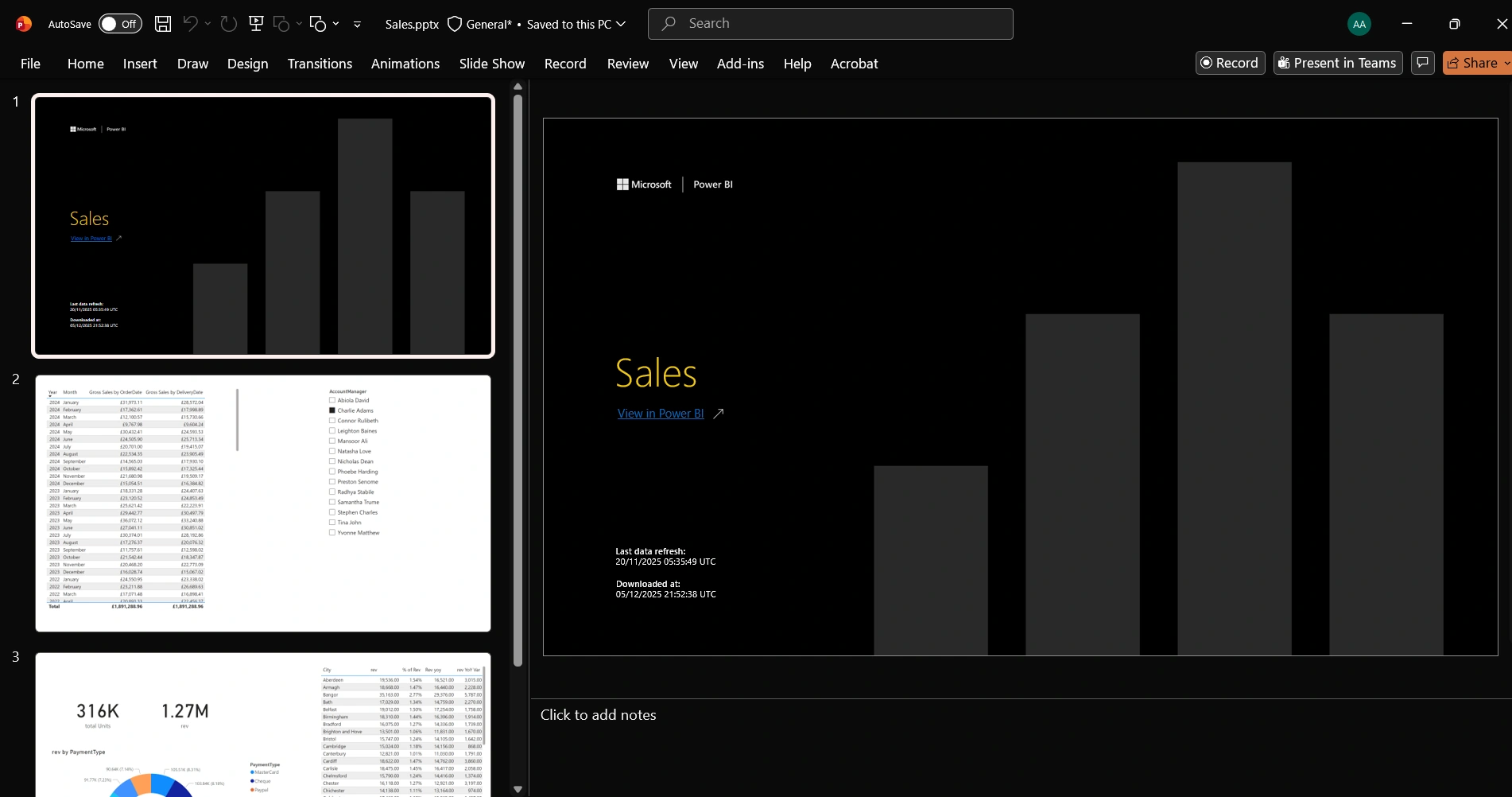
As seen below, I have the PowerPoint ready to go
See you in the next article
Join the conversation! Your thoughts help the community grow.