

Introduction
In this article I will create a Single View application. Here we implement Facebook using JSON Parsing. We use the Sbjson Parser. When we run this app the fb mobile version is launched in the simulator.
To understand it we use the following.
Step 1
Open XCode by double-clicking on it.
Step 2
Create a New XCode Project by clicking on it.
Step 3
Now Select Single View Application and click on Next.
Step 4
Now provide your Product Name and Company Identifier.
Step 5
Select the location where you want to save your project and click on Create.
Step 6
Now here we write the code.
FBAppDelegate.h
#import <UIKit/UIKit.h>
@class FBAppViewController;
@interface FBAppAppDelegate : UIResponder <UIApplicationDelegate>
@property (strong, nonatomic) UIWindow *window;
@property (strong, nonatomic) FBAppViewController *viewController;
@end
FBAppDelegate.m
#import "FBAppAppDelegate.h"
#import "FBAppViewController.h"
@implementation FBAppAppDelegate
- (void)dealloc
{
[_window release];
[_viewController release];
[super dealloc];
}
- (BOOL)application:(UIApplication *)application didFinishLaunchingWithOptions:(NSDictionary *)launchOptions
{
self.window = [[[UIWindow alloc] initWithFrame:[[UIScreen mainScreen] bounds]] autorelease];
// Override point for customization after application launch.
self.viewController = [[[FBAppViewController alloc] initWithNibName:@"FBAppViewController" bundle:nil] autorelease];
self.window.rootViewController = self.viewController;
[self.window makeKeyAndVisible];
return YES;
}
@end
FBViewController.h
#import <UIKit/UIKit.h>
#import "FBUtils.h"
@interface FBAppViewController : UIViewController <FBUtilsDelegate>
@end
FBViewController.m
#import "FBAppViewController.h"
@interface FBAppViewController ()
@end
@implementation FBAppViewController
- (void)viewDidLoad
{
[super viewDidLoad];
// Do any additional setup after loading the view, typically from a nib.
[[FBUtils sharedFBUtils] initializeWithAppID:@""];
NSArray *permision = [NSArray arrayWithObjects:@"read_stream",@"publish_stream", nil];
[[FBUtils sharedFBUtils] LoginWithPermisions:permision];
[FBUtils sharedFBUtils].delegate = self;
}
- (void)didReceiveMemoryWarning
{
[super didReceiveMemoryWarning];
// Dispose of any resources that can be recreated.
}
@end
Step 7
Finally we click on the run button to show the output.
Step 8
Output 1 in iPhone:
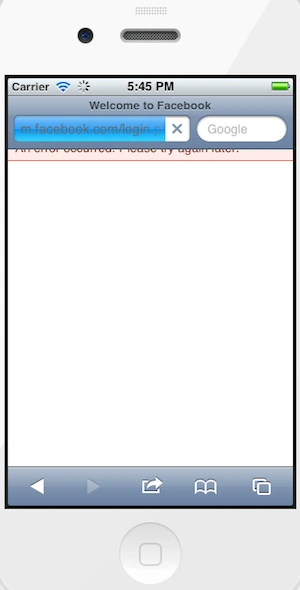
Output 2 in iPhone: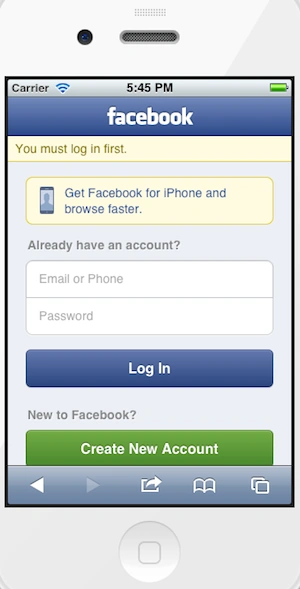
Output 3 in iPhone: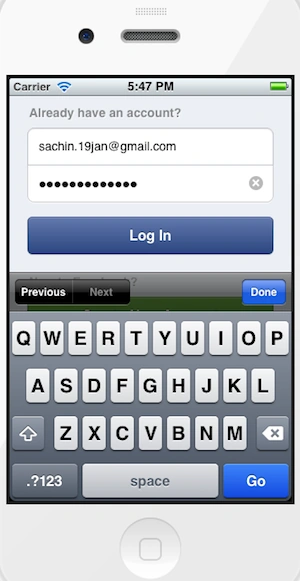
Output 4 in iPhone: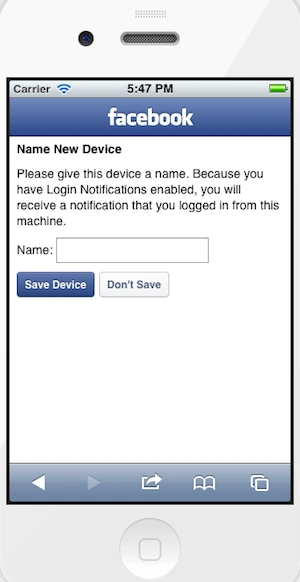
Output 5 in iPhone: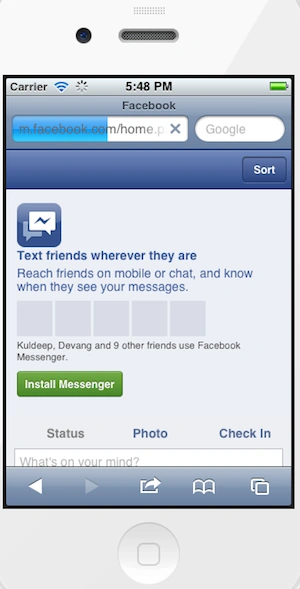
Output 6 in iPhone: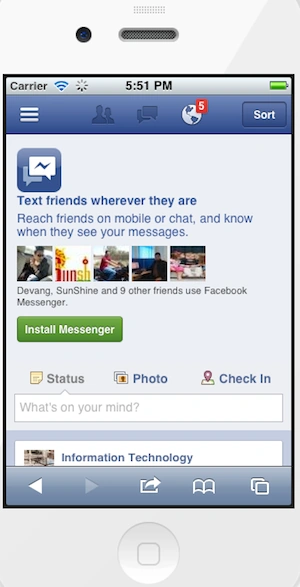
Output 7 in iPhone: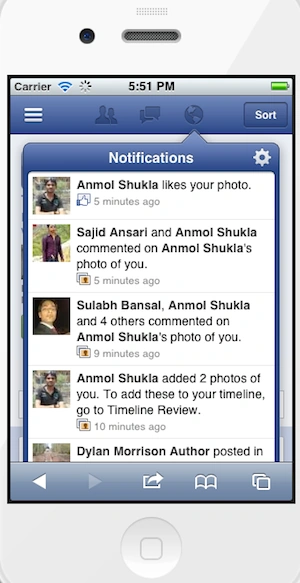
Output 8 in iPhone: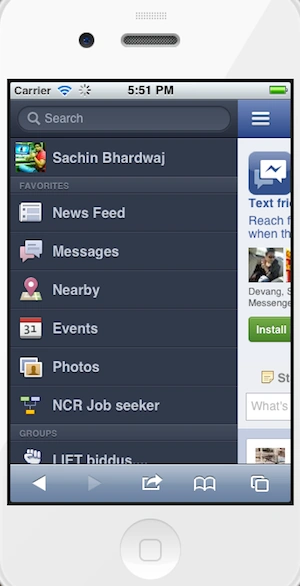
Output 9 in iPhone:
Join the conversation! Your thoughts help the community grow.