

Introduction
We use the FormView control to do anything that we also can do with the
DetailsView control. Just as we can with the DetailsView control, we can use the
FormView control to display, page, edit, insert, and delete database records.
However, unlike the DetailsView control, the FormView control is entirely
template driven. I end up using the FormView control much more than the
DetailsView control. The FormView control provides us with more control over the
layout of a form. Furthermore, adding validation controls to a FormView is
easier than adding validation controls to a DetailsView control.
Displaying Data with FormView Control
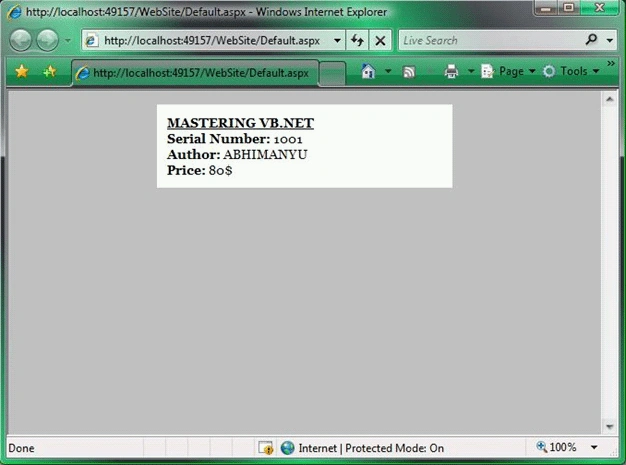
We can display a database record with the FormView control by using an
ItemTemplate. For example, the page given below displays a record from the
BOOK_LIST database table.
<%@
Page Language="VB"
%>
<!DOCTYPE html PUBLIC "-//W3C//DTD XHTML 1.0 Transitional//EN" "http://www.w3.org/TR/xhtml1/DTD/xhtml1-transitional.dtd">
<script runat="server">
</script>
<html
xmlns="http://www.w3.org/1999/xhtml">
<head
id="Head1"
runat="server">
<style
type="text/css">
html
{
background-color:silver;
}
#content
{
margin:auto;
width:300px;
padding:10px;
background-color:white;
font:14px
Georgia,Serif;
}
</style>
<title></title>
</head>
<body>
<form
id="form1"
runat="server">
Join the conversation! Your thoughts help the community grow.