

Here are the steps:
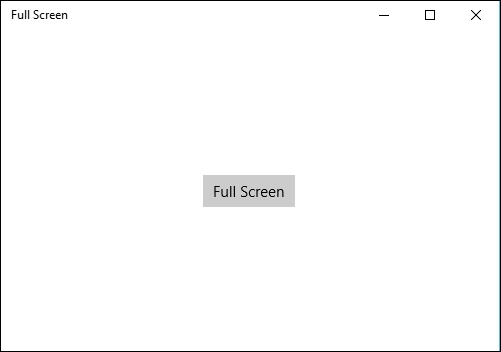
Step 1: Open a blank app and add a button from the toolbox or by copying the following XAML code into your grid.
- <Button x:Name="fullScreenButton" HorizontalAlignment="Center" VerticalAlignment="Center" Content="Full Screen" Click="fullScreenButton_Click"/>
Step 2: Add the following namespaces to your project which is needed in further C# code.
- using Windows.UI.ViewManagement;
Step 3:
Copy and paste the following code to the cs page which will be called on button click event and will enable full screen if not and will be back to the current screens size if clicked again:
- private void fullScreenButton_Click(object sender, RoutedEventArgs e)
- {
- var view = ApplicationView.GetForCurrentView();
- if (view.IsFullScreenMode)
- {
- view.ExitFullScreenMode();
- }
- else
- {
- view.TryEnterFullScreenMode();
- }
- }
Step 4: Run your application and test yourself.

Asfend YarPosted Mar 14, 2016, 11:51 AM
very nice
Keval LangaliaPosted Feb 9, 2016, 12:44 PM
In some UWP application, I've seen full screen button on app window titlebar. How to give that option to users. check this: http://prntscr.com/a12yi5
Santhakumar MunuswamyPosted Jan 23, 2016, 1:37 AM
Thanks for nice share
Umarul FarookPosted Jan 22, 2016, 10:23 AM
this is what i am looking