

Introduction
In a real scenario sometimes you have images in the database with their unique id and you need to provide them to the client for some reason, so you can then create a utility with simple code to save the images in the local computer.
To explain this article I will use the following procedure:
- Create a table in the database to store the image and some other relevant and unique data like id or roll number by which I can fetch the image from the table.
- Create a website with a page with a "Button" in the design part of that page (.aspx).
- Write the code in the ".cs" file of that page to get multiple images from the database and save them into the computer on "button click" event.
Step 1
Create a table named "Images" that will store the following:
- Roll number of a student
- Image of a student
- Date of image insertion
- CREATE TABLE dbo.Images(
- Roll_no varchar(12) primary key,
- img varbinary(max) ,
- img_date datetime
- )
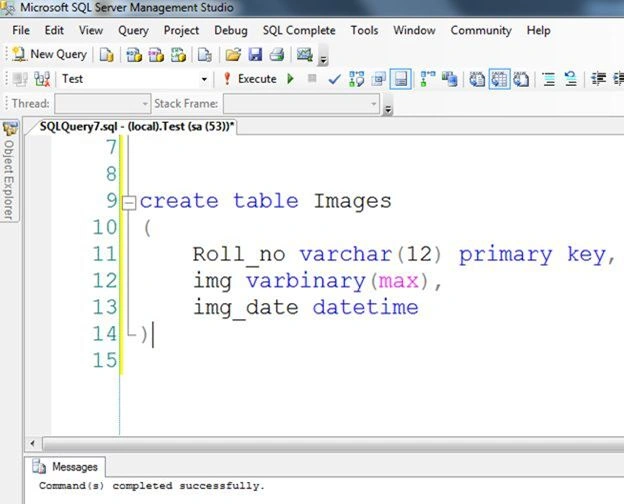
Now I will assume that I have a table that stored the data like:
If you want to learn how to store a single image in the database then click here or multiple images in the database then click here.
Step 2
- Create a new empty Website named "Website1".
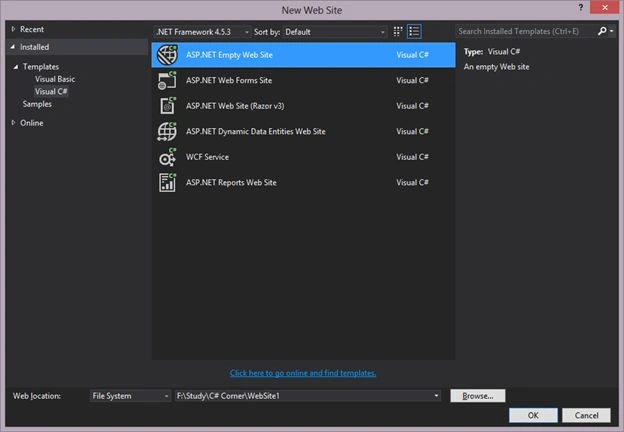
- Add the a button with click event to the Default page named Default.aspx as in the following:
- <asp:Button ID="Button1" runat="server" Text="Convert Byte to All Image " OnClick="Button1_Click" />
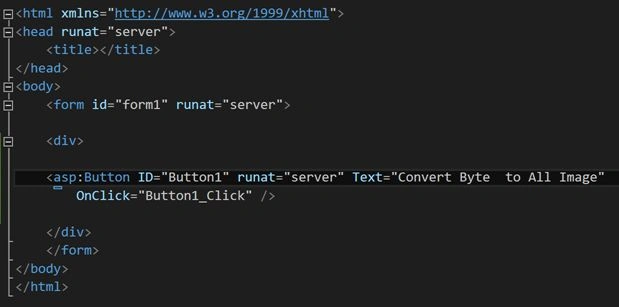
- <asp:Button ID="Button1" runat="server" Text="Convert Byte to All Image " OnClick="Button1_Click" />
- Add a folder named "Images" to the website where you want to store the images from the database.
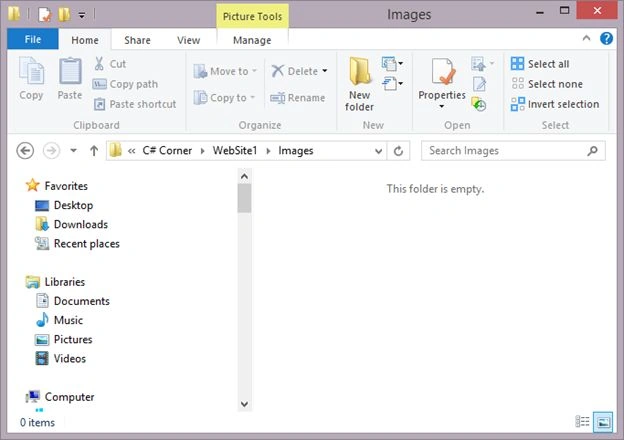
Note: I am assuming that Roll number is unique and is the name of the image.
Step 3
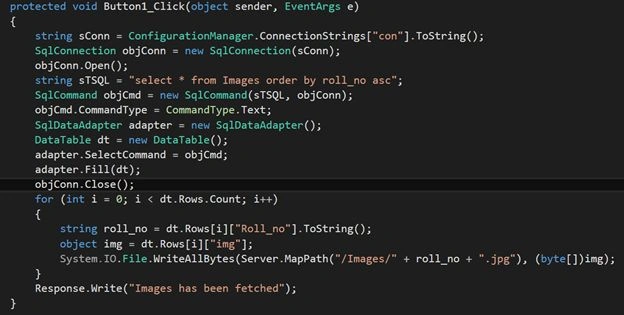
- Write the code to get the images from the database to save them on the click event of the button.
- protected void Button1_Click(object sender, EventArgs e)
- {
- string sConn = ConfigurationManager.ConnectionStrings["con"].ToString();
- SqlConnection objConn = new SqlConnection(sConn);
- objConn.Open();
- string sTSQL = "select * from Images order by roll_no asc";
- SqlCommand objCmd = new SqlCommand(sTSQL, objConn);
- objCmd.CommandType = CommandType.Text;
- SqlDataAdapter adapter = new SqlDataAdapter();
- DataTable dt = new DataTable();
- adapter.SelectCommand = objCmd;
- adapter.Fill(dt);
- objConn.Close();
- for (int i = 0; i < dt.Rows.Count; i++)
- {
- string roll_no = dt.Rows[i]["Roll_no"].ToString();
- object img = dt.Rows[i]["img"];
- System.IO.File.WriteAllBytes(Server.MapPath("/Images/" + roll_no + ".jpg"), (byte[])img);
- }
- Response.Write("Images has been fetched");
- }
Step 4
- Run the page that will be like:

- Click on the button and see the text "Images" has been fetched.

Result: As you can see the images have been saved in the folder and now you can use them anywhere.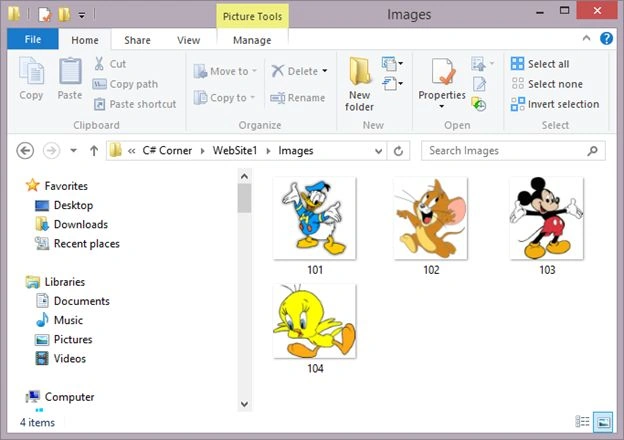
Ivonne AspilcuetaPosted Jul 26, 2024, 12:17 AM
Hi Rahul, How can I Look one image with more or different textboxes input not only one input, like rollid, or Name, or Lastname as textbox input?
Joginder BangerPosted Feb 28, 2015, 1:27 PM
nice information.
Saineshwar BageriPosted Feb 28, 2015, 11:56 AM
nice one sir
Sibeesh VenuPosted Feb 28, 2015, 5:31 AM
Good one....
Rahul Kumar SaxenaPosted Feb 27, 2015, 6:39 AM
Good show...