Introduction
Azure Logic App is a cloud-based app that helps us to implement the Workflow in Azure and simplify the integrations. We can automate the process visually and the Workflow in Logic app designer so that we can add many connectors, which we can add to the Logic app. It is a simple and idle event service that is suited for the business process. Also, the Azure Logic app has the feature of connecting more than 100 connectors to it. With the help of connectors connecting with Azure Logic Apps, we can connect our apps and services with Azure Logic App and we can automate the tasks and workflows without writing lines of code.
So, in this article, we will explore creating an Azure Logic App and we will use the Azure Logic App with MS Weather and as well as with Nexmo.
Prerequisites
An Active Azure Login Subscription
Nexmo login subscription
Step 1. You can log in to Azure Portal by using the following link.
After log-in to the Azure portal select -> Create a new resource and Select -> Integration and Select -> Logic App

Step 2. Now it’s time to provide the basic requirements for the creation of Azure Logic App.
- Provide a name for the logic app and select the subscription
- Create a new resource group or you can use the existing resource group
- Select the location where you want to create the source and then Click -> Create.
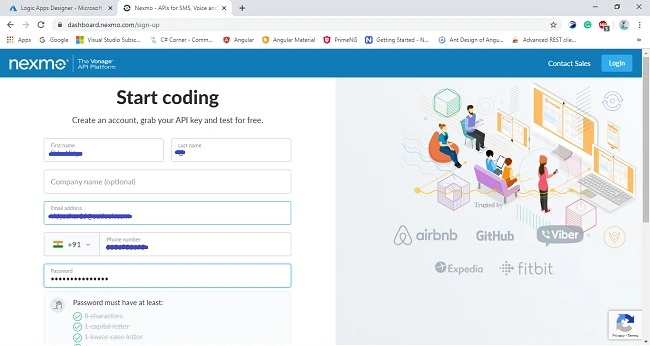
Step 3. Now sign into your Nexmo account by using the following link and create an account,
- The account creation takes up the two-step verification process, you have to provide your primary mobile number and email ID for the verification process. Once the verification process is done you can see the following window as mentioned below.
- Choose the SMS product to get started with and after selecting the SMS product you can see the API key and API secret key make a note of both the API key and API secret Key in Notepad.
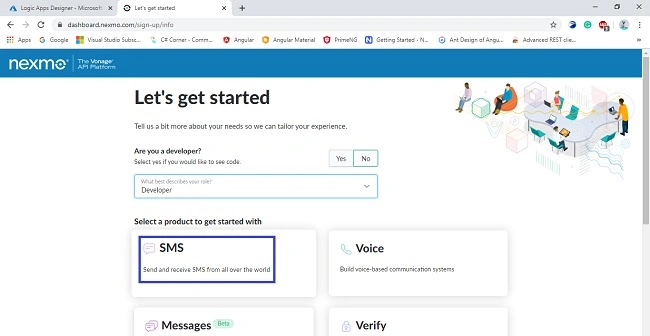

Step 4
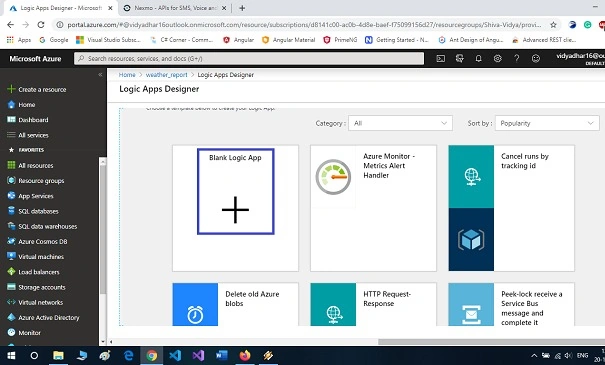
- Let’s keep on proceeding with the next step, switch back to the created Azure Logic App and Select -> Blank Logic App. After selecting the blank logic app let’s configure the MSN Weather and Nexmo.
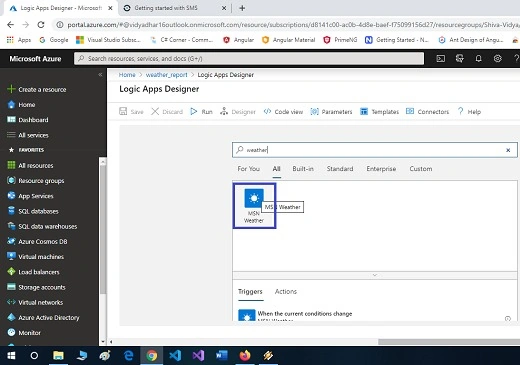
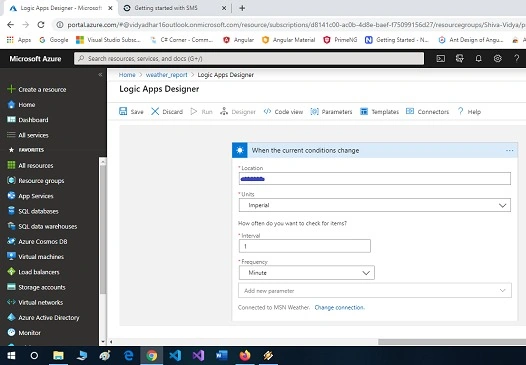
- Search for the MSN Weather in the search bar and choose the trigger to When the current condition changes.
- Here is the main part, you have to enter your location details such as country, and pin code, and then set the time interval and frequency for checking the workflow.

Step 5
- Up to now, we have selected the trigger and now we need to select the action for the workflow to take place. Choose the action Send an SMS from Nexmo action.
- After that copy and paste the connection name, API key, and API secret Key from Nexmo.
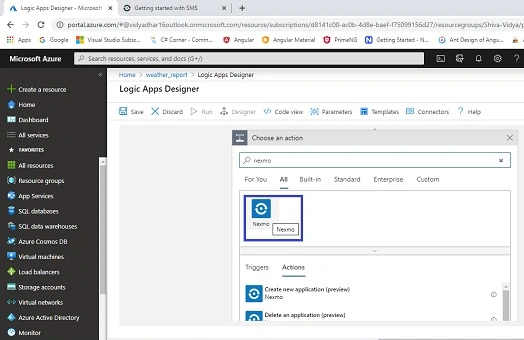
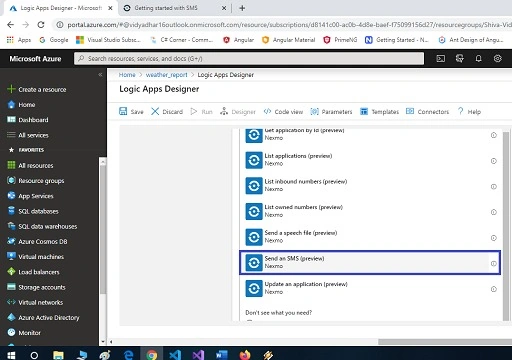

Step 6. Now choose the fields you desire, here we have selected location, SMS text, and provided a mobile number. So, now we have selected the trigger and selected the action to it.
Select -> Save and Click ->Run to execute the workflow.
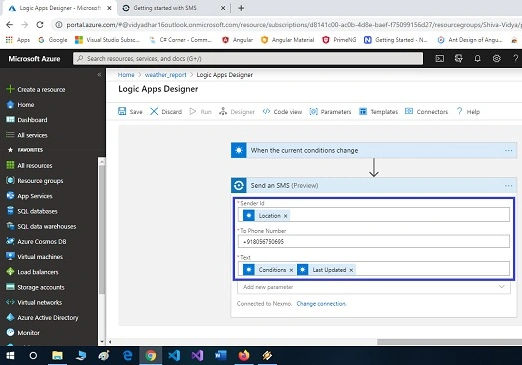
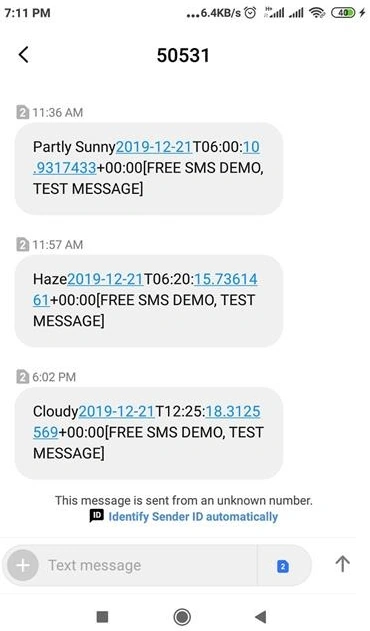
If the climate change has been changed in the given location, we can get notified by SMS provided by Nexmo.
Summary
In this article, we have seen about creating Azure Logic Apps and how to get the weather location of a particular place of our desire to our mobile via SMS notification. I hope this article will be useful to you.


Prabakaran MPosted Dec 24, 2019, 10:13 PM
Nice Article.. Vidyadharran G :)
Logesh PalaniPosted Dec 23, 2019, 10:57 AM
Helpful one bro