

U2U Caml Query Editor
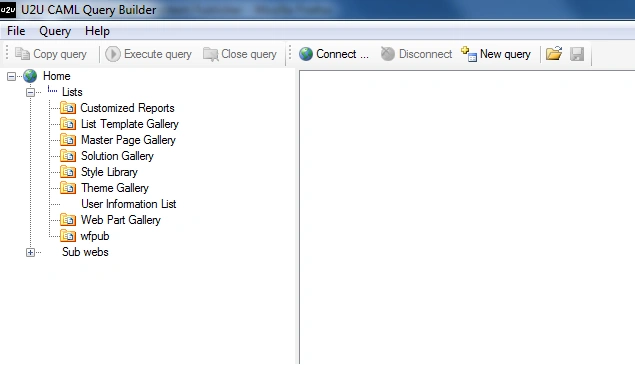
It's a very easy to use application. First thing you need to is to Click "Connect".
Then you will have to write your Sharepoint Portal URL:
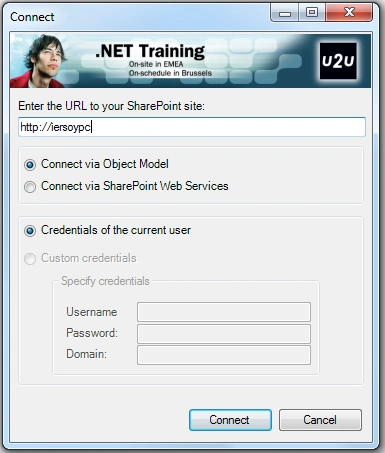
Then Click Connect. And you're free to use this tool. Click on a List Object and then Choose "New Query".
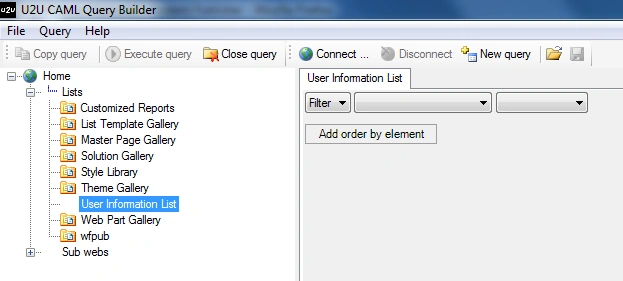
What we're going to do is to get all the items in a List.
The most easiest way is to get all the items whose ID are greater than and equal to 0.
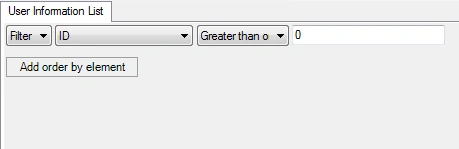
Write these values and then click Execute query which looks like this:

Here is the result:

See? We got all the records.
Here I'm also giving the CAML Query:
|
Hope it helps.
Join the conversation! Your thoughts help the community grow.