

Introduction
Azure Cosmos DB is a globally distributed database service designed to enable you to elastically and independently scale throughput and storage across any number of geographical regions with a comprehensive SLA. You can develop the document, key/value, or graph databases with Cosmos DB using a series of popular APIs and programming models. 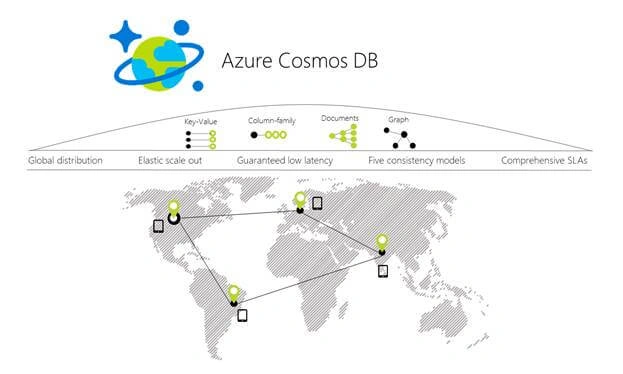
- Azure account – If you don’t have an Azure account, don’t worry. You can create it for free from here.
- Visual Studio
Let’s start and create a Cosmos DB.
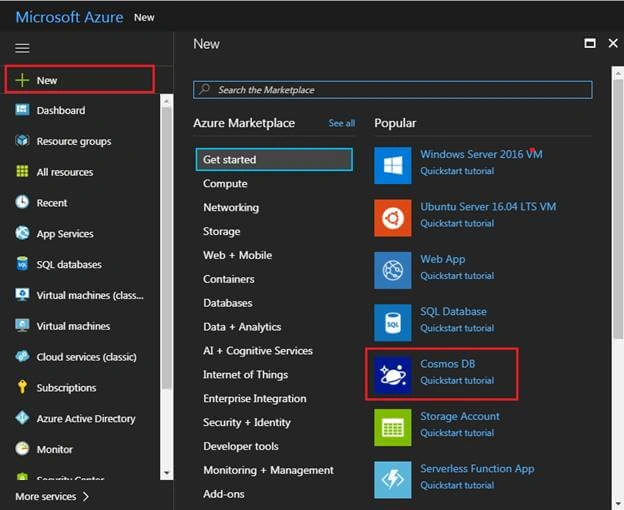
- Click on "New", then search for Cosmos DB.
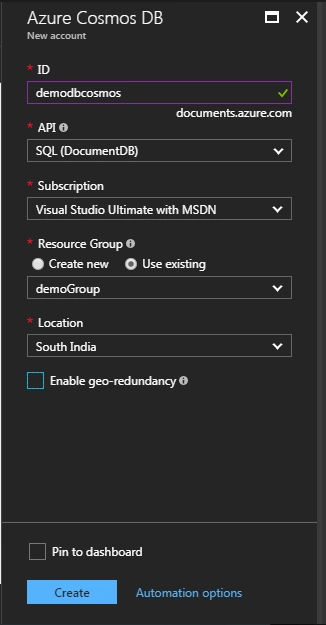
- To create a Cosmos DB account, fill in the required information.

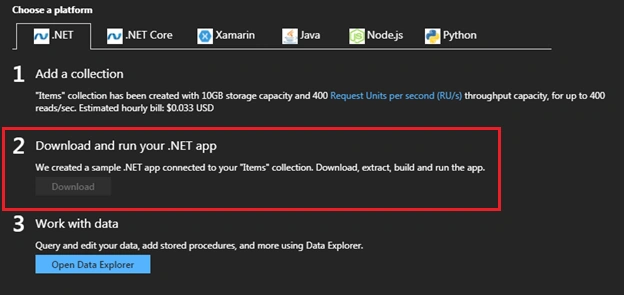
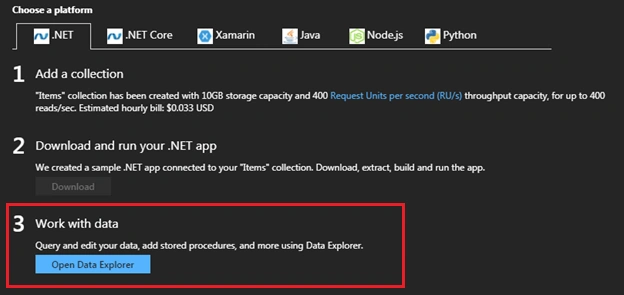
- After that, when the account is successfully created, follow the instructions – we can choose a platform from this screen, as for now, we are selecting .NET.
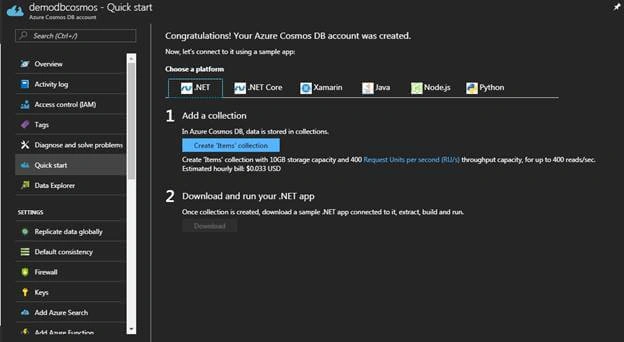
- Download the project and try to run it using Visual Studio.
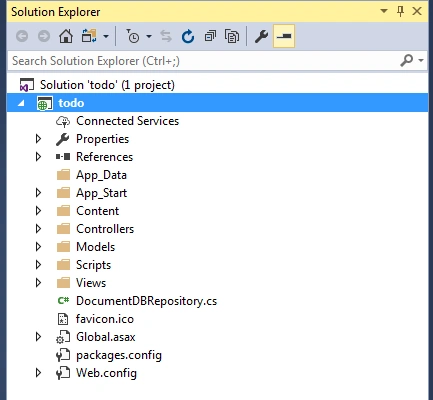
- We can see a website in the Solution Explorer. Run the application.
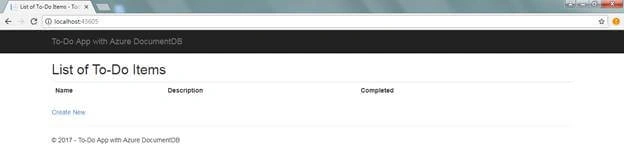
- The application runs successfully. Now, try to create a new To-Do.
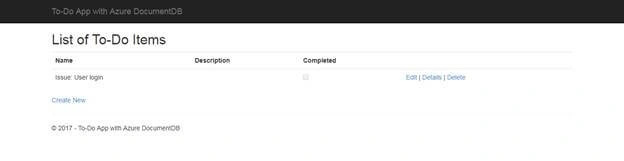
- Now, go to the Azure portal and click on "Open Data Explorer".
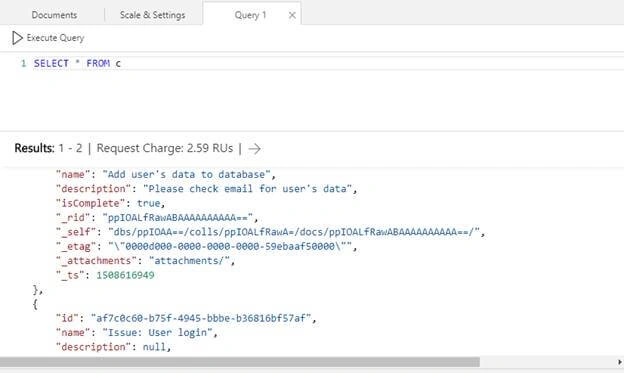
- We can check all our data from here.
References
https://docs.microsoft.com/en-us/azure/cosmos-db/introduction
Join the conversation! Your thoughts help the community grow.