

Introduction
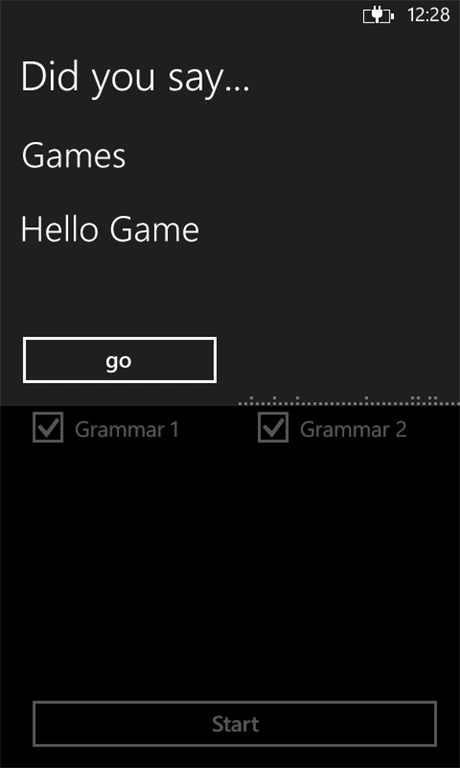
In this article we will learn how to manage the many grammars in speech recognition. In your app you can add more then one grammar with different keys so that we can use a different grammar for each game mode. This article covers this. We will see how we can switch among various grammar modes.
Enabling or Disabling The Grammar
After setting the grammar our next task is to make it active and inactive for the rest of the grammars. To enable or disable a grammar the syntax is as follows:
[SpeechRecognition Object Name].Grammars["Grammar Key"].Enabled = True or False
Code Example
The following code will help you in learning the preceding explained concept.
XAML
<phone:PhoneApplicationPage
x:Class="Demo.MainPage"
xmlns="http://schemas.microsoft.com/winfx/2006/xaml/presentation"
xmlns:x="http://schemas.microsoft.com/winfx/2006/xaml"
xmlns:phone="clr-namespace:Microsoft.Phone.Controls;assembly=Microsoft.Phone"
xmlns:shell="clr-namespace:Microsoft.Phone.Shell;assembly=Microsoft.Phone"
xmlns:d="http://schemas.microsoft.com/expression/blend/2008"
xmlns:mc="http://schemas.openxmlformats.org/markup-compatibility/2006"
mc:Ignorable="d"
FontFamily="{StaticResource PhoneFontFamilyNormal}"
FontSize="{StaticResource PhoneFontSizeNormal}"
Foreground="{StaticResource PhoneForegroundBrush}"
SupportedOrientations="Portrait" Orientation="Portrait"
shell:SystemTray.IsVisible="True">
<!--LayoutRoot is the root grid where all page content is placed-->
<Grid x:Name="LayoutRoot" Background="Transparent">
<Grid.RowDefinitions>
<RowDefinition Height="Auto"/>
<RowDefinition Height="*"/>
</Grid.RowDefinitions>
<!--TitlePanel contains the name of the application and page title-->
<StackPanel x:Name="TitlePanel" Grid.Row="0" Margin="12,17,0,28">
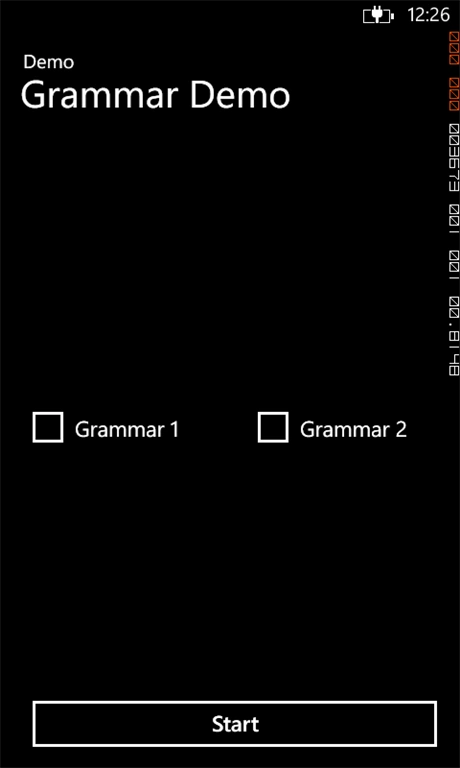
<TextBlock Text="Demo" Style="{StaticResource PhoneTextNormalStyle}" Margin="12,0"/>
<TextBlock Text="Grammar Demo" Margin="9,-7,0,0" FontSize="40"/>
</StackPanel>
<!--ContentPanel - place additional content here-->
<Grid x:Name="ContentPanel" Grid.Row="1" Margin="12,0,12,0">
<Button Name="startBtn" Content="Start" Click="strtClick" HorizontalAlignment="Left" Margin="10,0,0,10" Width="446" Height="72" VerticalAlignment="Bottom"/>
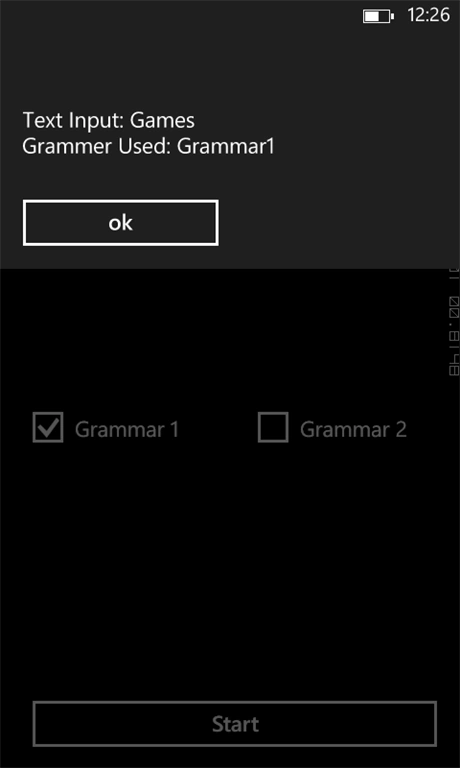
<CheckBox Name="grm1CB" Content="Grammar 1" HorizontalAlignment="Left" Height="75" Margin="10,258,0,0" VerticalAlignment="Top" Width="189"/>
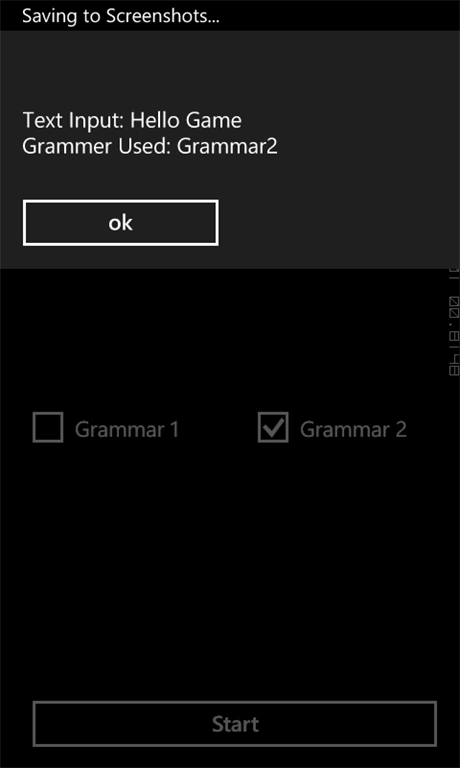
<CheckBox Name="grm2CB" Content="Grammar 2" HorizontalAlignment="Left" Height="75" Margin="245,258,0,0" VerticalAlignment="Top" Width="201"/>
Join the conversation! Your thoughts help the community grow.