

Introduction
GraphQL is an open-source data query and manipulation language for APIs, and a runtime for fulfilling queries with existing data. GraphQL was developed internally by Facebook in 2012 before being publicly released in 2015.
It is mostly useful in scenarios where we have rapidly changing entities and it is a huge task to change the whole flow, the entities in the front-end, entities in the Web API end, Web API controller, Repository classes. Many times, developers spend a lot of time figuring out why they are not able to receive data to the UI layer from the service layer, even though the database connectivity is fine and data is coming up to the Data Layer. The main reason most of the time is that the model definition is mismatched between the service layer and the UI layer. To avoid such issues, GraphQL is a perfect fit and almost a blessing for developers.
In this article, I will try to explain GraphQL integration in a microservice architecture, but the same code can be used for monolith architecture as well.
To build the basic microservice architecture using .NET core (ASP.NET core MVC, ASP.Net Core Web API) refer to this tutorial,
To integrate GraphQL in a .NET core project, refer here.
This is how my microservice project looks:
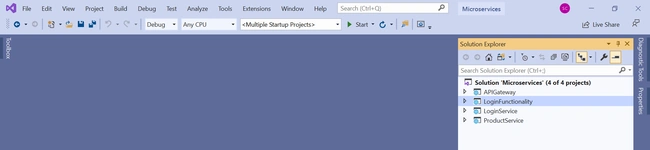
I have integrated GraphQL in the ProductService:
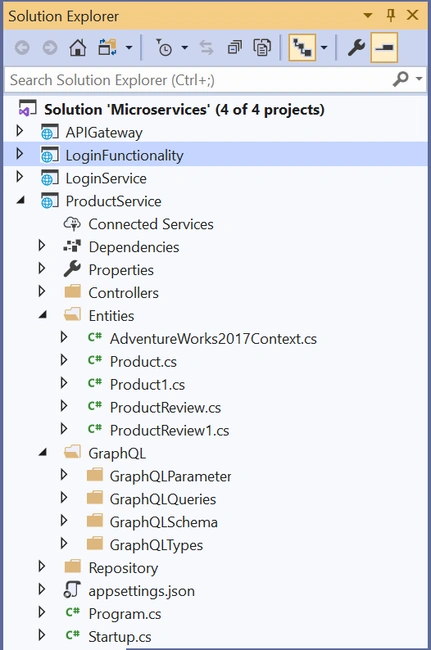
Please ignore GraphQLParameter folder in the above screenshot as of now, I will be explaining about it later in the article.
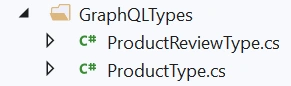
I have created two GraphQL types which are referring to the two entity framework entities in my project:
When the ProductService WebAPI is run, the following is how the GraphQL playground looks:
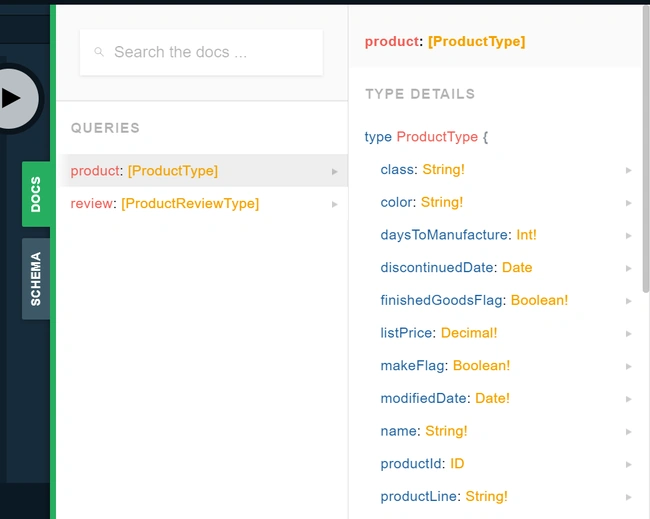
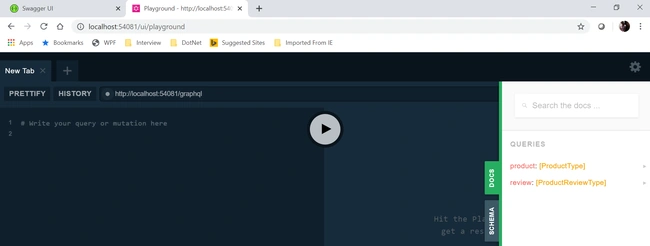
If you wish to see the fields in each type, just click on the small arrow on the right,
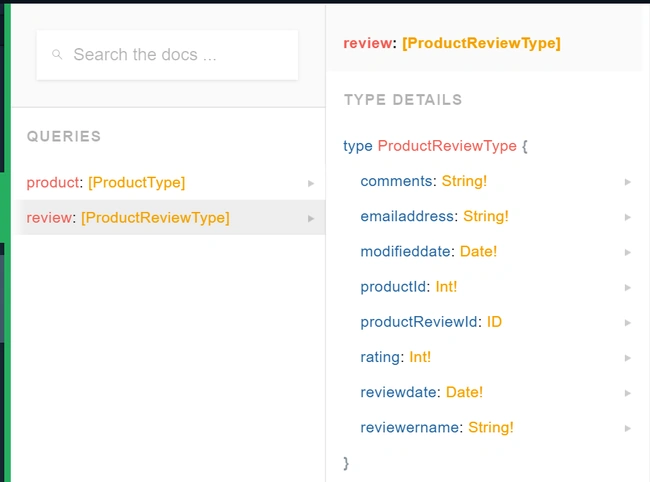
Many times, it so happens that we don’t want to use the property names that GraphQL generates for the type, in such a scenario, you can provide your own name:
- namespace ProductService.GraphQL.GraphQLTypes {
- public class ProductReviewType: ObjectGraphType < ProductReview > {
- public ProductReviewType() {
- Field(x => x.ProductReviewId, type: typeof(IdGraphType)).Description("some desc here");
- Field(x => x.ProductId).Description("some desc here");
- Field("reviewername", x => x.ReviewerName).Description("some desc here");
- Field("reviewdate", x => x.ReviewDate).Description("some desc here");
- Field("emailaddress", x => x.EmailAddress).Description("some desc here");
- Field("rating", x => x.Rating).Description("some desc here");
- Field("comments", x => x.Comments).Description("some desc here");
- Field("modifieddate", x => x.ModifiedDate).Description("some desc here");
- }
- }
- }
The above type would look like the following in the playground:
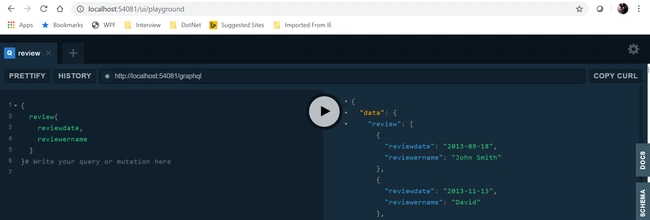
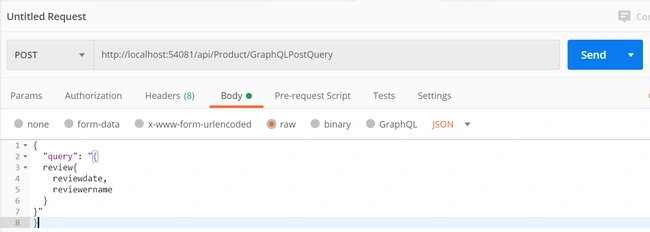
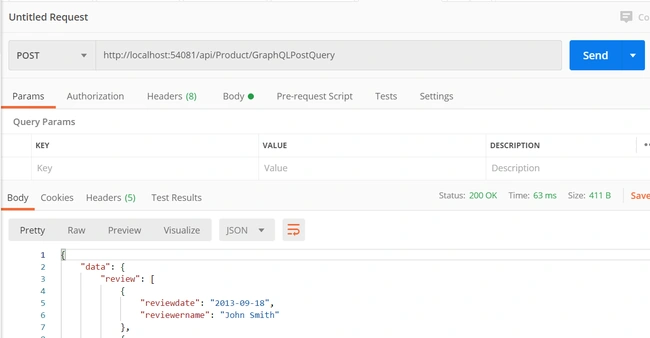
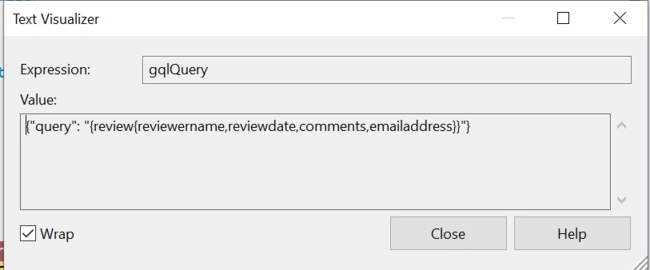
It is easy to write a query in the playground and get the result, but that is not what we want in a practical scenario. We need an endpoint where the query can be sent to and results can be received. The following ActionResult can help us getting that done:
- [HttpPost]
- [Route("GraphQLPostQuery")]
- public async Task < IActionResult > GraphQLPostQuery([FromBody] GraphQLParameter query) {
- if (query == null) {
- throw new ArgumentNullException(nameof(query));
- }
- var executionOptions = new ExecutionOptions {
- Schema = _schema,
- Query = query.Query
- };
- var result = await _documentExecuter.ExecuteAsync(executionOptions).ConfigureAwait(false);
- if (result.Errors?.Count > 0) {
- return BadRequest(result.Errors);
- }
- return Ok(result);
- }
Where GraphQLParameter is the class that is implemented to receive the query string:
- public class GraphQLParameter {
- public string Query {
- get;
- set;
- }
- }
Pourya MontakhabPosted Oct 4, 2021, 5:52 PM
Thank you Sormita Chakraborty for this helpful article . I have GraphQL in ApiGateway Project and managing all requests in this project , But I can't use ocelot for routing my graphql schema . Is there any solution ?