
About Shield UI
Shield UI is a Web component development company, which specializes in the design, development and marketing of UI widgets for pure JavaScript development, as well as for development in ASP.NET, ASP.NET MVC and Java Wicket.
What we are going to do
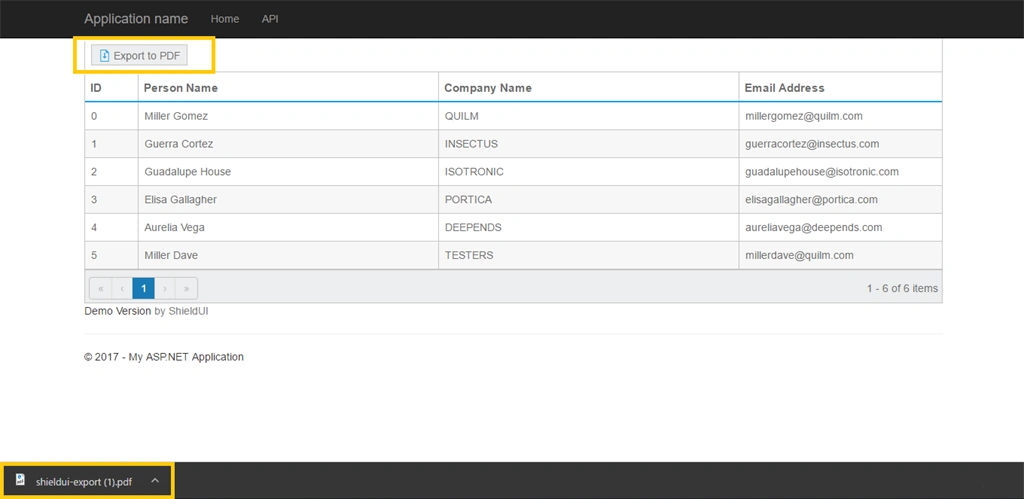
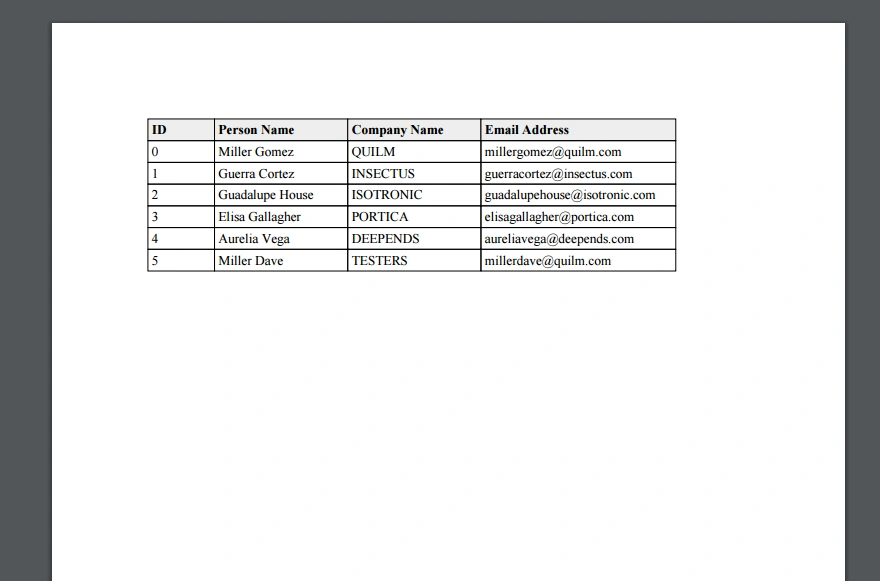
In this article, we will see how easy is to implement Shield UI's Grid Export function. Grid supports following-
- Excel 2003 (.xml)
- Excel 2007 and Later (.xlsx)
Requirements
Some basic knowledge of ASP.NET Web API and ASP.NET MVC.
Lets get started
Before creating our Model and Controller, we need to create our project. How easy is it?
Let's create it.
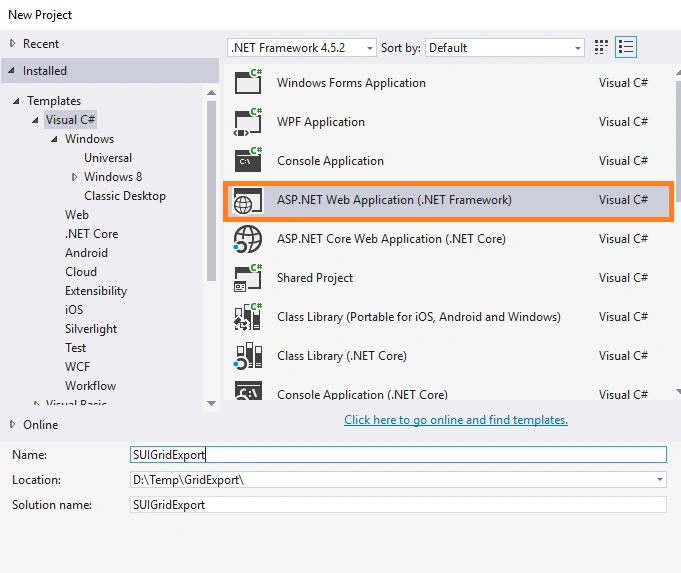
When Visual Studio is ready for scaffolding of our project, we need to include Shield UI's package in our project. We can download it from Shield UI and add JS/CSS in the project. Afterwards, we need to go in our _Layout.cshtml and add the lines given below.
- @Styles.Render("~/Content/shieldui.1.7.29-Trial/css/light/all.min.css")
- @Scripts.Render("~/Content/shieldui.1.7.29-Trial/js/shieldui-all.min.js")
SaveData.cs
- namespace SUIGridExport.Models
- {
- public class SaveData
- {
- public string FileName { get; set; }
- public string ContentType { get; set; }
- public string Base64Content { get; set; }
- }
- }
Afterwards, we need to create our Controller.
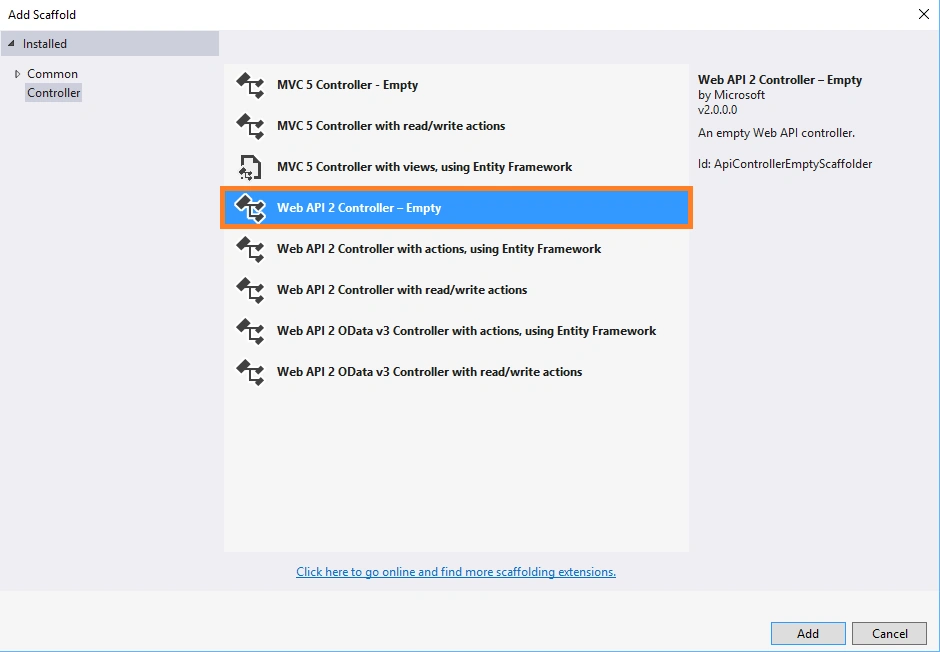
FileSaveController.cs
- namespace SUIGridExport.Controllers
- {
- public class FileSaveController : ApiController
- {
- [HttpPost, ActionName("save")]
- public IHttpActionResult Save([FromBody] SaveData saveData)
- {
- var data = Convert.FromBase64String(saveData.Base64Content);
- var contentType = saveData.ContentType;
- // strip the content encoding and other additional headers from the type
- contentType = Regex.Replace(contentType, ";.*$", "",
- RegexOptions.Compiled | RegexOptions.Multiline | RegexOptions.IgnoreCase);
- var result = new HttpResponseMessage(HttpStatusCode.OK)
- {
- Content = new StreamContent(new MemoryStream(data))
- };
- result.Content.Headers.ContentType = new MediaTypeHeaderValue(contentType);
- if (contentType.Contains("xml"))
- {
- result.Content.Headers.ContentType.CharSet = "UTF-8";
- }
- result.Content.Headers.ContentDisposition = new ContentDispositionHeaderValue("attachment")
- {
- FileName = saveData.FileName
- };
- return Ok(result);
- }
- }
- }
Join the conversation! Your thoughts help the community grow.