

Introduction
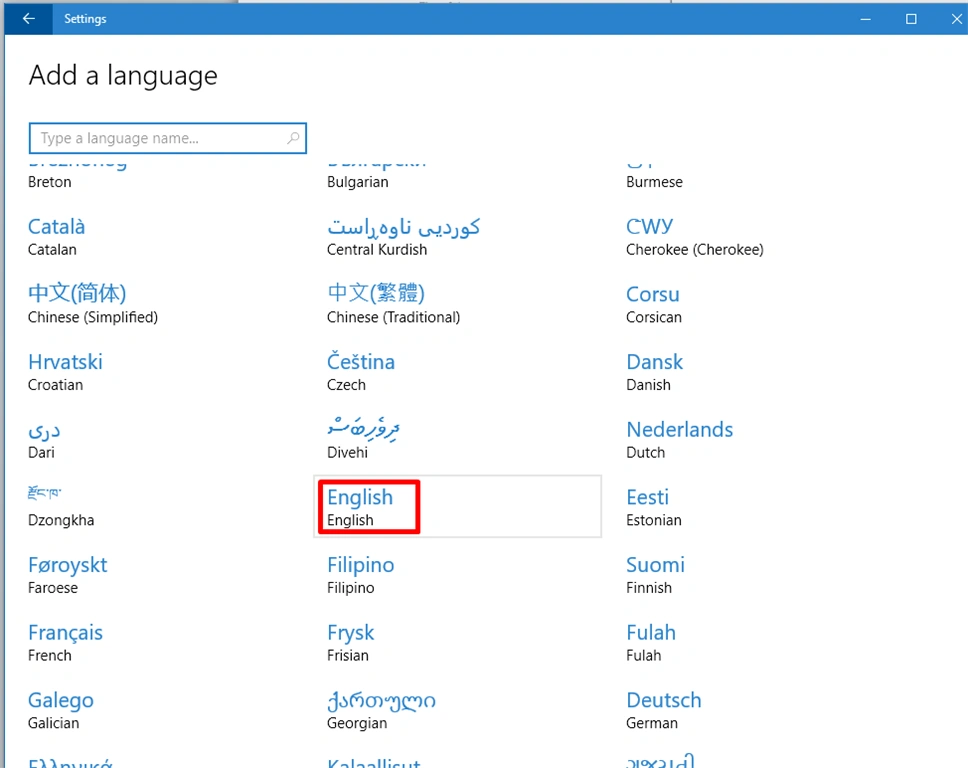
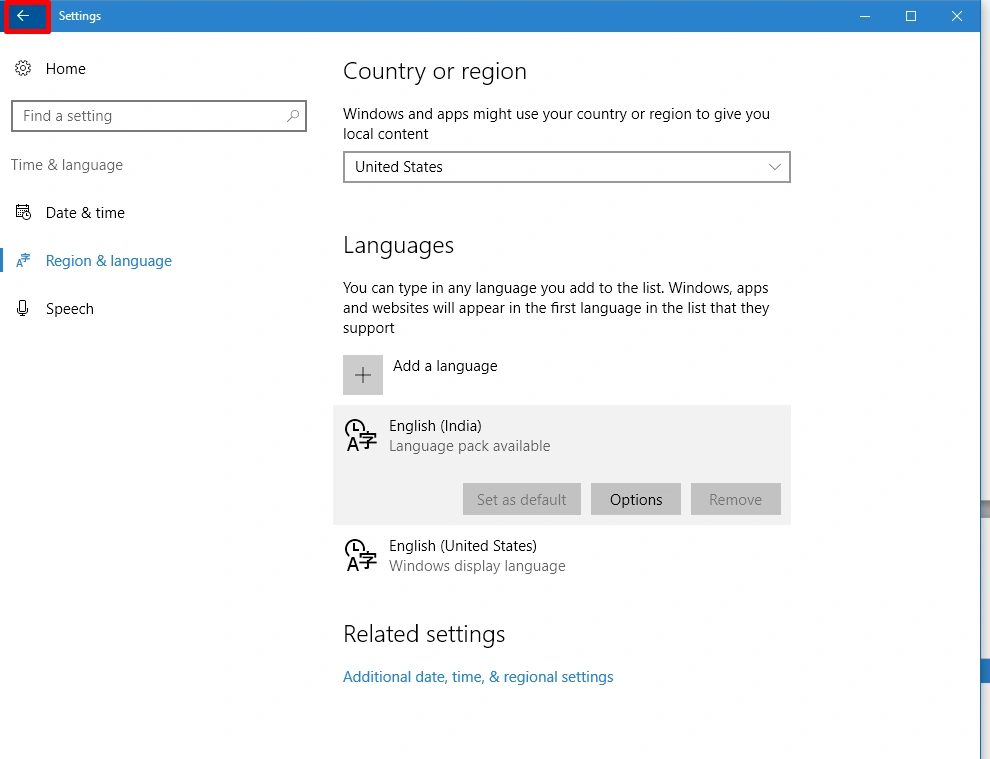
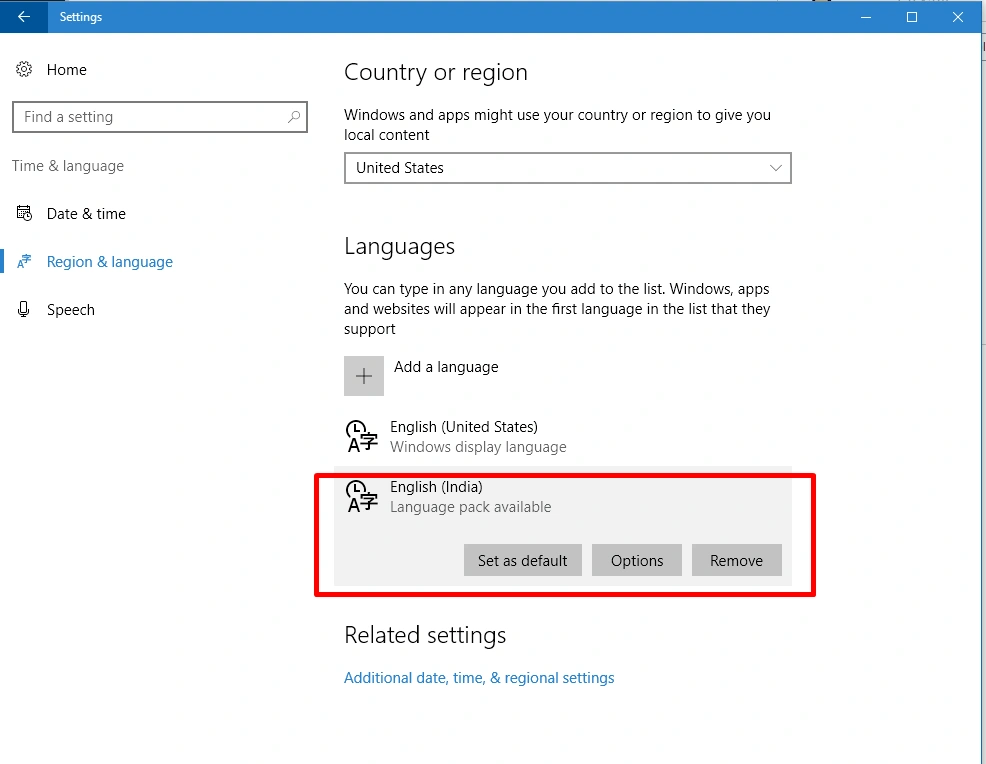
Microsoft Windows 10 supports changing the default languages. This tutorial will show you how to change the display language in Windows 10. In this article, we will teach you the step by step to properly change the default language of all of Windows. Windows 10 comes with the option of changing the display language of the computer from English to 140 other languages.
Step 1
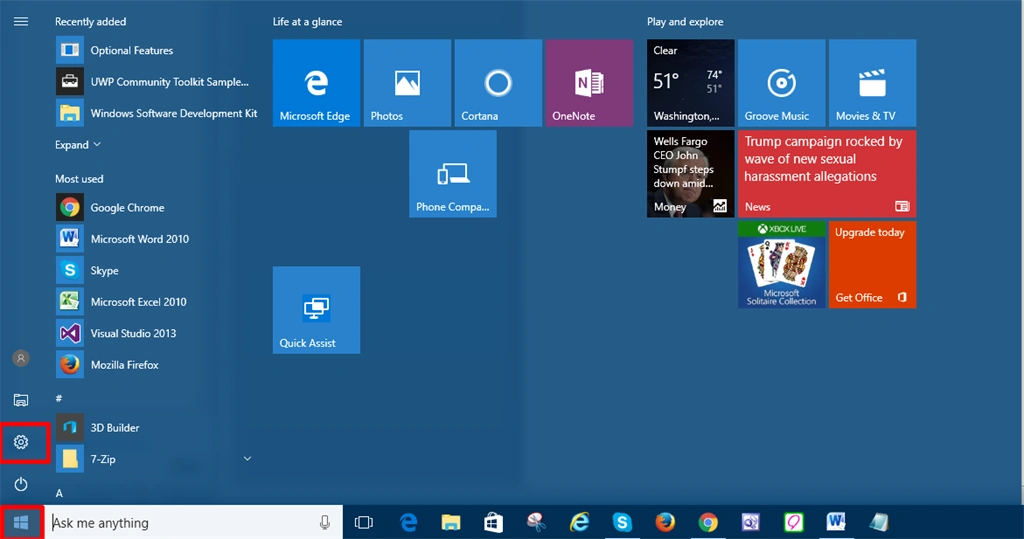
First, you can left-click on the Start menu and click on the setting icon.
Step 2
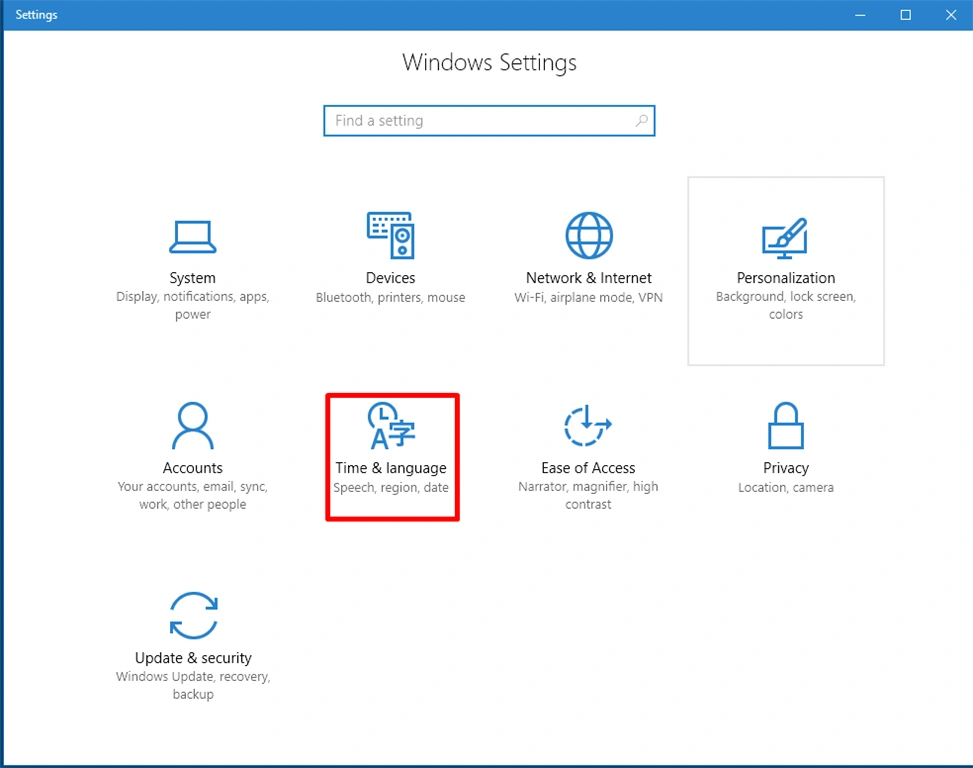
In this step, you will select “Time & Language” Icon.
Shamim UddinPosted Oct 14, 2016, 1:32 PM
Nice