
Introduction
This article provides a user-friendly data-entry option for an Entity with "is-a" relationships.
Background
I would like to acknowledge the wonderful resources by Beth Massi and the LightSwitch team, especially this related video tutorial: How Do I: Create a Screen that can Both Edit and Add Records in a LightSwitch Application?
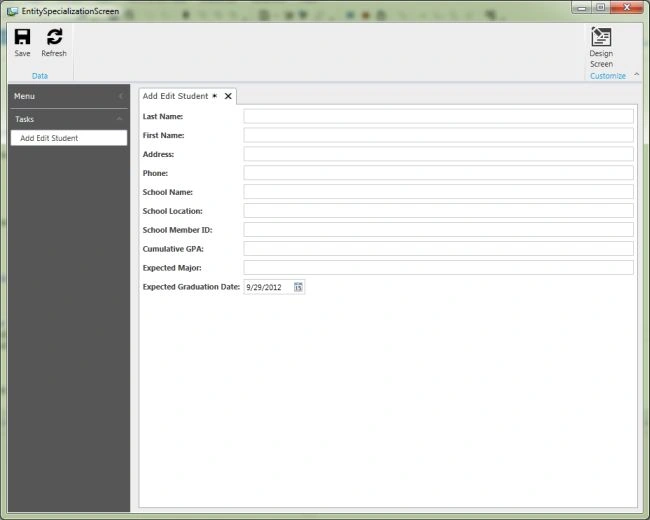
So, let's say we have a hierarchy of "is-a" Entities, and we want to provide the user with a simple, singular screen for creating and editing. We also do not want to confuse the user, so we hide any visual indication of the underlying normalization of data, so that the user does not have to jump hoops such as selection of Entity type, Tabs, etc.
Entity Structure
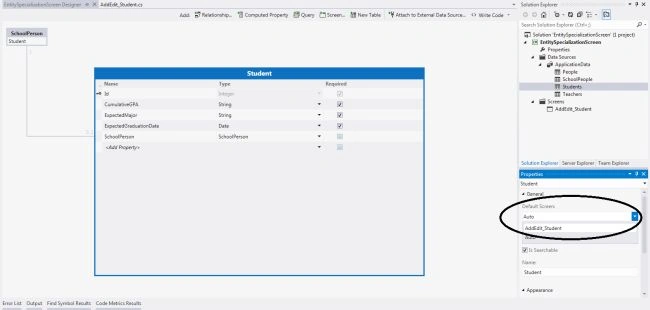
So, this is the Entity Structure we'll be dealing with: A Student is a SchoolPerson, a Teacher is also a SchoolPerson, and a SchoolPerson is a Person.
Here are the tables with their fields:
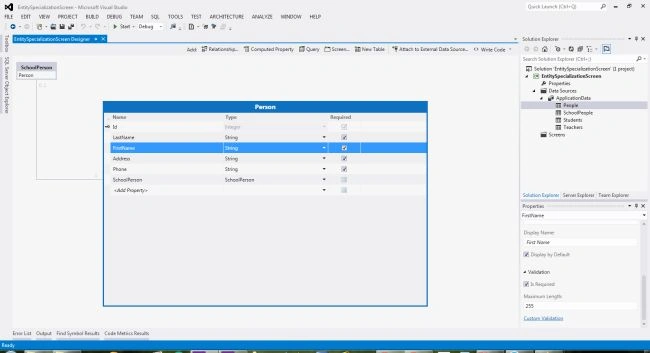
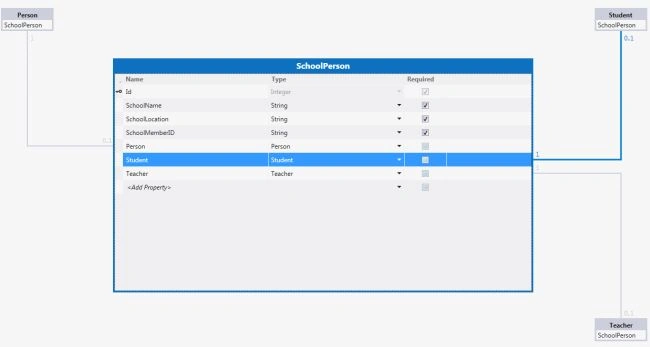
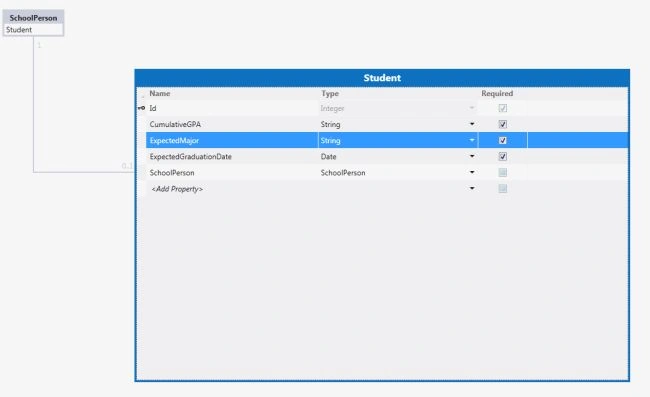
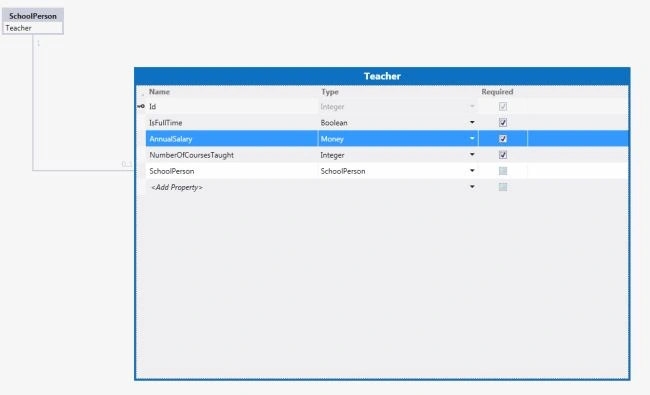
Creating the Screen
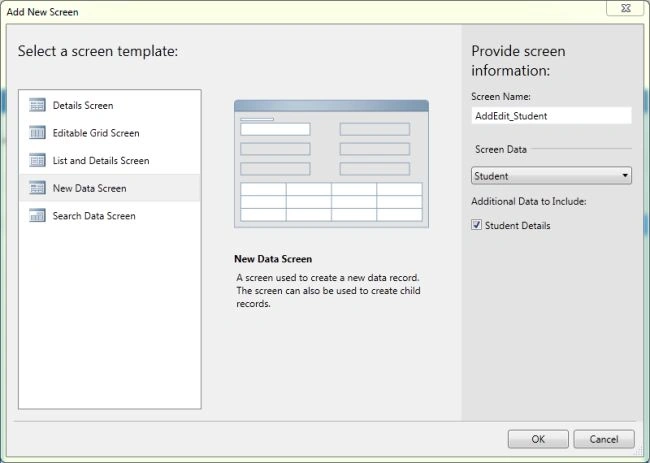
Next, create a New Data Screen.
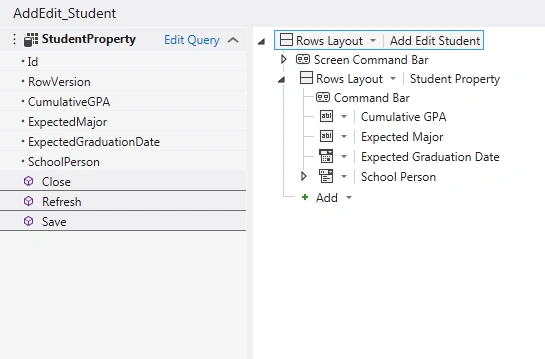
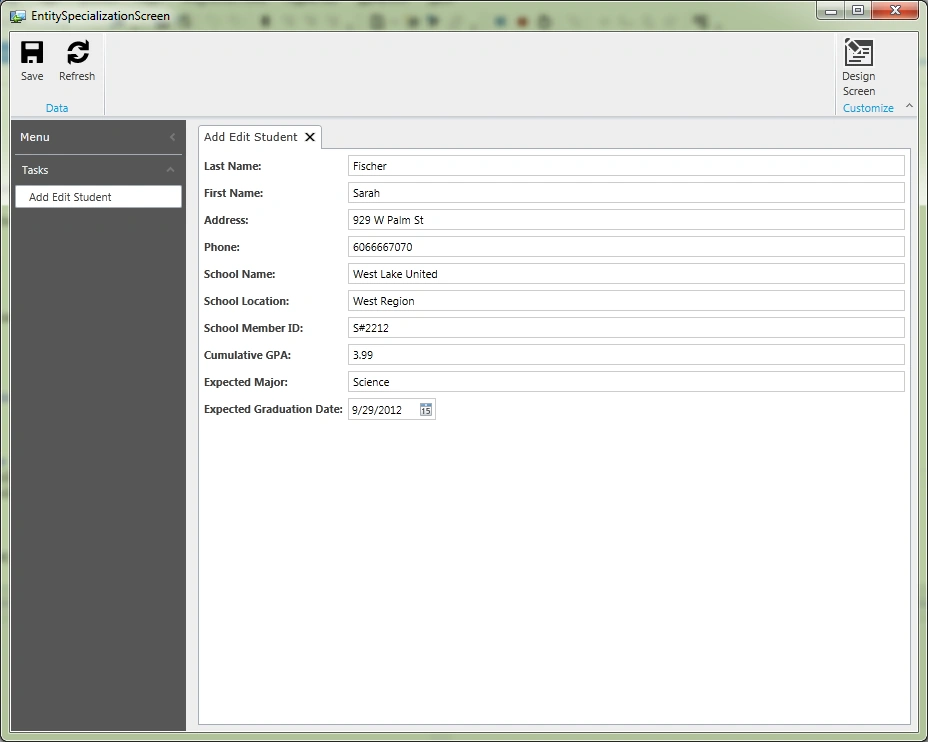
And this is will provide the following layout:
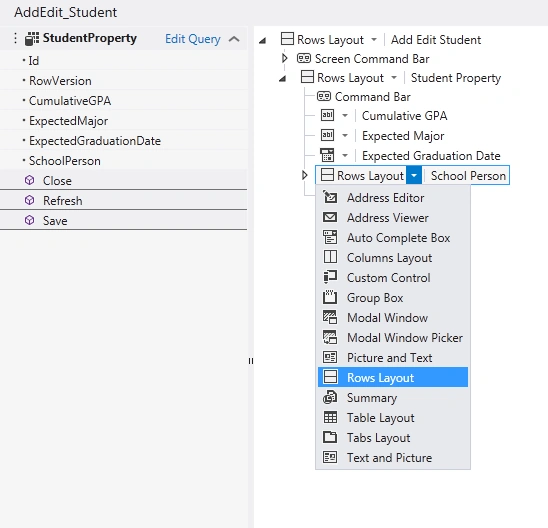
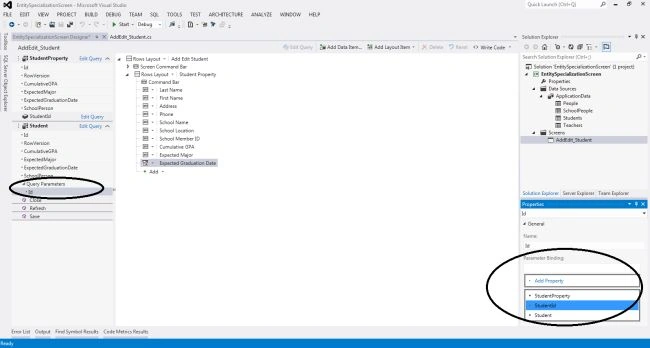
Change the control type of the School Person and Person to Rows Layout.
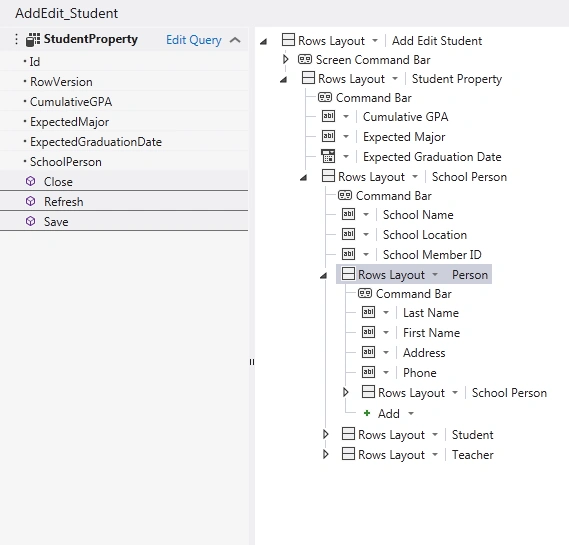
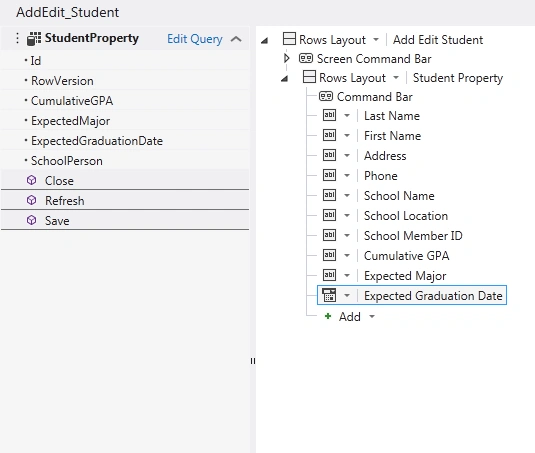
Drag the controls from the School Person and Person up into the StudentProperty, and delete the School Person.
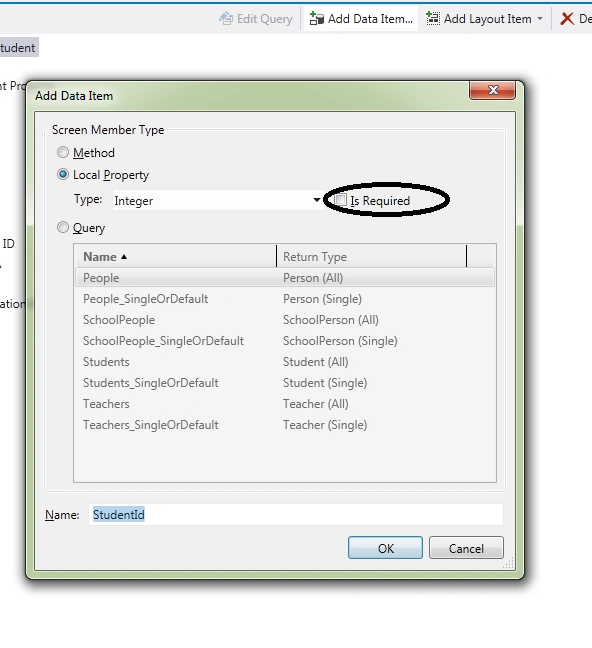
Click "Add Data Item", select "Local Property" of type Integer, uncheck "Is Required", and name it StudentId.

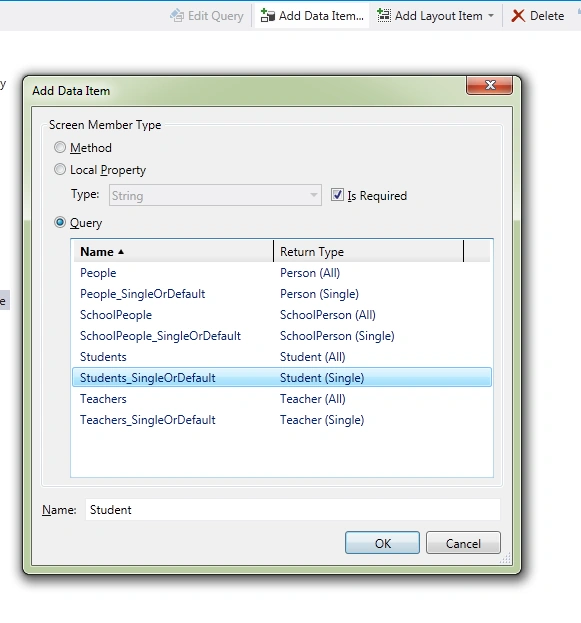
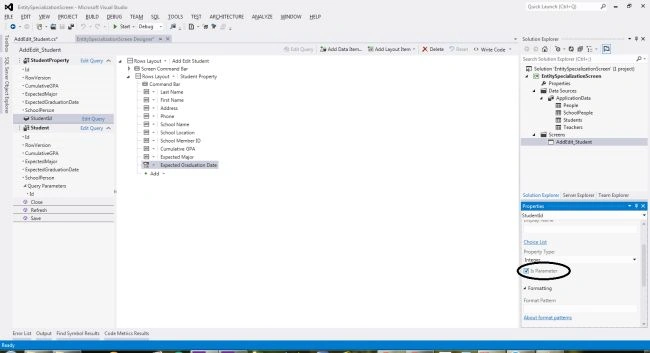
David HoPosted Nov 5, 2012, 10:34 PM
Thank you for your posting it would be huge help to me. Ninjadotnet. However could you post how do I show/edit multiple related entities in one modal screen?
Richa GargPosted Oct 5, 2012, 2:17 AM
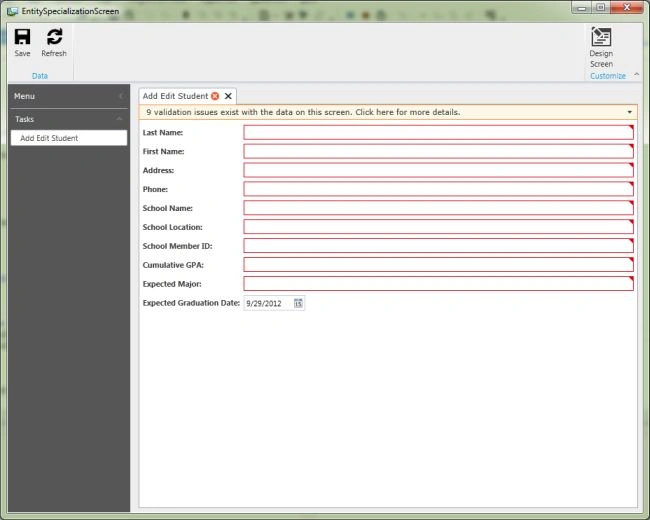
Very nice article...... Is all these information of student can fetch from the ER diagram?When I hit the save button then which type of validation applied to all these fields?