

In this article, will discuss how we can add and format an image in the SharePoint Online Text Web Part.
Follow the below steps to add an image in the text web part.
- Open the SharePoint page in edit mode and insert the web part in the section, from the formatting menu pain by selecting the image option insert image in the text web part.
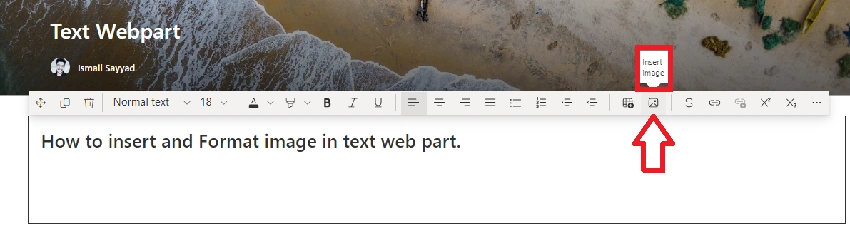
- Besides this, you can paste the copied image directly into the web part.
- To add an image to the web part, click on Browse image and select the Image from the available options.

The various options to add images are as follows.
- Recent -> In recent we can see all the documents, images, and SharePoint pages, which are opened recently which we can select and add to our web part.

- Stock Images
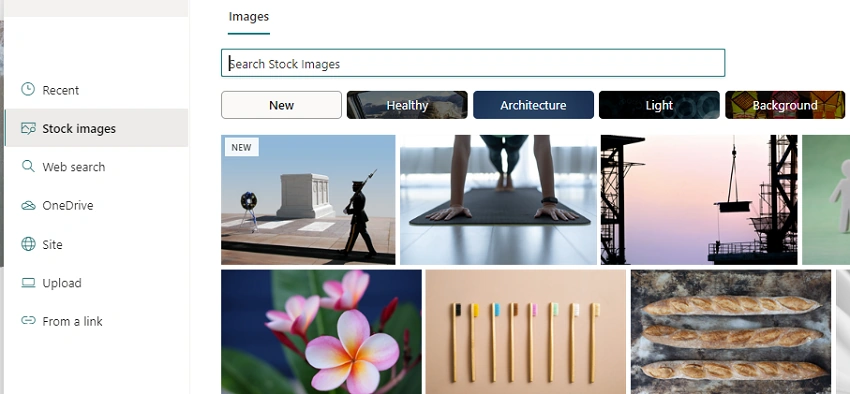
- Web Search -> Images from the web search or Bing search images.

- One Drive -> Images, Documents from One Drive can be selected by pasting a link.
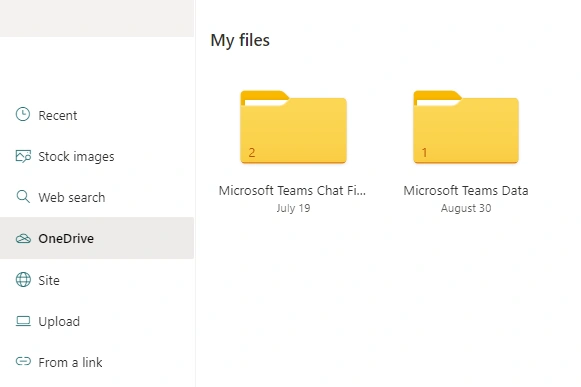
- Site -> Images from the SharePoint pages.

- Upload -> Upload Images, and Documents from the device.
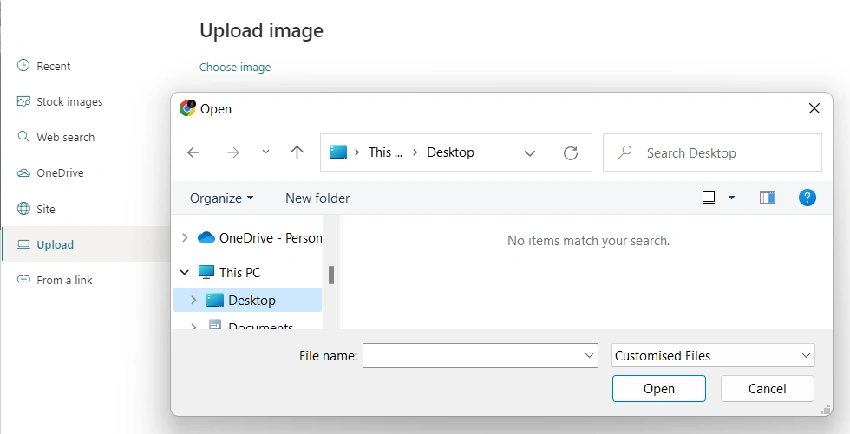
- URL -> Paste the URL link of the image.

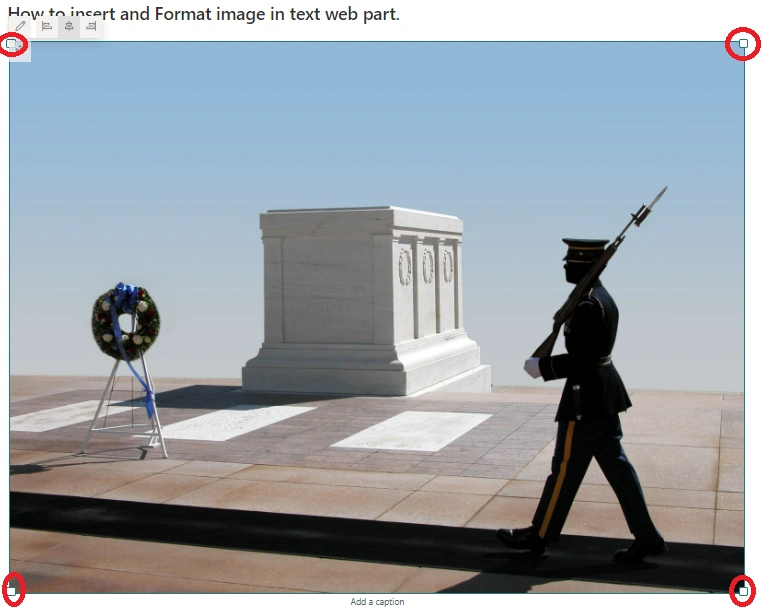
You can also set the image's alignment in the text web part.

The size of the Image can be done using the drag option from the corner of the image.
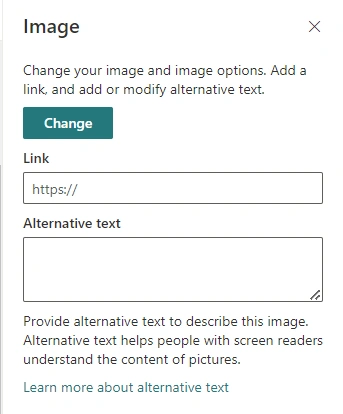
We can also append the URL to the image so that clicking on the image will redirect to the respective page and give the alternative text description to the image.
So, this way we can add an image and format it in the SharePoint Online page text web part.
Join the conversation! Your thoughts help the community grow.