
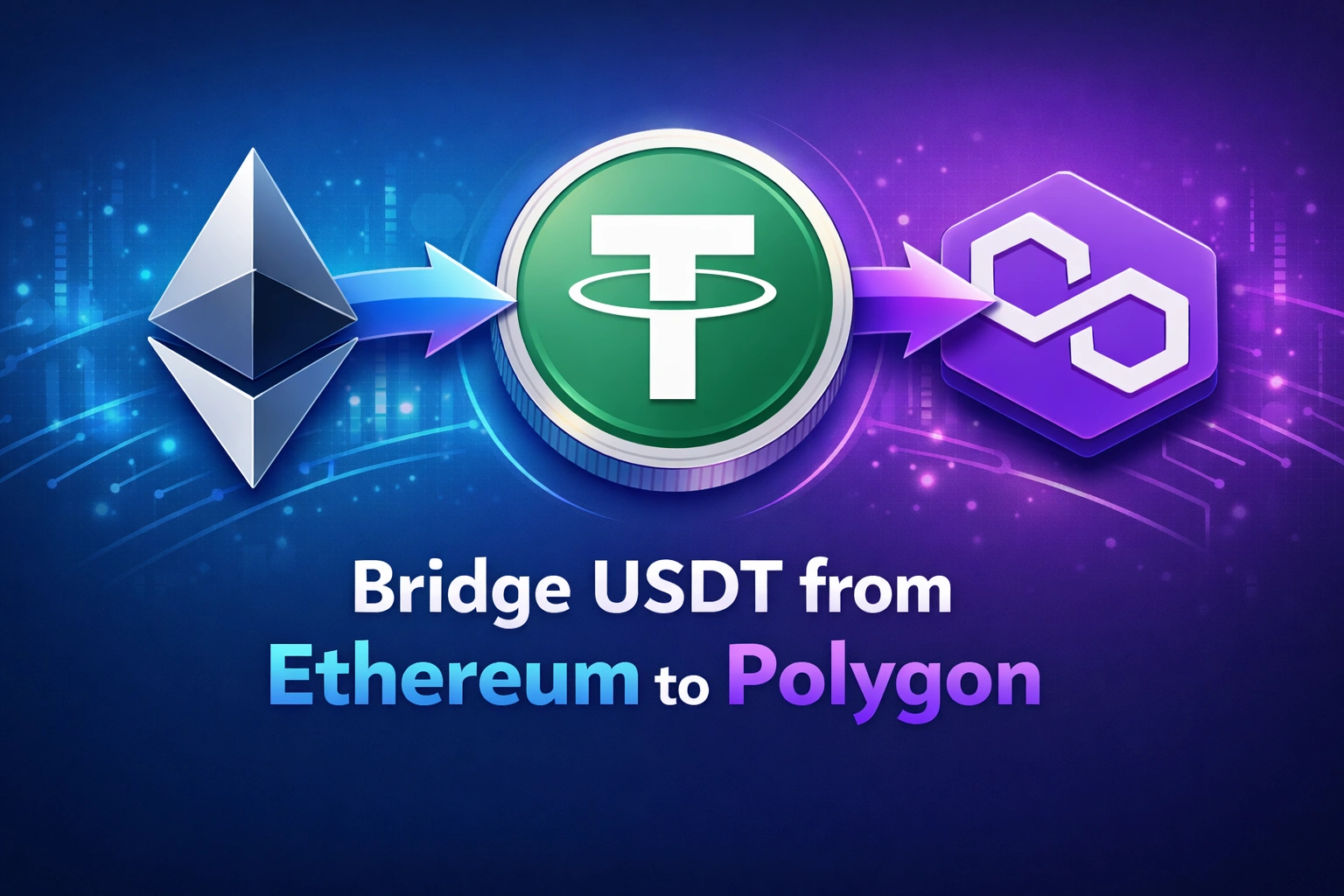
Moving USDT from Ethereum to Polygon is a common strategy used by crypto users to reduce fees and speed up transactions. Ethereum is extremely secure but often expensive due to gas fees. Polygon is a Layer 2 scaling network designed to process transactions much faster and at a fraction of the cost.
When you bridge USDT to Polygon, you are essentially transferring the value of your USDT from the Ethereum network to the Polygon network so it can be used in DeFi apps, payments, trading, and transfers with minimal fees.
This step by step guide explains the full process.
🧠 Understanding What “Bridging” Means
A blockchain bridge connects two different networks and allows assets to move between them.
When you bridge USDT:
• Your USDT on Ethereum gets locked in the bridge smart contract
• The bridge verifies the transaction
• Equivalent USDT is issued on Polygon
This process allows your funds to exist on Polygon while still representing the same value from Ethereum.
🧰 Requirements Before You Start
Before bridging USDT, make sure you have the following ready:
| Requirement | Why It Is Needed |
|---|---|
| Crypto Wallet (MetaMask or similar) | To interact with blockchain networks |
| USDT on Ethereum | The asset you will bridge |
| ETH in wallet | Required to pay Ethereum gas fees |
| Polygon Network added to wallet | So you can receive the tokens |
| Trusted Bridge | Platform that moves assets between chains |
Without ETH for gas fees, the bridge transaction cannot start.
⚙️ Step 1: Install and Set Up a Wallet
Install a crypto wallet such as MetaMask.
Create a wallet or import your existing one.
Make sure your wallet is connected to Ethereum Mainnet.
Check that you can see:
• Your USDT balance
• Some ETH for gas fees
If Polygon network is not added yet, add it to your wallet.
🌐 Step 2: Add Polygon Network to Your Wallet
Add Polygon so you can receive bridged tokens.
Polygon network settings are typically:
| Field | Value |
|---|---|
| Network Name | Polygon |
| RPC URL | Polygon RPC |
| Chain ID | 137 |
| Currency Symbol | MATIC |
| Block Explorer | PolygonScan |
Once added, you can easily switch between Ethereum and Polygon.
🌉 Step 3: Open a Bridge Interface
Next, open a crypto bridge that supports Ethereum → Polygon transfers.
On the bridge interface:
Select
Source Network: Ethereum
Destination Network: Polygon
Connect your wallet.
The bridge will now detect your token balances.
💰 Step 4: Select USDT and Enter Amount
Choose USDT as the token you want to bridge.
Enter the amount of USDT you want to move.
For example:
| Amount | Result |
|---|---|
| 100 USDT | 100 USDT will appear on Polygon |
| 1000 USDT | 1000 USDT will appear on Polygon |
Keep a small portion of USDT in your wallet if you plan to trade on Ethereum later.
🔐 Step 5: Approve USDT
Before the bridge can move your tokens, you must approve the smart contract.
Click Approve USDT.
Your wallet will pop up and ask you to confirm.
This step allows the bridge contract to access your tokens.
Once confirmed, Ethereum will process the approval transaction.
🚀 Step 6: Confirm the Bridge Transaction
After approval:
Click Bridge or Transfer.
Your wallet will show a new transaction asking for confirmation.
This transaction includes:
• Ethereum gas fee
• The bridge smart contract interaction
Confirm the transaction.
⏳ Step 7: Wait for Confirmation
The bridge now processes the transaction.
Typical time:
| Network | Average Time |
|---|---|
| Ethereum Confirmation | 1 to 3 minutes |
| Bridge Processing | 5 to 15 minutes |
| Polygon Arrival | Usually under 15 minutes |
Some bridges may take slightly longer depending on network congestion.
📥 Step 8: Switch to Polygon Network
Once the bridge completes:
Open your wallet
Switch network to Polygon
You should now see your USDT on Polygon.
If it does not appear immediately, add the USDT token contract for Polygon manually.
💸 Why Many Users Bridge to Polygon
There are several advantages to moving USDT to Polygon.
| Feature | Ethereum | Polygon |
|---|---|---|
| Transaction Fees | High | Very low |
| Transfer Speed | Moderate | Fast |
| DeFi Access | Excellent | Excellent |
| Payments | Expensive | Cheap |
| Micro Transactions | Not ideal | Ideal |
Polygon is widely used for DeFi trading, NFT purchases, gaming, and payments because fees are often only a few cents.
⚠️ Common Mistakes to Avoid
Bridging is simple but users sometimes make mistakes.
Avoid these issues:
• Sending USDT directly to Polygon without a bridge
• Choosing the wrong destination network
• Not having enough ETH for gas
• Using unknown bridges
Always double check network selections before confirming.
🔐 Security Tips When Bridging Crypto
Use these best practices:
• Only use trusted bridges
• Verify the token you are sending
• Start with a small test transfer
• Confirm the destination network
Bridges interact with smart contracts, so caution is always important.
🎯 Best Use Cases for USDT on Polygon
Once your USDT is on Polygon, you can use it for:
• DeFi trading
• Liquidity pools
• Stablecoin payments
• Sending money internationally
• NFT purchases
• Low fee crypto transfers
Because Polygon fees are so low, it is particularly good for frequent transactions.
❓ Top 5 Frequently Asked Questions
❓Is USDT on Polygon the Same as USDT on Ethereum?
Yes. It represents the same value, but exists on a different blockchain network. You must ensure the receiving platform supports the Polygon version of USDT.
❓ How Much Does It Cost to Bridge USDT from Ethereum to Polygon?
The main cost is Ethereum gas fees. Depending on network congestion, it can range from a few dollars to over $20.
❓ How Long Does Bridging USDT to Polygon Take?
Most bridges complete the transfer within 5 to 15 minutes, though delays can happen during heavy network traffic.
❓ Can I Send USDT Directly from Ethereum to Polygon Without a Bridge?
No. Ethereum and Polygon are separate networks. Sending directly without a bridge can result in lost funds.
❓ Why Do People Move USDT to Polygon?
Most users bridge USDT to Polygon to benefit from:
Extremely low fees
Faster transactions
Active DeFi ecosystem
🏁 Final Thoughts
Bridging USDT from Ethereum to Polygon is a powerful way to reduce costs and improve transaction speed. The process involves approving your tokens, initiating a bridge transaction, and waiting for confirmation on the Polygon network.
Once completed, your USDT becomes far more efficient to use for trading, payments, and decentralized finance applications. For anyone actively using crypto, learning how to move assets between networks like Ethereum and Polygon is an essential skill.
Join the conversation! Your thoughts help the community grow.