

A project Change Log report shows all the resolved issues in the last ten released versions.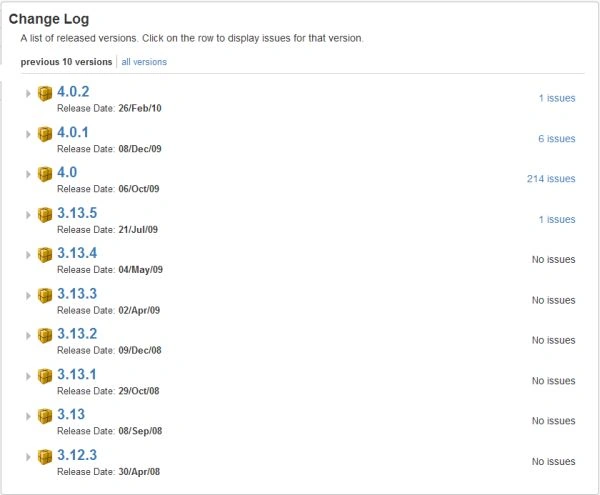
How tot browse a component's Change Log:
- Click on the project link at the top of the navigation bar.
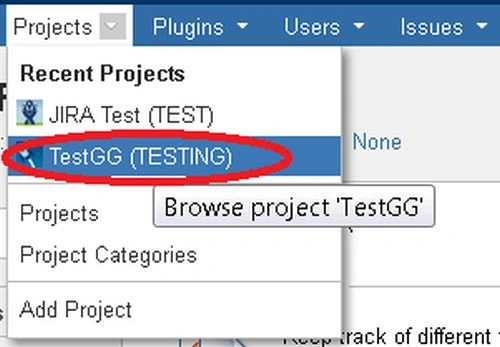
The current working project will be opened. - Click on the "Components" link on the left sidebar of the page.
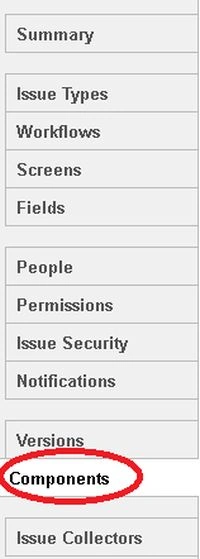
- Click on the name of the component that you want to see the Change Log Report for.
- Click on the "Change Log" tab.
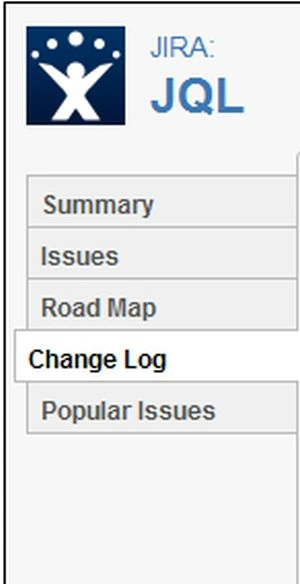
The change log report for your component will display.
Gowtham RajamanickamPosted Apr 25, 2015, 5:44 AM
good