

Introduction
In this article, you will learn how to configure Amazon Q in Visual Studio 2022 using individual tiers.
Prerequisites
Tools
- Visual Studio 2022
Steps Involved
Perform the following steps to configure and use Amazon Q in Visual Studio 2022.
Download the AWS Toolkit with Amazon Q. Double-click on the downloaded VS extension file and start the installation. Once installed, click Close.
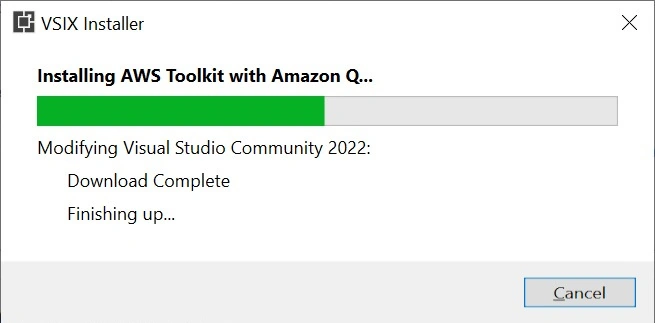
Open Visual Studio 2022. Click Extensions tab → AWS Toolkit → Getting Started.

Click Sign up or Sign in.
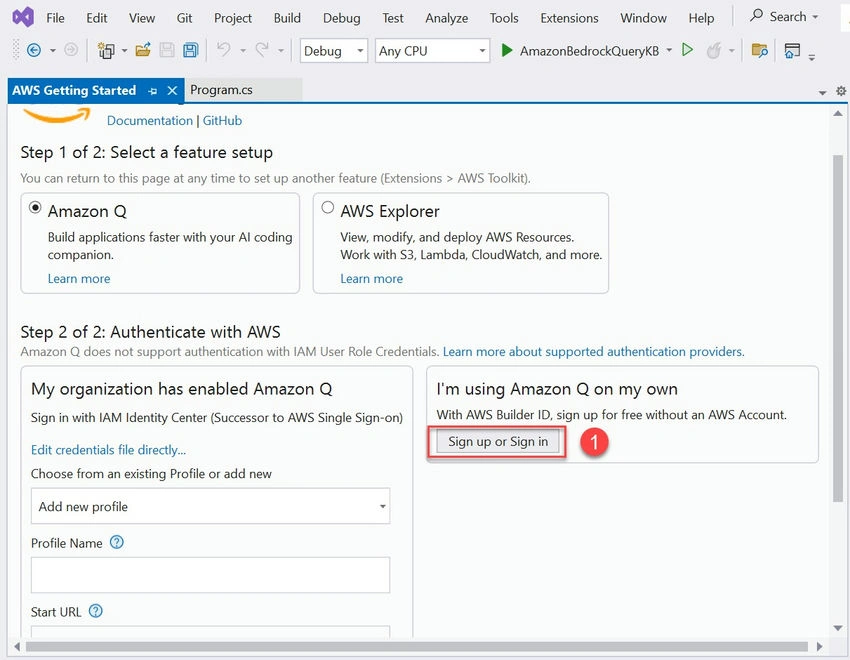
Log in with the AWS Builder ID.
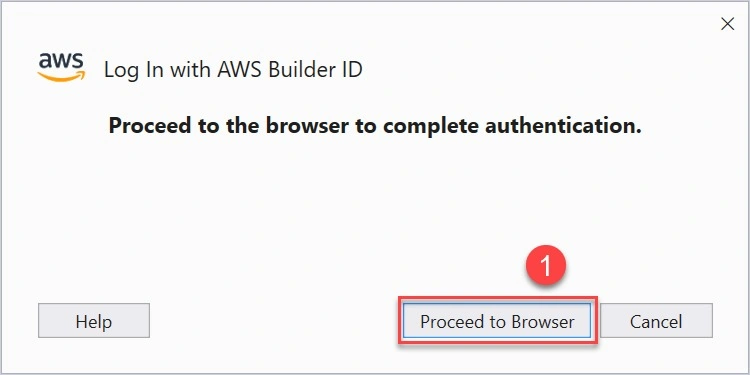

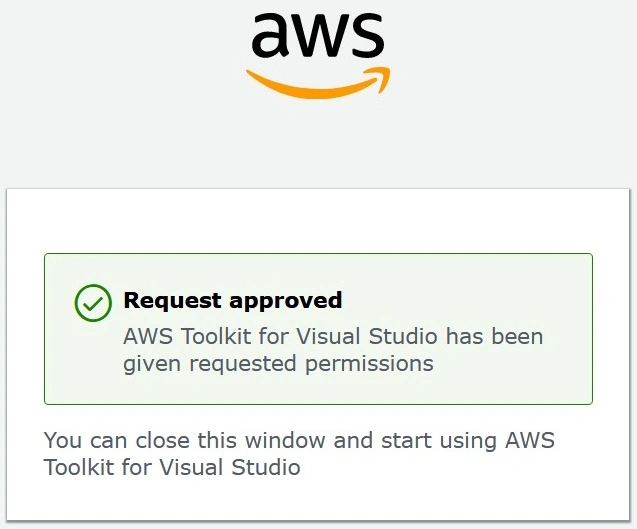

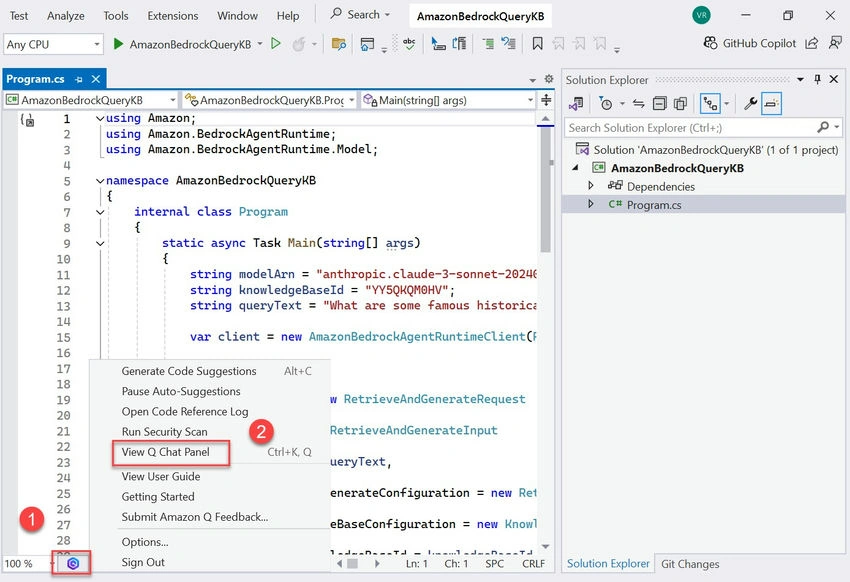
Once logged in, create or open a project and click on any class file. In the bottom toolbar, click the Amazon Q icon -> View Q chat panel.
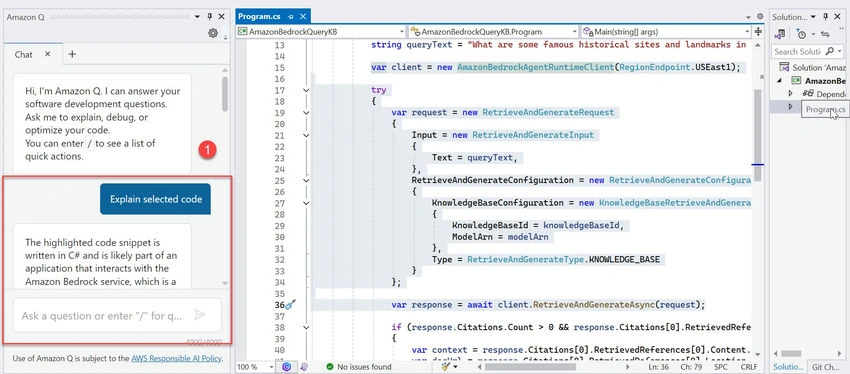
Select any code snippet and click Explain selected code.

Amazon Q provides the explanation for the selected code.
Summary
This article describes how to configure and use Amazon Q in Visual Studio 2022.
Join the conversation! Your thoughts help the community grow.