

INTRODUCTION
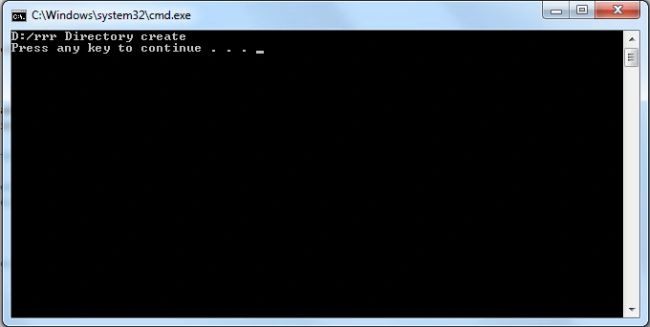
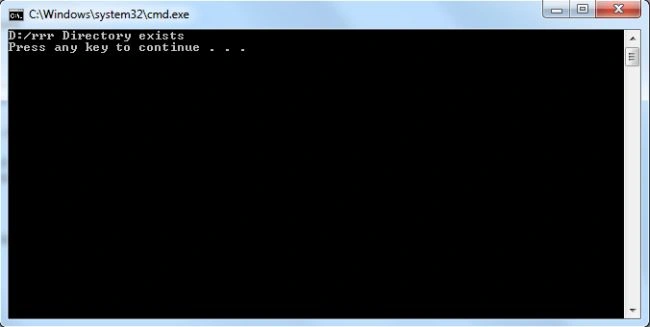
Sometimes it is necessary to create a folder. In this article I explain how to determine if a directory (folder in a drive) exists. If it is exists then print "Directory exists" and if it does not exist then create it.The following steps are used to create the directory.
Step 1: First open Visual Studio 2010 and click on file->new->project-> and click on console application, and press ok.
Step 2: Add the following namespace for working with the directory.This Namespace is used for File Handling.
using System.IO;
Step 3: Write the following code in console application.
namespace ConsoleApplication1
{
class Program
{
const string name = "D:/rrr";
static void Main(string[] args)
{
if (!Directory.Exists(name))
{
Join the conversation! Your thoughts help the community grow.