

Introduction
Before I explain about sub sites, I would like to share a few ideas about the hierarchy of SharePoint. There are four levels in SharePoint.
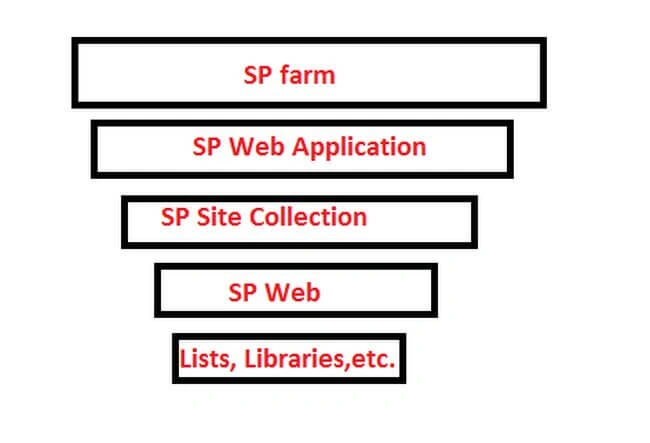
You can create multiple numbers of sub sites under a Site collectionin SharePoint. The web application is the parent of the Farm in SharePoint .
Site Collection is the child of the web Application in SharePoint and the sub web is like a grandchild of the site collection in SharePoint.
What are Sub sites?
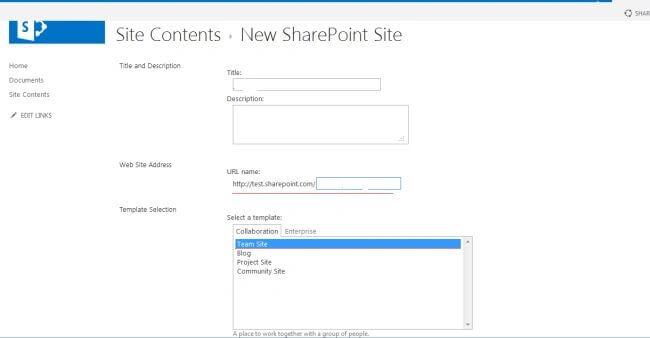
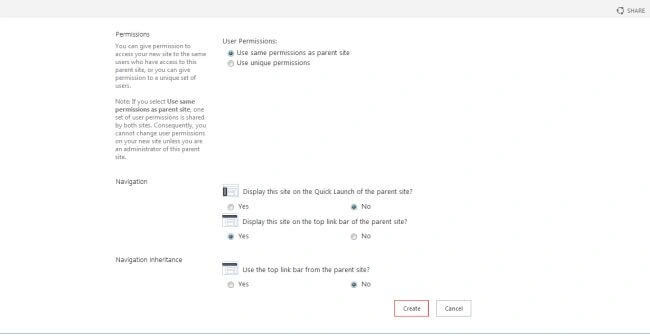
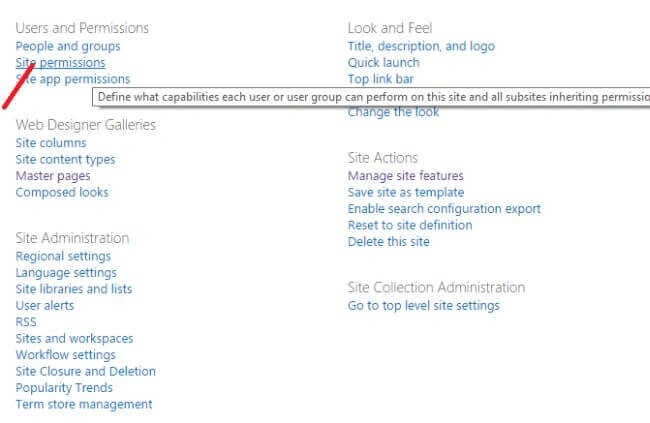
There is no difference between a Site collection and sub sites; only the hierarchy is different. You can create a multiple number of sub sites under a site collection in Sharepoint . You can inherit the permission from the parent site collection to child sub sites . Below, I have listed a few mandatory fields to create a site collection in SharePoint.
- Title
- Description
- URL
- TemplateType
- Permission
Example
A company has multiple branches in different countries plus different states. So, we have to create an application in SharePoint . Let's suppose, My company name is : RajInfotech and it's located in the USA, CANADA, INDIA, DUBAI . So here, I have to create a Web Application for RajInoftech. Rajinfotech is the parent and we have to create all branches under Rajinfotech main website.
URL : http:// Rajinfotech.com (Web Application Name)
We should create an umbrella branch under Rajinfotech Web application .
URL : http:// Rajinfotech.com/Sites/USA (USA :Site Collection)
A company has multiple branches in different countries plus different states. So, we have to create an application in SharePoint . Let's suppose, My company name is : RajInfotech and it's located in the USA, CANADA, INDIA, DUBAI . So here, I have to create a Web Application for RajInoftech. Rajinfotech is the parent and we have to create all branches under Rajinfotech main website.
URL : http:// Rajinfotech.com (Web Application Name)
We should create an umbrella branch under Rajinfotech Web application .
URL : http:// Rajinfotech.com/Sites/USA (USA :Site Collection)
URL : http:// Rajinfotech.com/Sites/CANADA (CANADA: Site Collection)
URL : http:// Rajinfotech.com/Sites/INDIA (INDIA: Site Collection)
In a country, If we have multiple braches then we have to create a Sub site under a site collection like
URL : http:// Rajinfotech.com/Sites/INDIA/Bangalore (Bangalore : Sub Sites)
Steps for creating Sub Sites in SharePoint
Step1
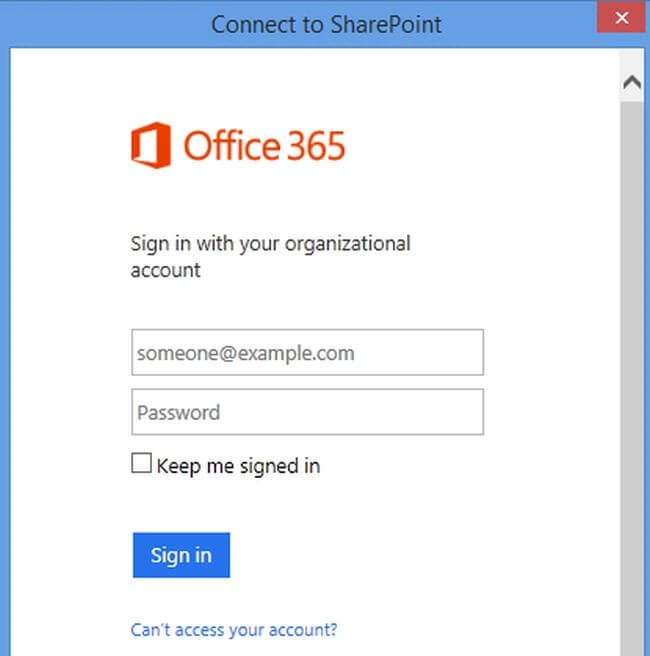
Login to your SharePoint Online site.
Step2
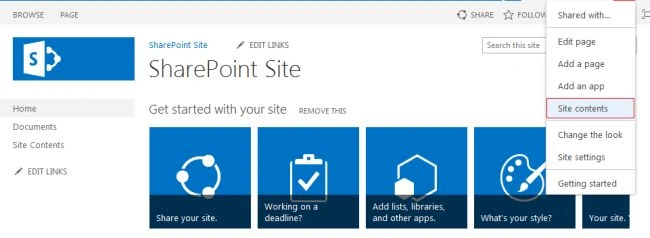
Go to your Site - > Click on settings and click on Site contents on the menu.
Step3
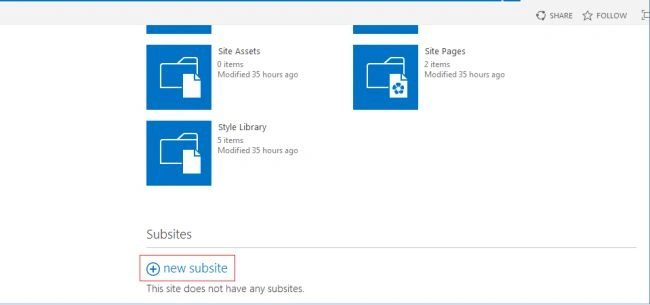
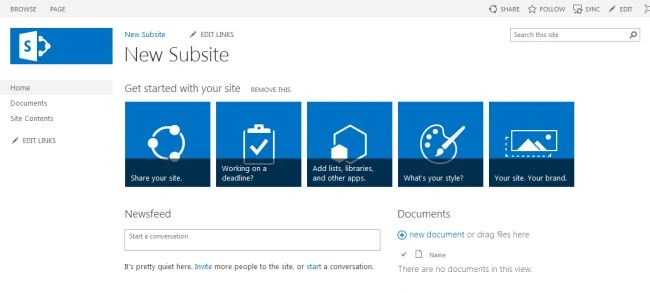
Click on New Subsite in bottom of the page .
In a country, If we have multiple braches then we have to create a Sub site under a site collection like
URL : http:// Rajinfotech.com/Sites/INDIA/Bangalore (Bangalore : Sub Sites)
Steps for creating Sub Sites in SharePoint
Step1
Login to your SharePoint Online site.
Step2
Go to your Site - > Click on settings and click on Site contents on the menu.
Step3
Click on New Subsite in bottom of the page .

Tapan MallickPosted Jun 21, 2017, 1:01 PM
Thanks Rajkiran ...............................................