

Introduction
In this article, we will learn how to create date and math objects in JavaScript. In my previous article, I explained about Objects in the JavaScript link.
Object
An object is an unordered collection of data. It is an entity having state and behavior properties and methods. For example, pen, chair, car, etc.…
Date Object
The JavaScript date object can be used to get year, month and day. You can display a timer on the webpage using the JavaScript date object. It stores date and time.
Uses of Date Object
- Creation/Modification of time
- To display the current date and time
- To measure time
- You can use different Date constructors to create a date object
Creation of Date Object
To create a date object using the ‘new’ keyword.
- new Date ()
- new Date (milliseconds)
- new Date (date string)
- new date (date, month, year, hour, minutes, seconds, milliseconds)
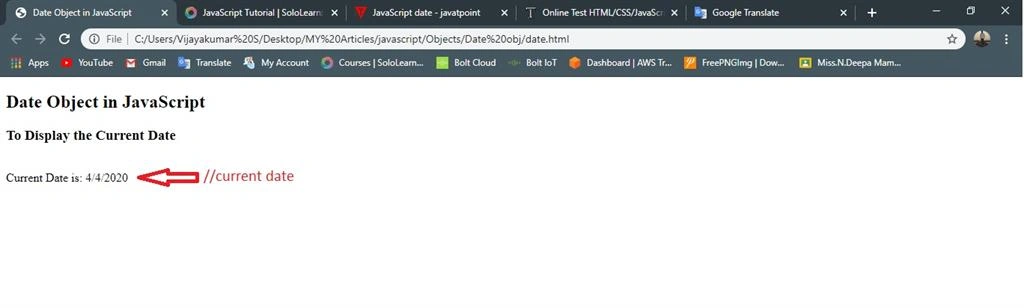
Let’s see one example of displaying the date using the keyword new date ().
Example
- <!DOCTYPE html>
- <html>
- <head>
- <title>Date Object in JavaScript</title>
- </head>
- <body>
- <h2>Date Object in JavaScript</h2>
- <h3>To Display the Current Date</h3>
- <script type="text/javascript">
- var date=new Date(); //to display current date
- var day=date.getDate();
- var month=date.getMonth()+1; //It Starts with zero
- var year=date.getFullYear();
- document.write("<br>Current Date is: "+day+"/"+month+"/"+year);
- </script>
- </body>
- </html>
Output
Display the current time
Example
- <!DOCTYPE html>
- <html>
- <head>
- <title>Date Object in JavaScript</title>
- <meta charset="utf-8">
- </head>
- <body>
- <h2>Date Object in JavaScript</h2>
- <h3>To Display the Current Time</h3>
- <script type="text/javascript">
- var today =new Date();
- var hour=today.getHours(); //current time
- var minute=today.getMinutes();
- var second=today.getSeconds();
- document.write("Current Time is :"+hour+":"+minute+":"+second);
- </script>
- </body>
- </html>
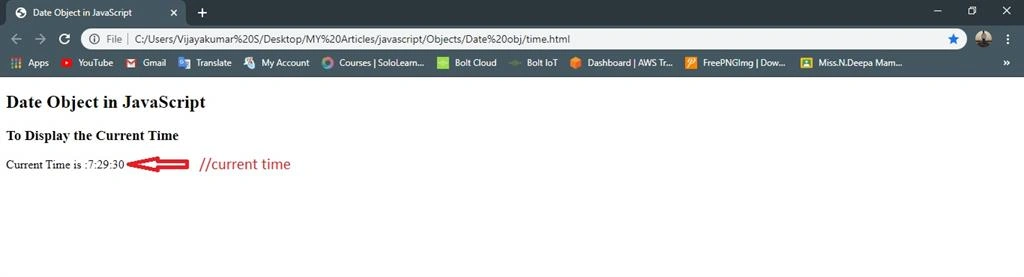
Output
Date Method in JavaScript
When a date object is created, there are several methods that make it possible to perform its functions. Let's see these methods with their descriptions.
|
Methods
|
Description
|
|
get Date ()
|
Gets the day of the month
|
|
get Day ()
|
Gets the day of the week
|
|
get Month ()
|
Gets the month
|
|
get Fullyear ()
|
Gets the year
|
|
get Hour ()
|
Gets the hour
|
|
get Minutes ()
|
Gets the Minutes
|
|
get seconds ()
|
Gets the Seconds
|
|
get milliseconds ()
|
Gets the milliseconds
|
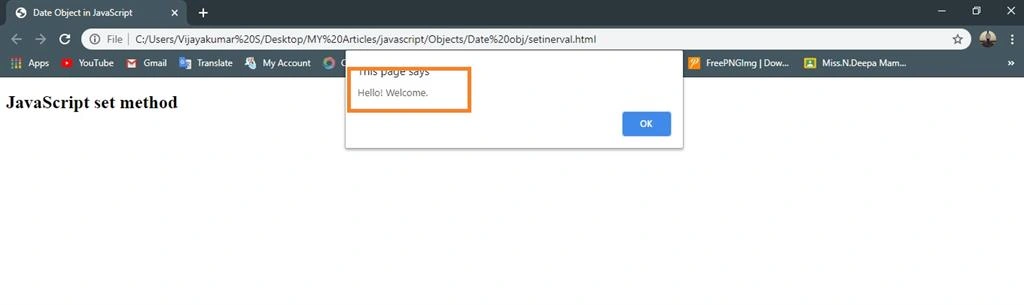
Setinterval () method
This will call the alert function every 3 seconds (1000 ms = 1 second).
Example
Join the conversation! Your thoughts help the community grow.