

Introduction
This article explains HTML5 and what's new in it. This article also explains how to create HTML5 using the Netbeans IDE 7.4.
What is HTML
HTML was invented in 1990 by a scientist called Tim Berners-Lee. It stands for "Hyper Text Markup Language" and is the main markup language for creating web pages and other information that can be displayed in a web browser. It is a language that enables presentation of information in the internet (in web browsers).
What's new in HTML5
There are the following new features added in HTML5.
Canvas element
Used to draw graphics like painting, images, draw rectangle, etcetera.
New Form Elements
- <output>
Sets the final result of a calculation.
- <keygen>
In forms it is used to generate key pairs
- <datalist>
Defins a list of pre-defined options as input controls.
New Media element
The following media elements are added:
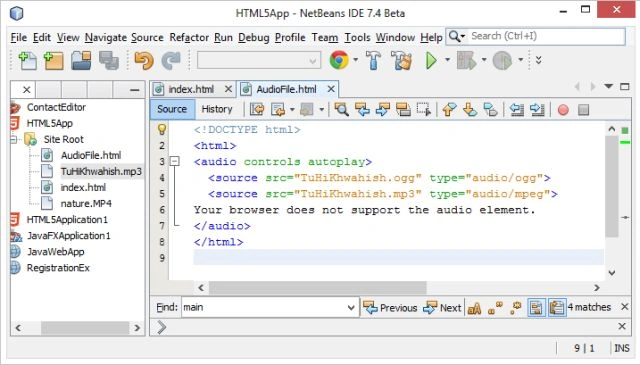
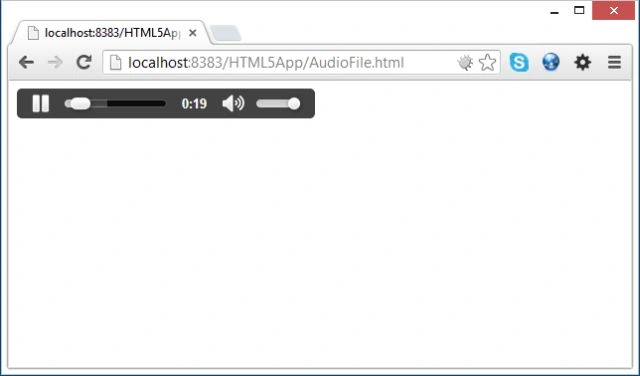
- <audio>
Plays audio files.
- <track>
Sets text tracks for <audio> and <video>.
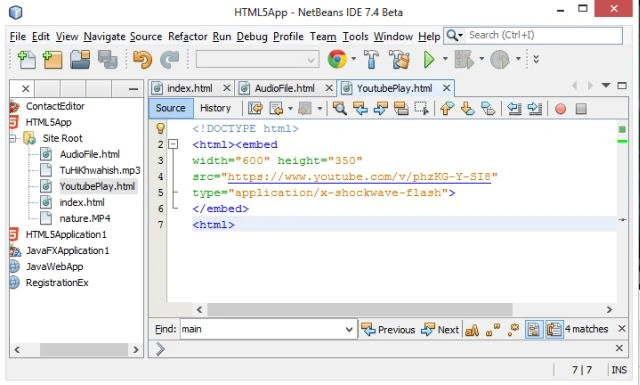
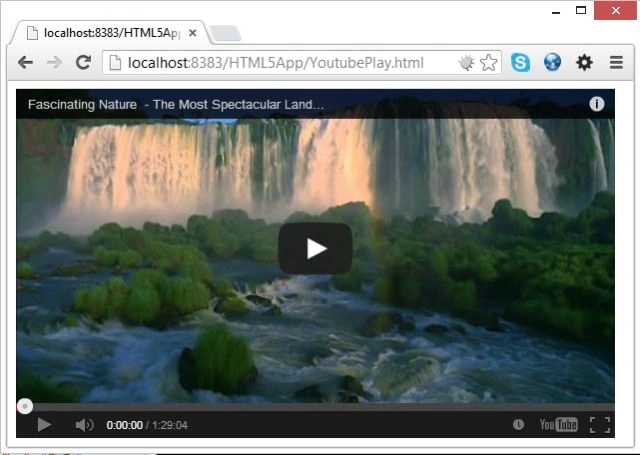
- <embed>
Adds a plug-in for a container.
- <video>
Plays movies or videos.
- <source>
Adds multiple media files.
New Semantic/Structural Elements
- <aside>
Sets contents aside from the page content.
- <article>
Provides elaboration for an article.
- <command>
Adds a command button that a user can invoke.
- <bdi>
Adds a part of text that might be formatted in another direction.
- <details>
Adds some external detail that a user can hide or view.
- <summary>
Adds a heading for a detail element.
- <dialog>
Adds a window or dialog box.
- <figure>
Adds diagrams, photos, code listening, etcetera.
- <footer>
Adds a footer line for a section or document.
- <header>
Adds a header line for a section or documents.
- <figcaption>
Adds a caption for a figure or a diagram.
- <mark>
Highlights some text in a web page.
- <meter>
Sets a scalar measurement with a specified range.
- <nav>
Adds a blink.
- <progress>
Shows the progress of a task.
- <ruby>
Sets a ruby annotation.
- <rt>
Defines an explanation of the text in a web page.
- <rp>
Sets what we want to show in web browser.
- <section>
Defines or adds a section to a web page.
- <time>
Adds time and date to a web page.
- <wbr>
Creates a line breakup.
Start creating HTML5 features in Netbeans IDE
The following is the procedure we need to follow.
Step 1
Open the Netbeans IDE.
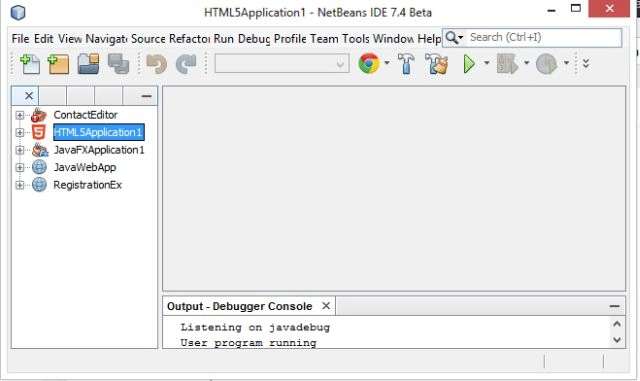
Step 2
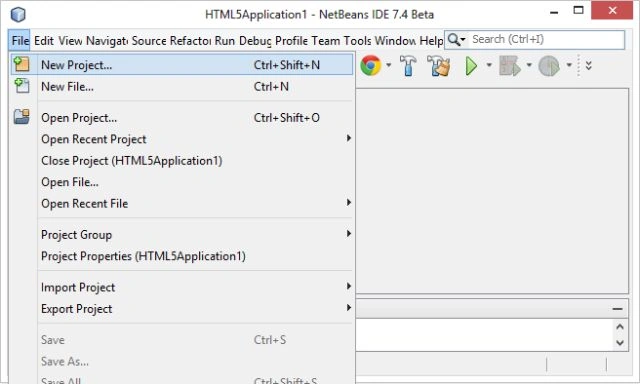
Now go to "File Menu" then select "New Project" as in the following.
Step 3
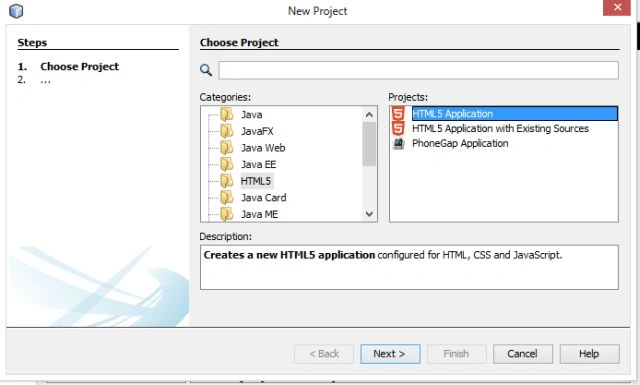
Now choose "HTML5" -> "HTML5 Application" as in the following figure.
Step 4
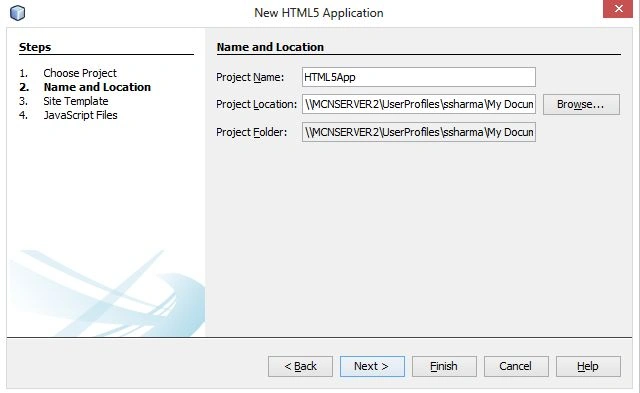
Click on "Next". Then a new window is generated. Provide your project name there as shown in the following figure.
Step 5
Click on "Finish". Your project is generated with a default "index.html" as in the following figure.
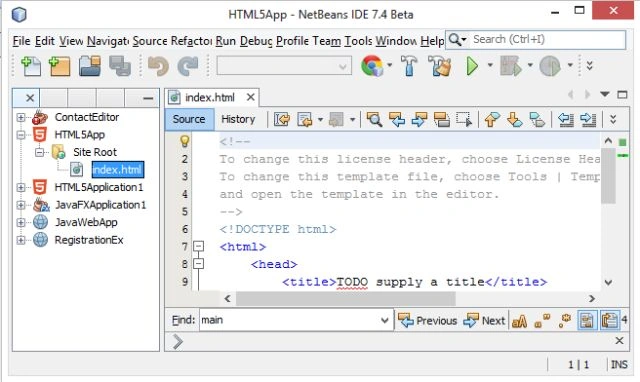
Now add some media components to show the benefits of HTML5's new features.
Step 6
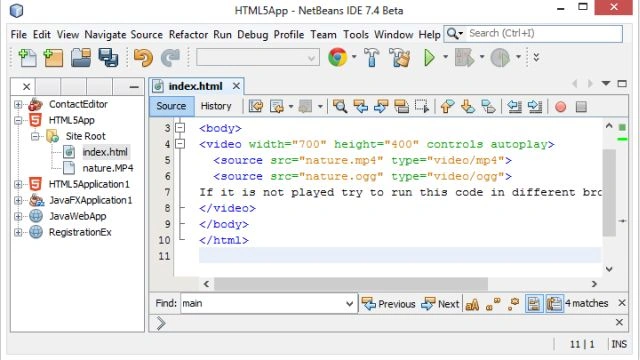
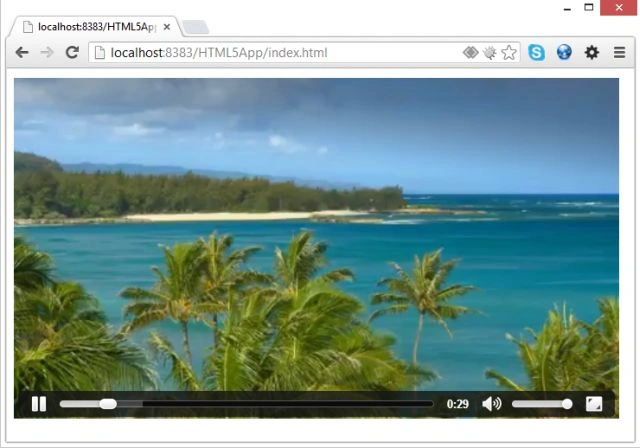
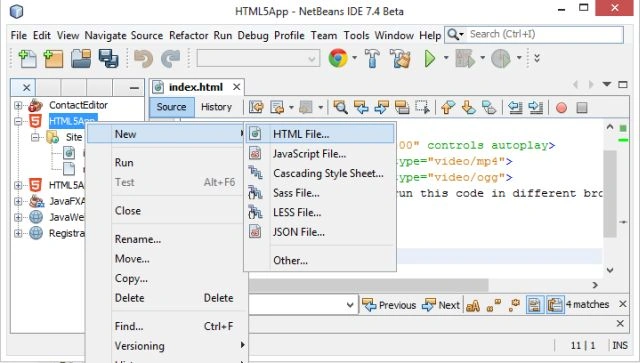
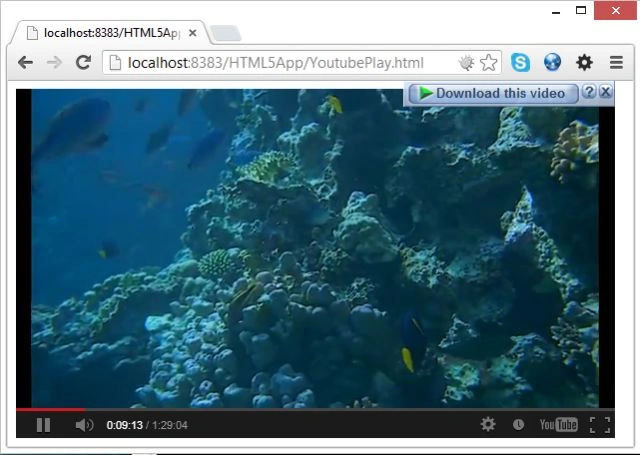
In this step we show how to play video in HTML5. First add a video file (as I added "nature.mp4") in your project window. Now you need to modify the "index.html" file as from the following code.
<!DOCTYPE html>
<html>
<body>
<video width="700" height="400" controls autoplay>
<source src="nature.mp4" type="video/mp4">
<source src="nature.ogg" type="video/ogg">
If it is not played try to run this code in different browser!
</video>
</body>
Join the conversation! Your thoughts help the community grow.