

Introduction
This articles illustrates how to create multiple rows of controls in an asp.net web page dynamically using C# code with the help of a Panel, table, Session and ViewState.
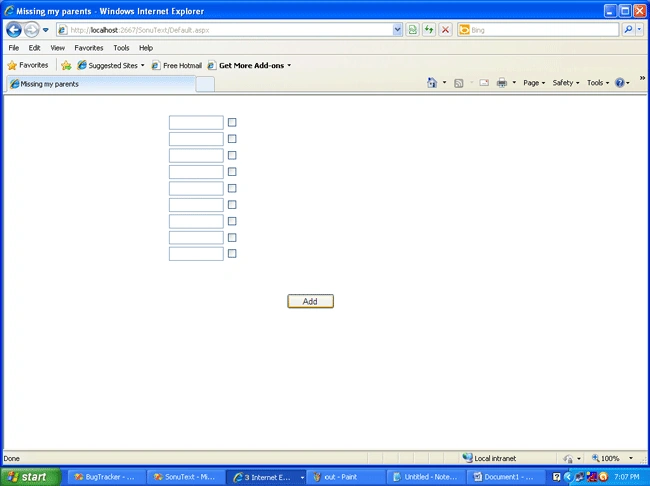
Details
Here I am using a panel as a place holder for the table.
First, I am adding a textbox to a cell and a checkbox to another cell, and then I am adding these two cells to a row of the table.
Here, I am using Session variable to store the state of the table which will be used after postback to restore the state of the table. Here, we can't use viewstate for storing the state of the table. I am using a ViewState variable to hold the state of the counter which store the number of the controls already created.
I am giving unique id for the textboxes and the checkboxes with the help of this counter.
Note - If we do not store the state of the table and the counter then the values of counter will be lost after the postback and also the state of the table will be lost after the postback.
Look at the code given below, it is very simple !!
using System;
using System.Data;
using System.Configuration;
using System.Web;
using System.Web.Security;
using System.Web.UI;
using System.Web.UI.WebControls;
using System.Web.UI.WebControls.WebParts;
using System.Web.UI.HtmlControls;
public partial class Default :
System.Web.UI.Page
{
private int
numOfColumns = 1;
private int ctr = 0;
Table table = null;
protected void
Page_Load(object sender, EventArgs e)
{
if (!IsPostBack)
{
table = new Table();
table.ID = "tableBuild";
Session["table"] = table;
Join the conversation! Your thoughts help the community grow.