

In this exercise we see how to create sub-site in SharePoint.
1. Open a TeamSite site
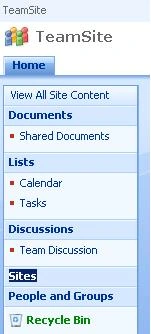
2. Click on
- Link "Sites" in the left menu
- Click on the link "Create"
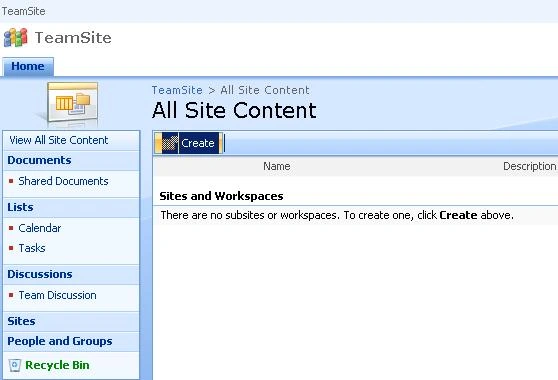
- On the webpage
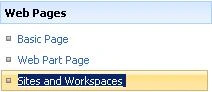
- Click on the Link Sites and Workspaces
- Title is CompanyMeeting
- Description : Company Meeting
- URL: CompanyMeeting
- Meeting | Basic Meeting Workspace
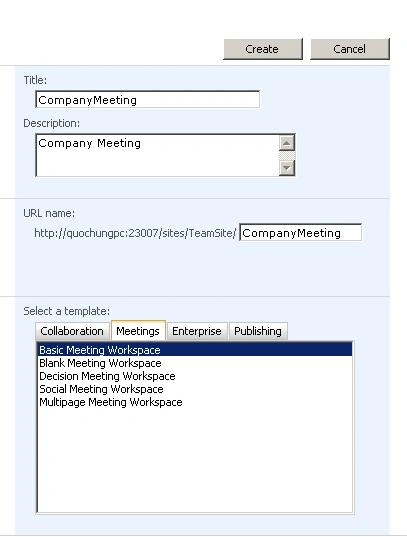
- Click the Create
- Click on the link "Create"
Join the conversation! Your thoughts help the community grow.