

Introduction
Recently, I needed to install Windows 10 on one of my laptops, which does not have a DVD drive. One of the options was to create a USB bootable drive and use it to install the operating system.
Windows 10 allows us to create bootable ISO and USB drive images, which can be used to boot the same or other PC's. The easiest way to create a bootable USB drive is to use Microsoft’s Media Creation Tool, through which you can download, using the download link, mentioned above. Alternatively, you may download Microsoft Media Creation Tool.
Once downloaded, double click on EXE to install the tool and run it.
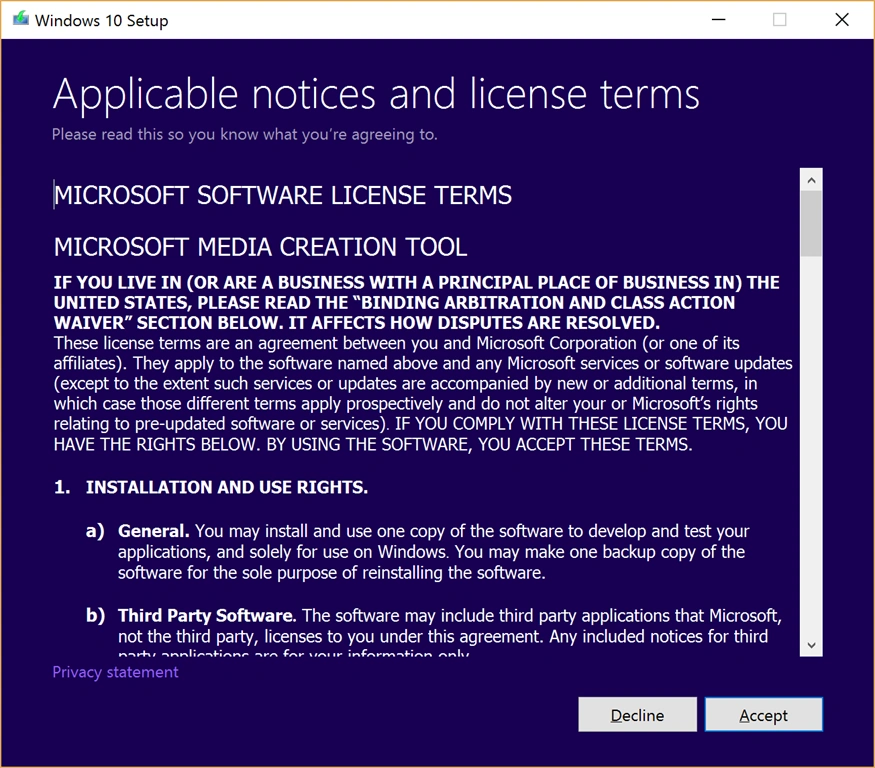
You will see a wait screen followed by the screen shown below to accept the terms and conditions.
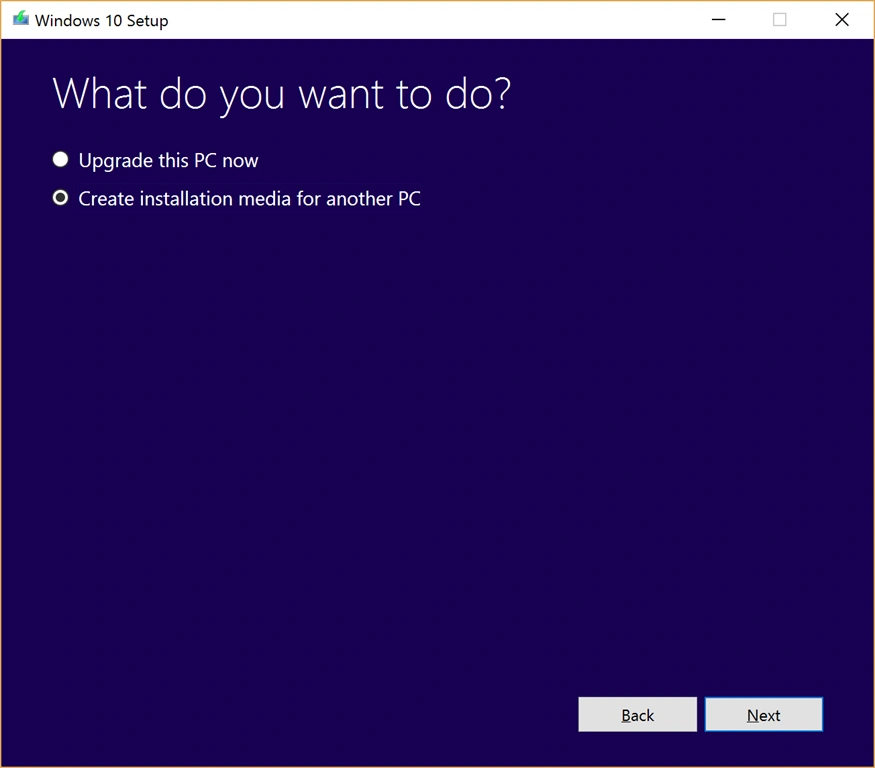
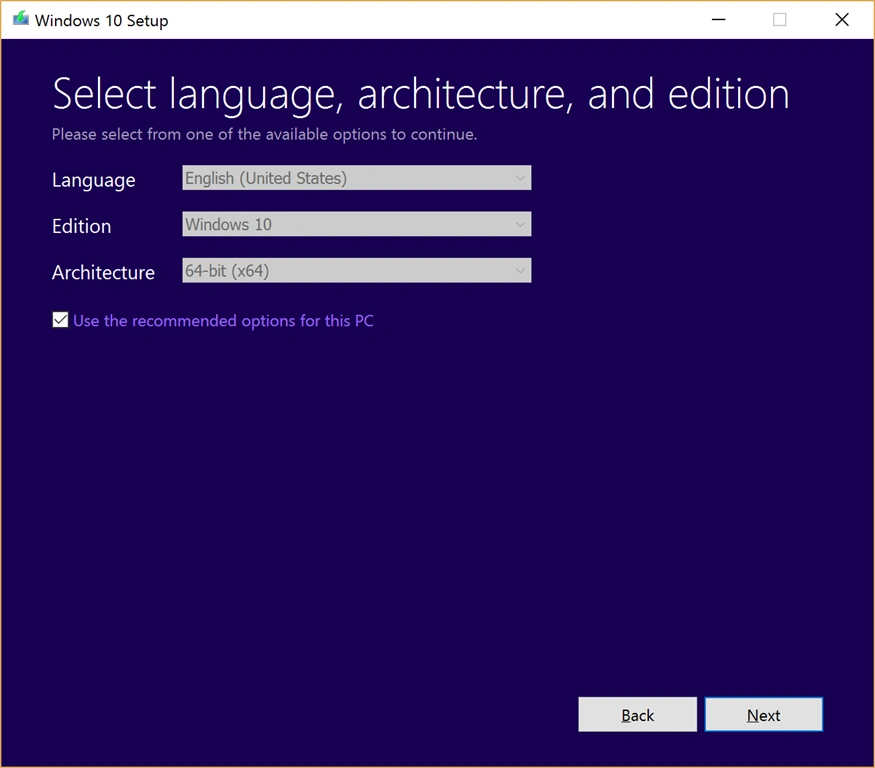
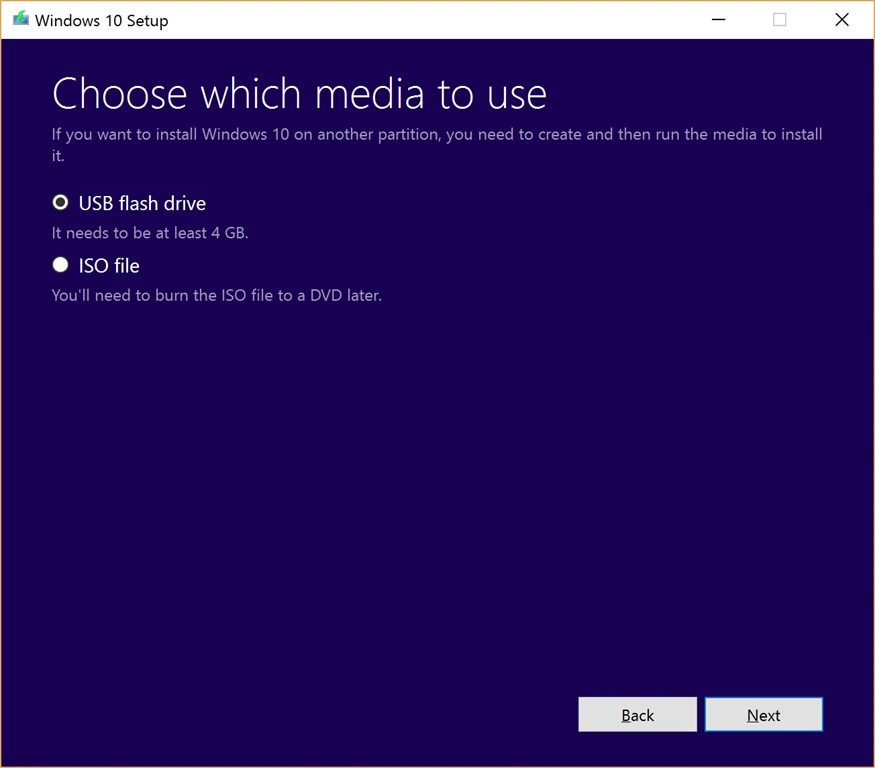
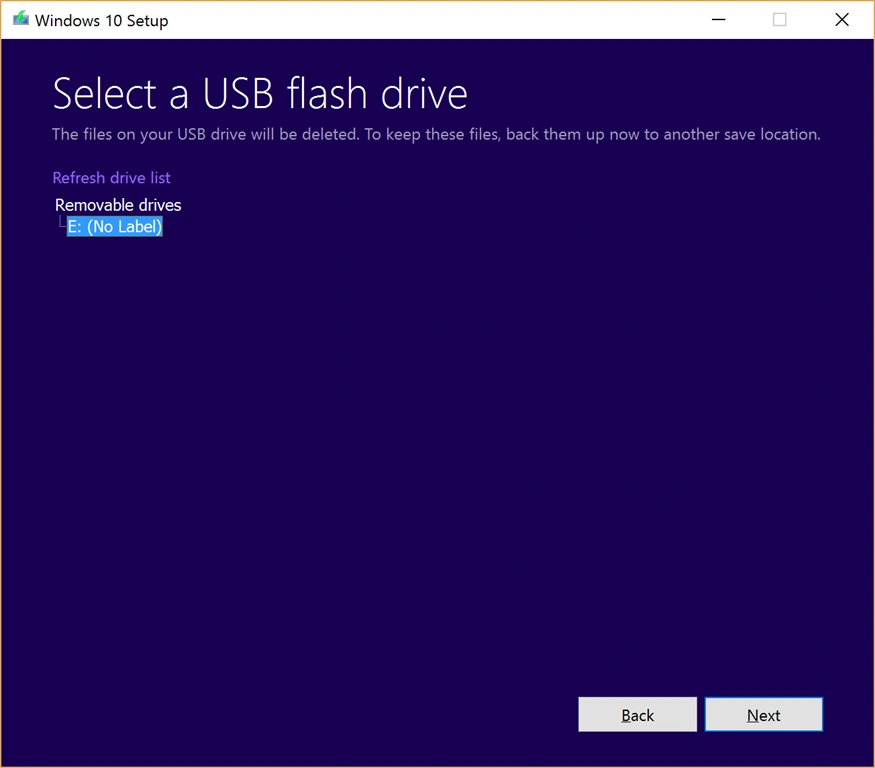
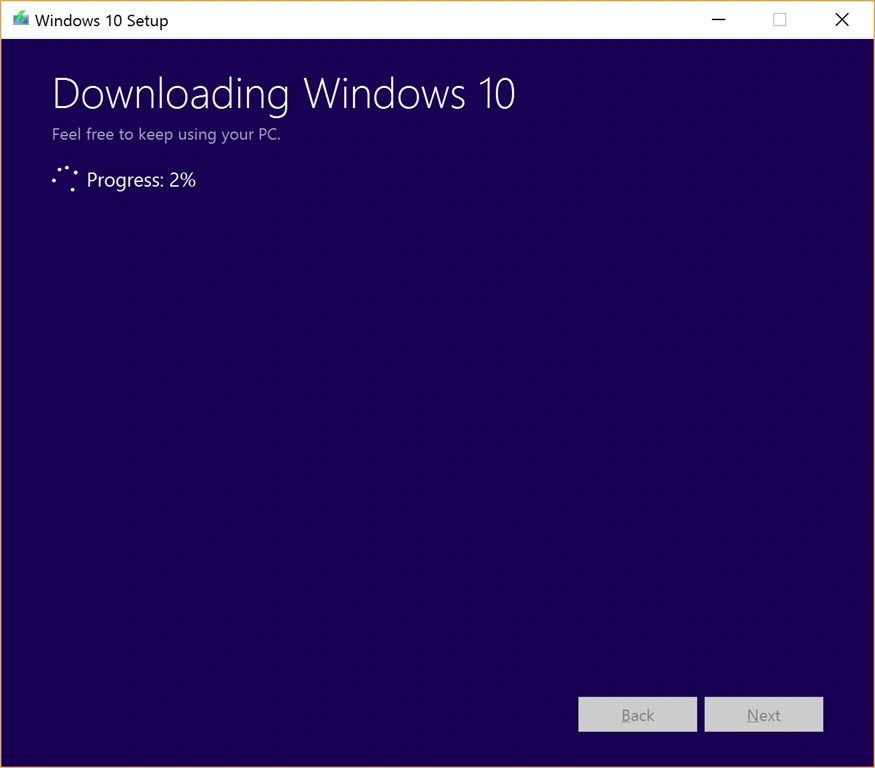
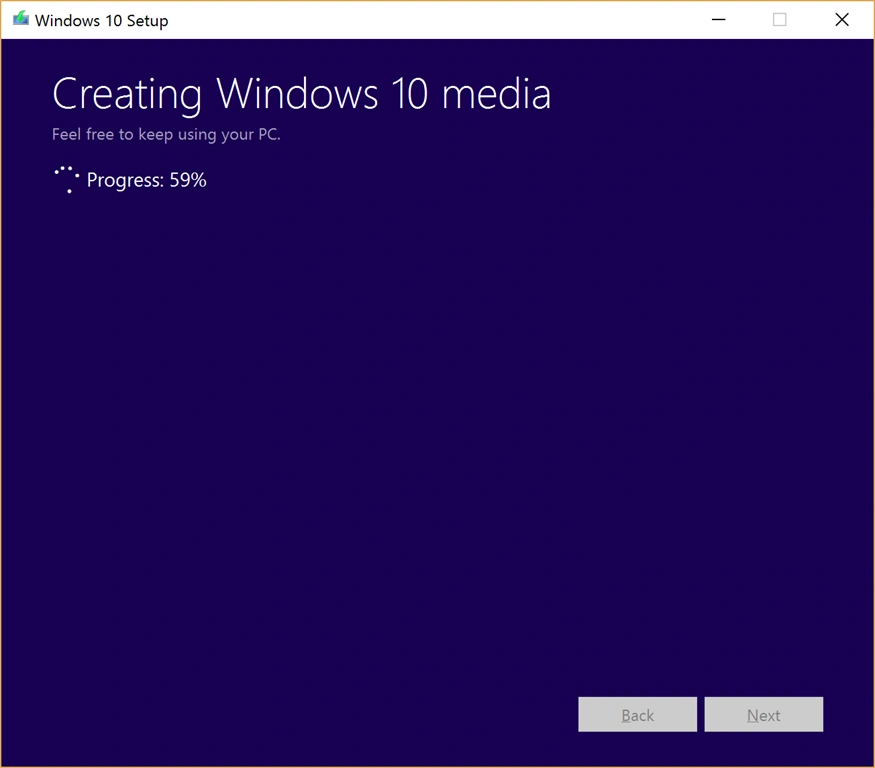
On the next screen, you will first see the downloading progress followed by creating Windows 10 media progress.
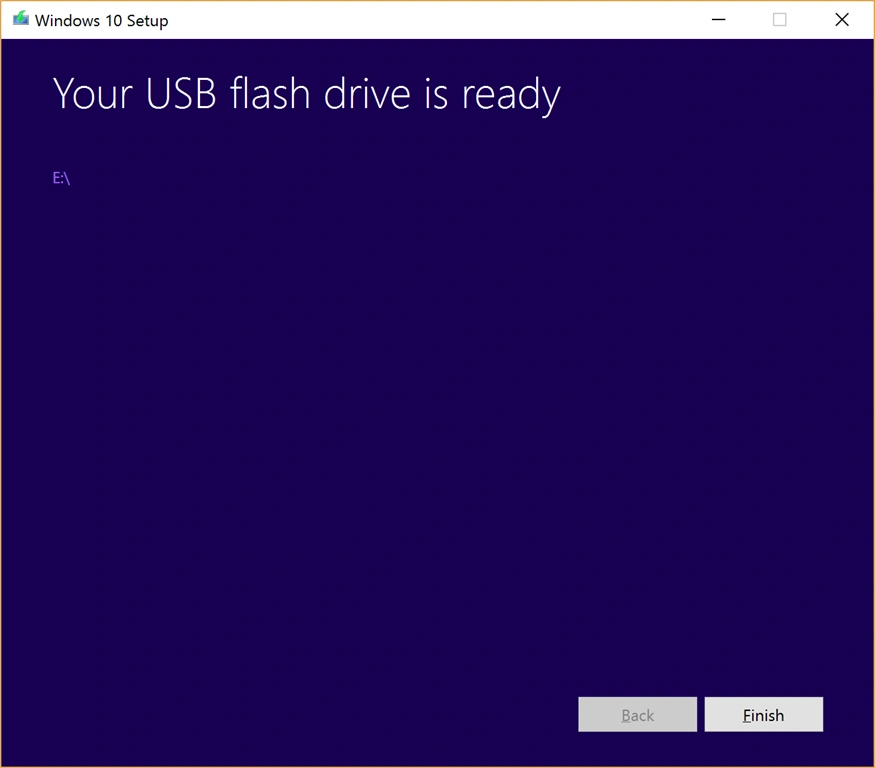
Your flash drive is now ready to use.
Summary
In this article, we learned about how to create Windows 10 Bootable USB Drive.
divagar kPosted Nov 10, 2017, 5:32 AM
How to copy pendrive procedure details?