

Introduction
In the Microsoft Windows 10 anniversary update, Get Office works as the notification tool in Windows 10. It works for those users who are not installing Microsoft office in their computers. That user will find the Get Office app notification. The Get Office app is a notification tool that regularly displays Microsoft Office notifications on your Windows 10 computer. It has displayed pop up notifications near the taskbar on your system.
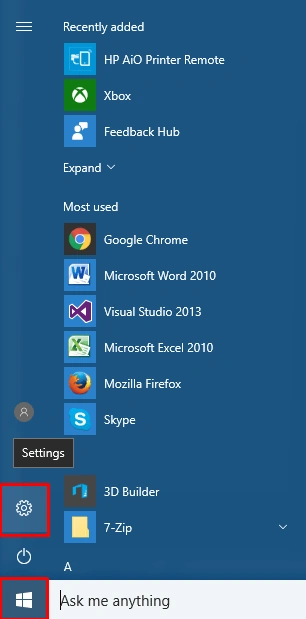
When you want to disable the Get Office, firstly you go to the Start Menu and click on the settings icon, Shown in the figure,
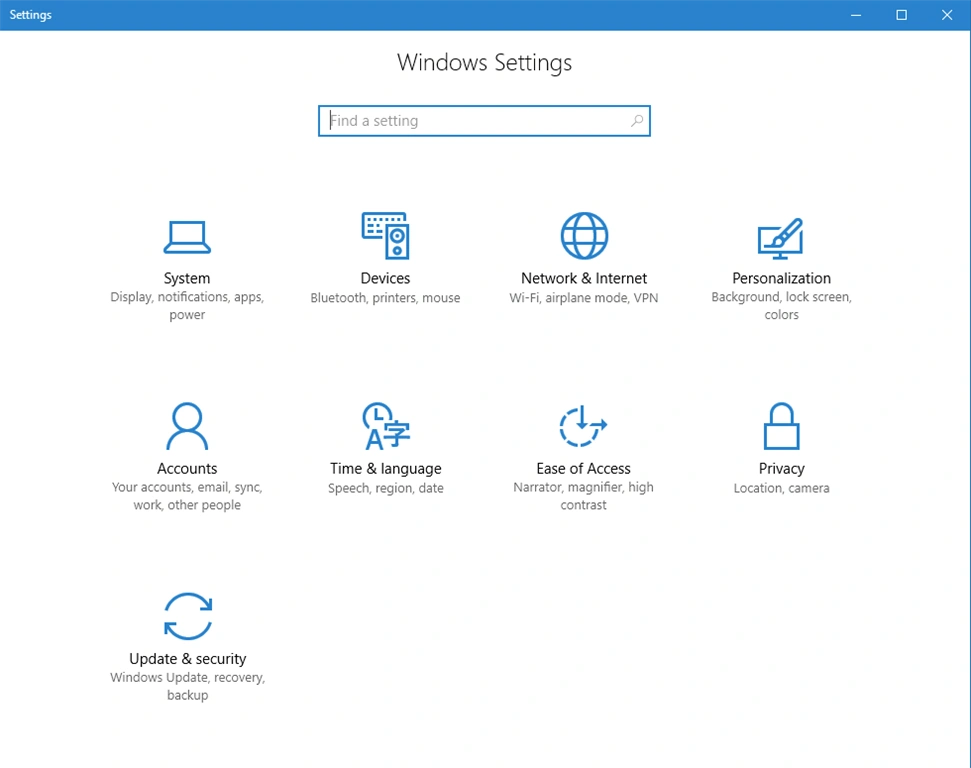
When selecting the setting icon you will get a dialogue box open as shown in the figure,
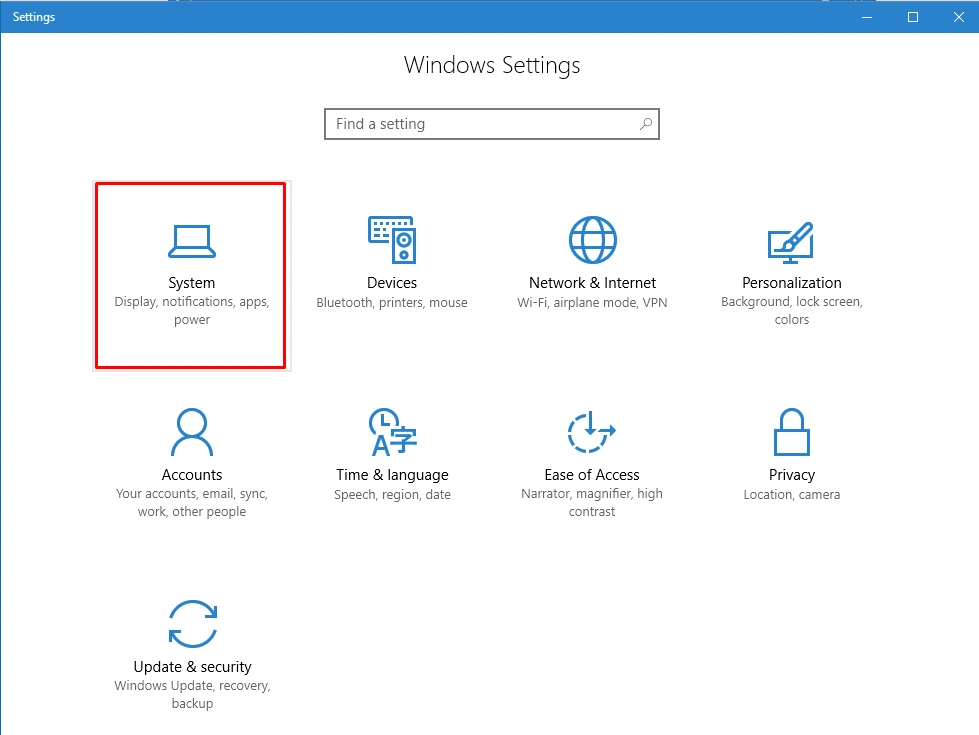
When the dialogue box is open now you will select the system options as shown in the figure,
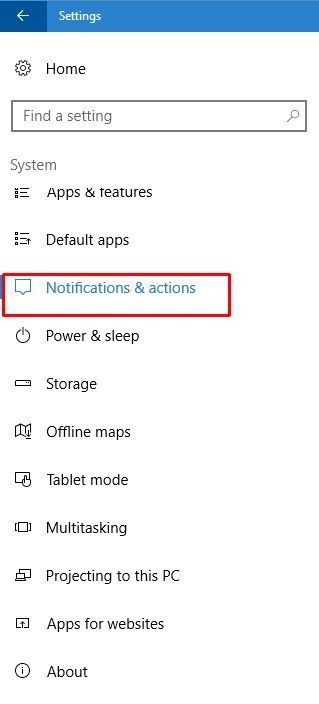
Now you click on the system -- the new setting is open and now you select the notification and action center as shown in the figure,
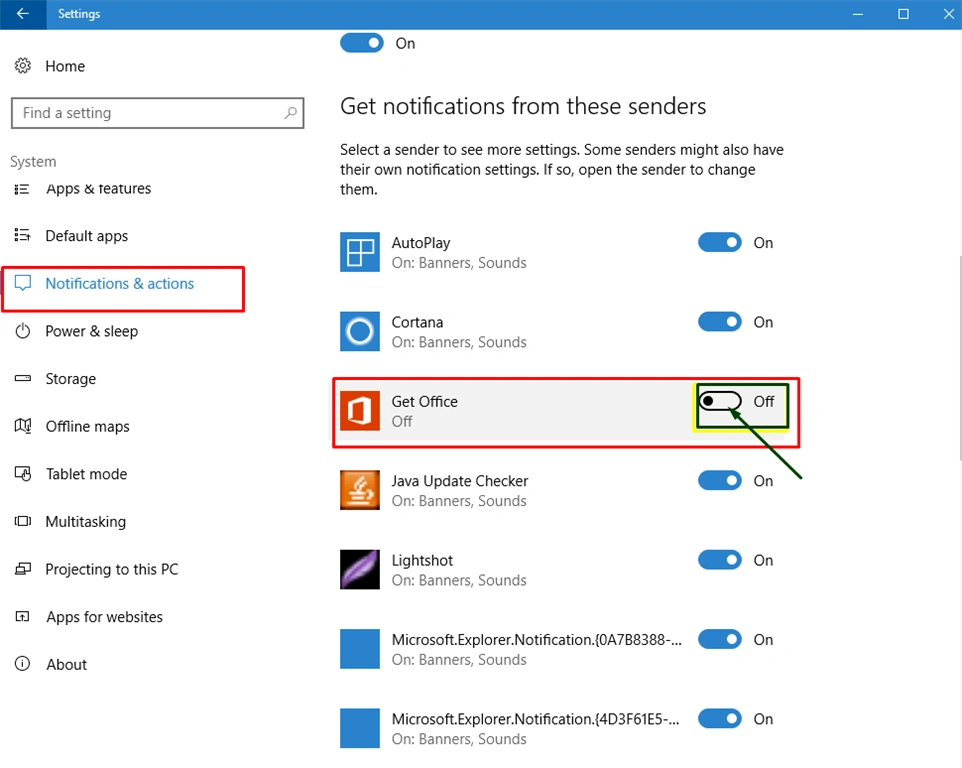
Now you will see that all settings are open with all apps which give the notification. Now you disable the app notification shown in the figure,
Shubham SharmaPosted Sep 19, 2016, 11:34 PM
Thanks
Vignesh ManiPosted Sep 19, 2016, 8:24 AM
Nice