

Introduction
To check whether your machine has .NET core installed or not, you need to use the following command on your command prompt:
dotnet - -version
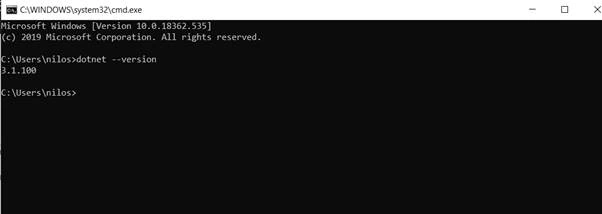
As you can see, in the above image, .NET core is already installed on my machine. If you haven’t installed it, please download and install the SDK from here.
In this application, we are going to use Visual Studio 2019. If you do not have VS installed, please install it from here.
HTTPS Enforcement
If you run dotnet, use the info command on your command prompt, you will see a similar output to the one shown below:
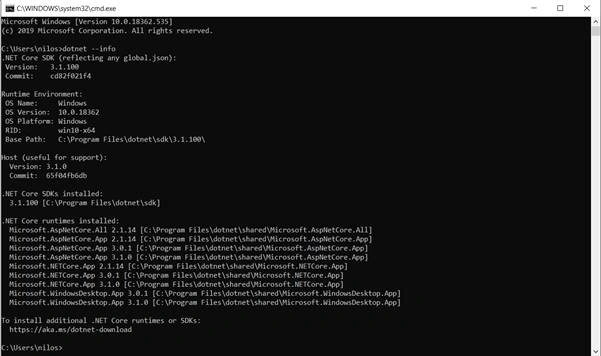
When you install ASP.Net core to your machine, it installs HTTPS in your machine as well as create HTTPS in your local user certificate store. However, you need to enable the HTTPS trust certificate manually. To do this, you have to use dev-certs command like in the image below:

Executing this command launches a pop-up like below:
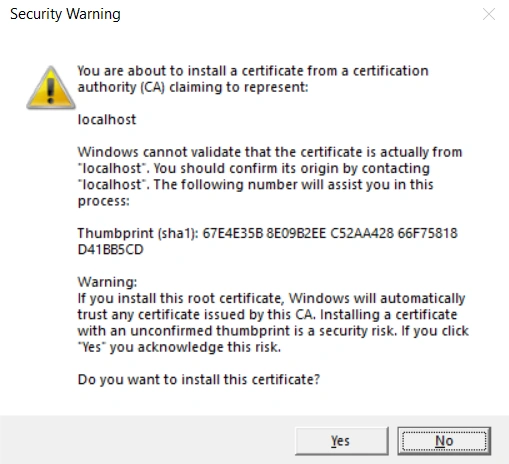
Click on Yes, and your HTTS support while building WEB APIs are done.
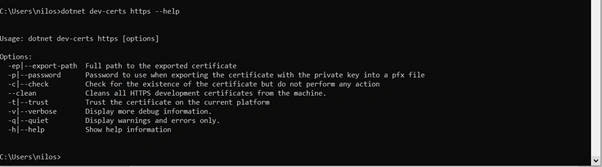
Should you need help on HTTPS certificate, run the dotnet dev-certs https - - help command and the output will be as shown below:
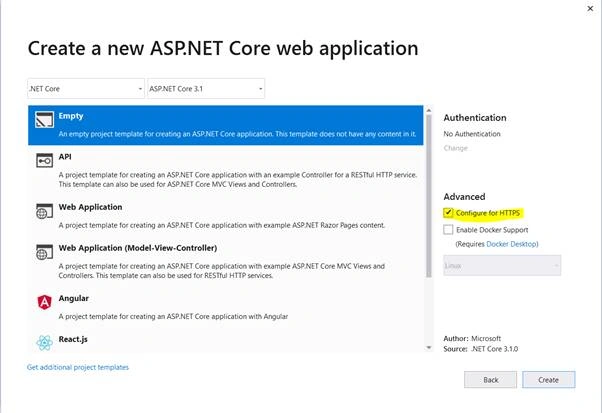
To use .NET CLI, from Visual Studio you need to create a ASP.Net Core Web Application. You will see a checkbox on the right side saying Configure for HTTPS, you need to select it and you are good to go.
How to troubleshoot HTTPS Certificate Issues
If you are facing any issues with HTTPS Certificates issues and if you’d like to clean it, you need to clean the certificate:
Run dotnet dev-certs https - -clean command

You will see the following pop-up:
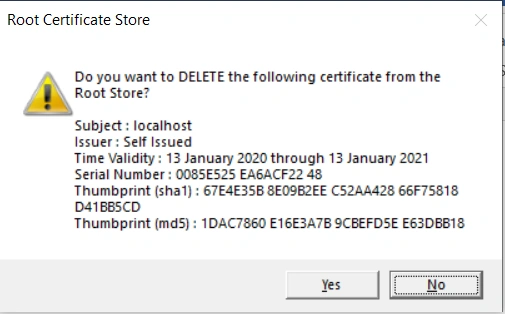
Click on Yes to clean it. If you’d like do the trust again, using dotnet dev-certs https - - trust command and you are good to go.
Happy Learning!
Khaja MoizuddinPosted Feb 12, 2020, 10:33 AM
Good Stuff Niloshima.