

INTRODUCTION
Sometimes it is necessary to find drive information; that is, how many drives there are in the system and the directories for each drive. I explain this concept in this article. So let's go through it and try it.
Step 1: First open the Visual Studio 2010 and click file->new->project->select the console application, and name it as program.cs.
Step 2: Add the following namespace in the program.cs file.
using System.IO;
Step 3: Write the following code for getting the drive information:
namespace ConsoleApplication1
{
class Program
{
static void Main(string[] args)
{
DriveInfo[] ar = DriveInfo.GetDrives();
foreach (DriveInfo di in ar)
{
Console.WriteLine(di);
}
}
}
}
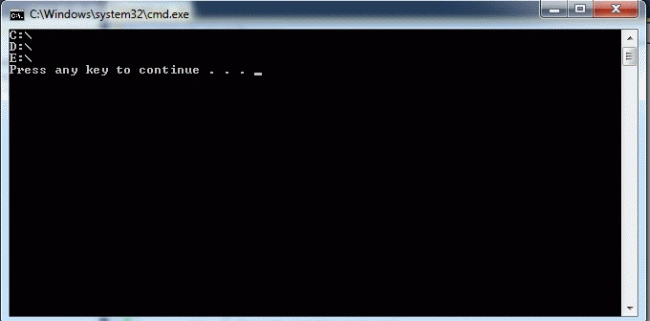
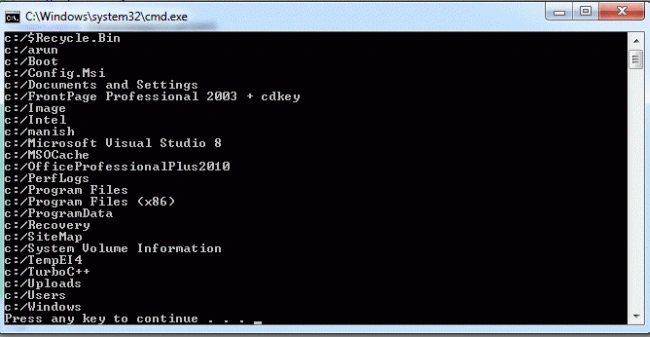
Step 4: When you run this program the output will be:
Join the conversation! Your thoughts help the community grow.