

Content
I will explain how to generate a runtime PDF with both Landscape and Portrait page mode functionality using Visual Studio Ultimate 2015 Preview.
In brief, I will generate the runtime PDF using ITextSharp.
Note: I will use the "iTextSharp.dll" as a PDF generator library. You can download it from: Sourceforge and NuGet.
You can find it in the attached file in the "bin" folder of this article but the best way to add the ItextSharp is in Step B.
Step A
Create a new website named "Website1".
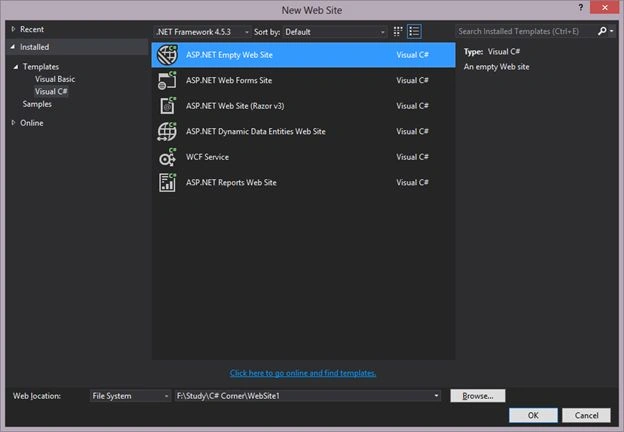
Step B
Add the ItextSharp library from the NuGet package using the following sub-steps:
- Click on Tools
- NuGet Package Manager
- Manage NuGet Packages for Solution.
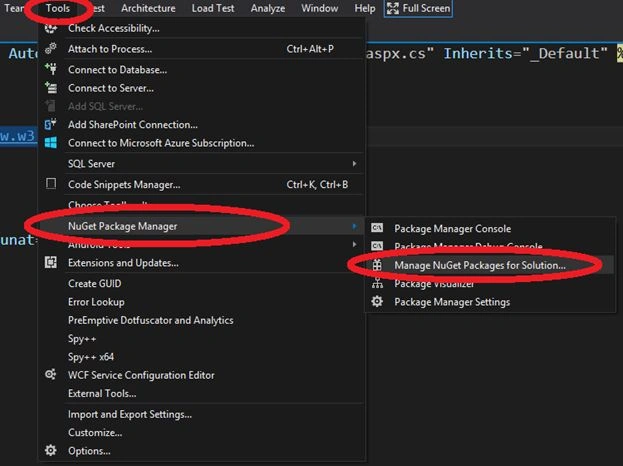
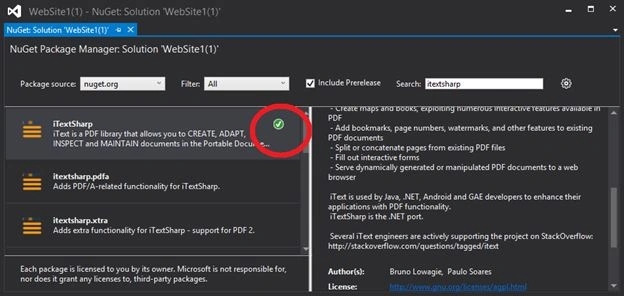
Then a popup windows will open like:
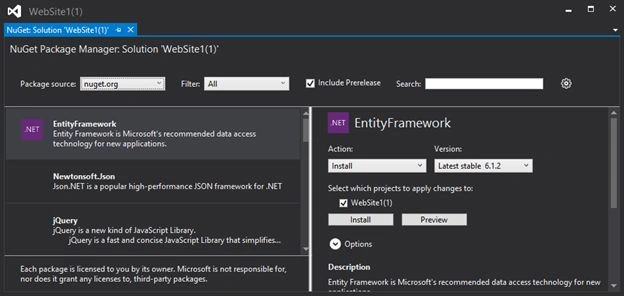
Type the "ItextSharp" into the Search TextBox. You will then get the "ItextSharp" library in the left pane. To add it to the website just click on the Install button of the right pane.
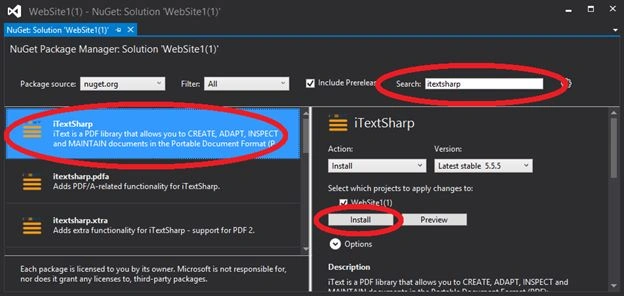
After the installation, you see the "Right" sign in the left pane that indicates that the library has been installed.
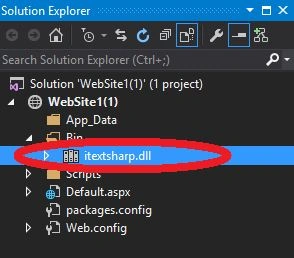
You can also check it from the Solution Explorer.
Step C
- Add a button to the default page named "Default.aspx" and change te2xt to "Generate PDF".
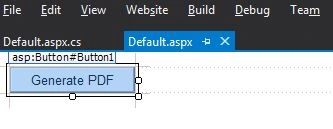
- Double-click on the button to generate an Onclick event (to generate the PDF) on the form.
- Add the following 2 namespaces to the top of the ".cs" file:
- using iTextSharp.text;
- using iTextSharp.text.pdf;
- using System.IO;
- Write the code to generate the PDF file on the click event of the button:
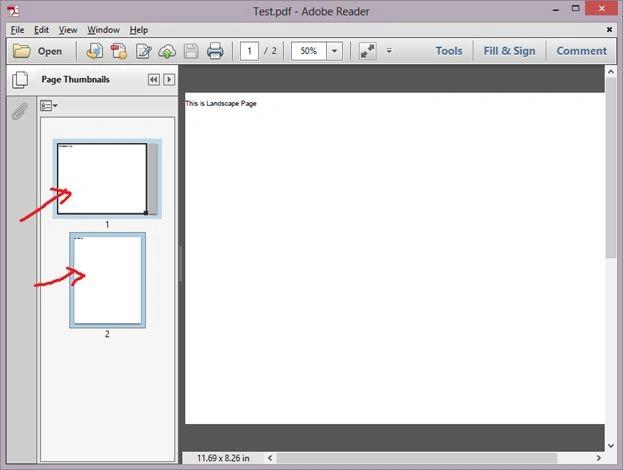
Here "PageSize.A4.Rotate()" is used for landscape page mode and SetPageSize(new Rectangle(850f, 1100f)) is used for converting it to the Portrait page mode.
- protected void Button1_Click(object sender, EventArgs e)
- {
- try
- {
- Document pdfDoc = new Document(PageSize.A4.Rotate(), 0, 0, 5, 0);
- PdfWriter pdfWriter = PdfWriter.GetInstance(pdfDoc, HttpContext.Current.Response.OutputStream);
- pdfDoc.Open();
- pdfDoc.Add(new Paragraph("This is Landscape Page"));
- pdfDoc.SetPageSize(new Rectangle(850f, 1100f));
- pdfDoc.NewPage();
- pdfDoc.Add(new Paragraph("This is Portrait Page"));
- pdfWriter.CloseStream = false;
- pdfDoc.Close();
- Response.Buffer = true;
- Response.ContentType = "application/pdf";
- Response.AddHeader("content-disposition", "attachment;filename=Test.pdf");
- Response.Cache.SetCacheability(HttpCacheability.NoCache);
- }
- catch (Exception ex)
- {
- }
- }
Note: You can provide any name of the generated file and any text that you want to print in the PDF file. For example here I provided "test.pdf".
- Run the page that will be like:
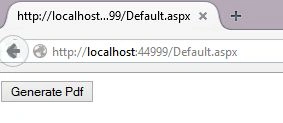
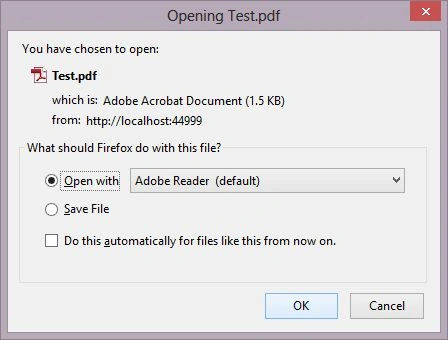
- Click on the "Generate PDF" button and open it.
Dhiraj DeorePosted Sep 18, 2017, 11:54 AM
Hii I used ExpertPdf.HtmlToPdf in my code and it is working fine. I have two page and i need first page in portrait (A4) format and second page need to landscape format.can you please tell me. How to i do.
Rahul Kumar SaxenaPosted Feb 26, 2015, 4:32 AM
good Work...
Sibeesh VenuPosted Feb 26, 2015, 2:38 AM
Good One.