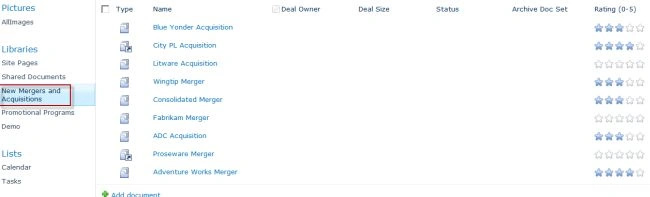
- After you are on the libraries All Items page, click on any document set link to view the contained documents.
- Hover over the any document select Edit in Microsoft Excel.
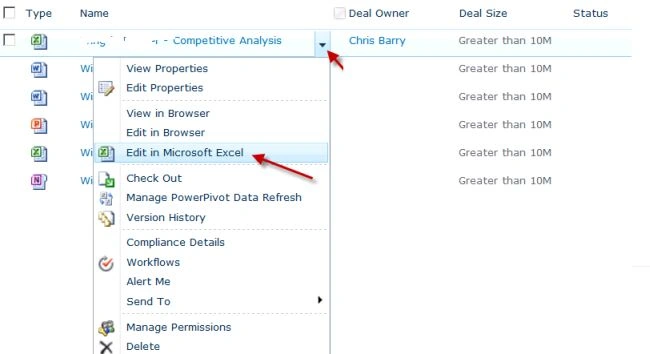
- When the document opens in Excel, review the data but do not make any changes.
- Exit Microsoft Excel.
- Repeat the same steps for some other documents also
- After the document opens, edit the document by clicking in a cell and entering text for some of them.
- Click the Excel Save icon located in the upper-left corner of the application.
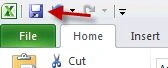
- Exit Microsoft Excel.
- If you are prompted to upload the document to SharePoint, click Close File.
- If you are prompted to check in the document, click Yes.
- If you are prompted to enter Version Comments, enter a comment and click OK.
Review the Content Viewing Report to Verify the Viewing Event Auditing
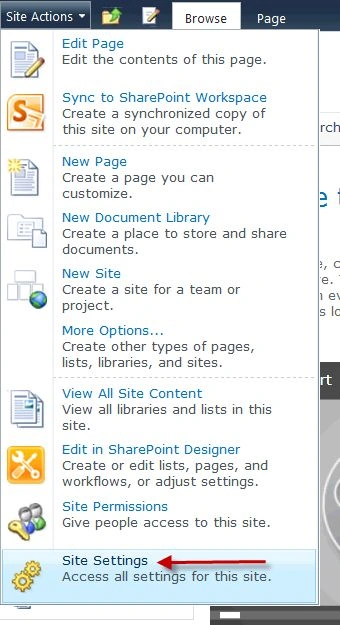
- Go to Site Actions | Site Settings.
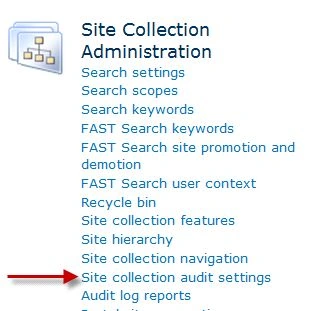
- When the Site Settings page opens, click the Audit Log Reports link.
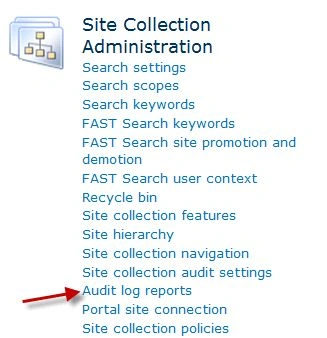
- When the View Auditing Reports page opens, click the Content Viewing report link.
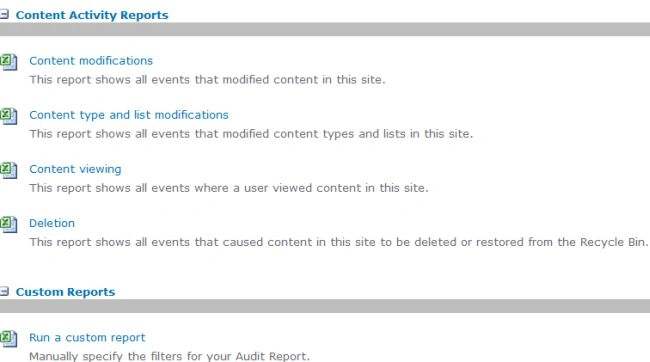
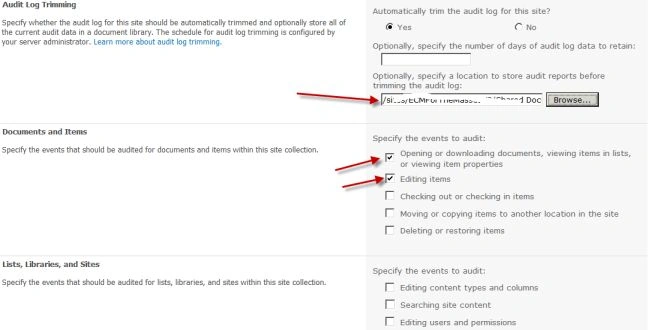
- Click the Browse button and select the Shared Document library. This is where the report will be saved to. Click OK.
- When the Operation Completed Successfully message displays, click the Click Here to View the Report Link to open the report in Excel.
- Scroll down toward the bottom of the Excel report. Locate the entries for the documents. There are two entries. One entry is the audit entry for viewing the Competitive analysis page, and the second entry is the audit entry for viewing the Financial Analysis document.
- Go to Site Actions | Site Settings.
- When the Site Settings page opens, click the Audit log reports link.
- When the View Auditing Reports page opens, click the Content modifications report link.
- Click the Browse button, and select the Shared Documents library. This is where the report will be saved to. Click OK.
- When the Operation Completed Successfully message displays, click the Click here to view the report link to open the report in Excel.
- Scroll down toward the bottom of the Excel report. Locate the entry for the document. There is one entry for the each documents for which document is edited . This entry is for the edit event.


Join the conversation! Your thoughts help the community grow.