

In this article we are explaining how to present Online Documents in PowerPoint 2013. Microsoft PowerPoint 2013 provides a great feature for sharing documents online. This is a great feature from Microsoft. Microsoft PowerPoint 2013 also provides the ability to give comments in our documents online. You can download documents shared by others online.
Steps How to Present Online Documents in PowerPoint 2013
Step 1
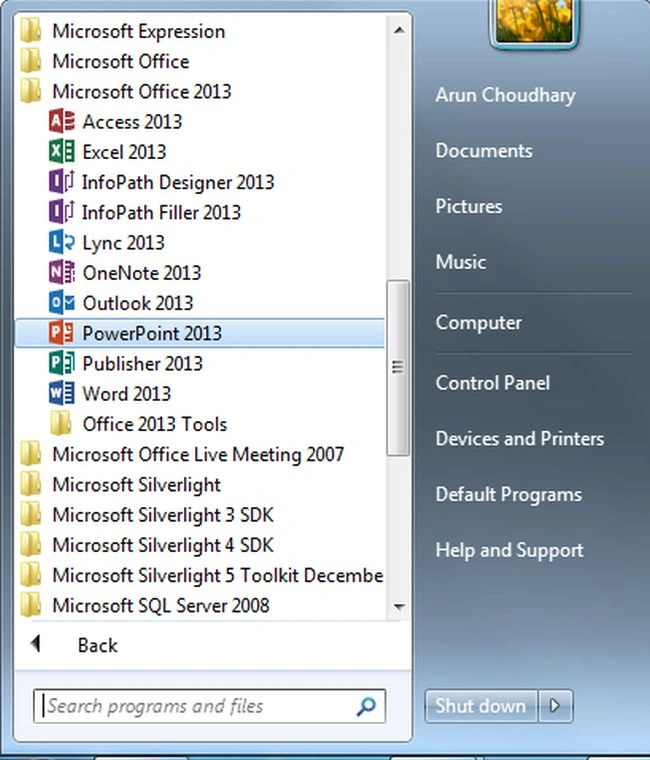
First open Microsoft Office 2013 and click on PowerPoint 2013.
Step 2
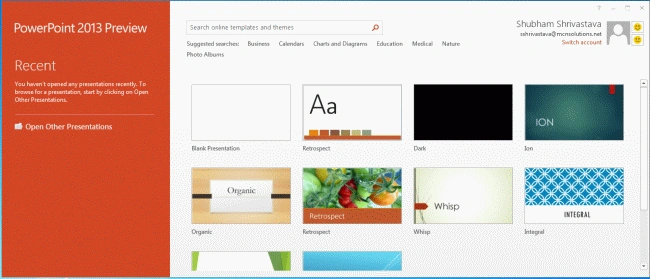
In this step, you can select blank document from the available templates.
Step 3
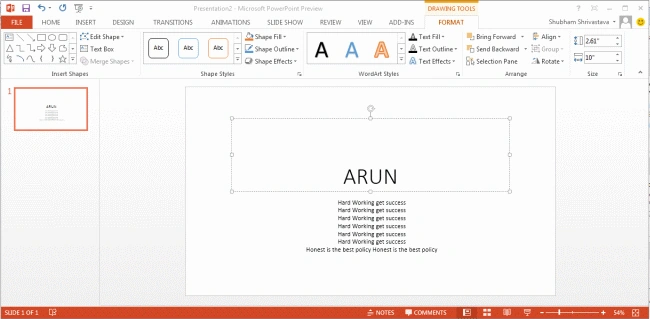
In this step, create a document and then select the File Menu.
Step 4
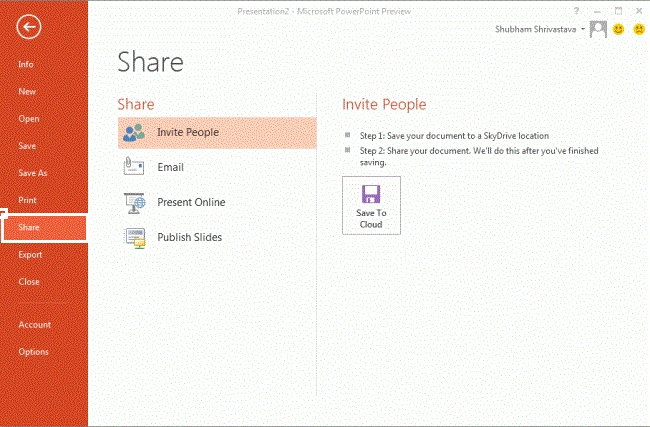
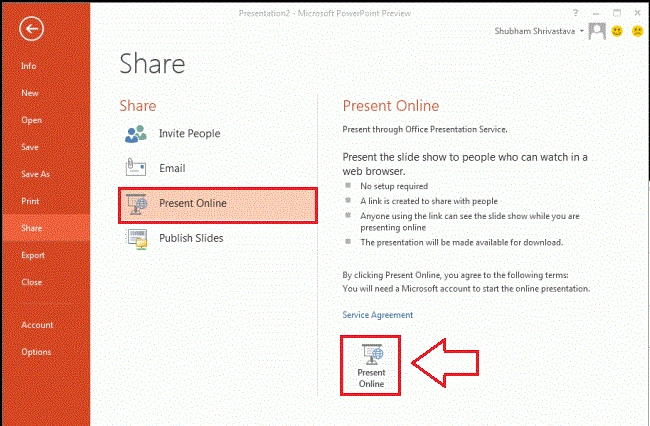
In this step click on the Share Option and from it the following window will look like this:
Step 5
First select the Present Online option and then click on Present Online Button as shown below:
Step 6
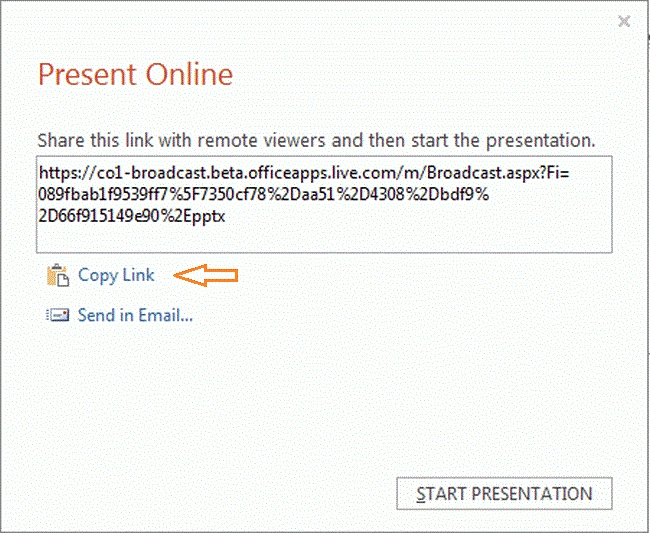
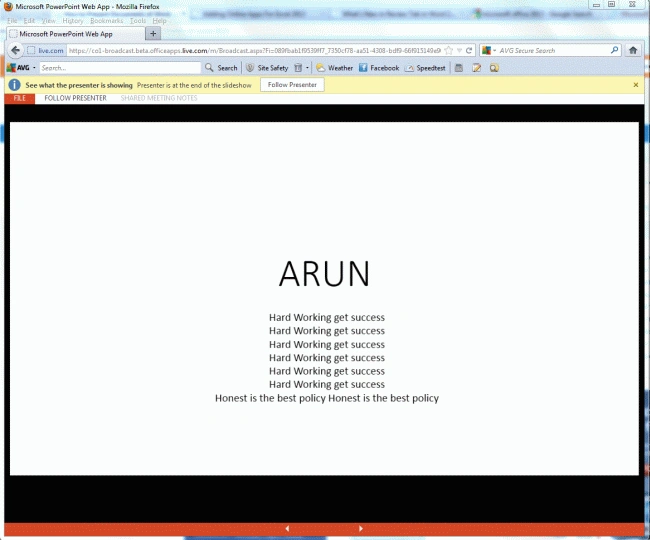
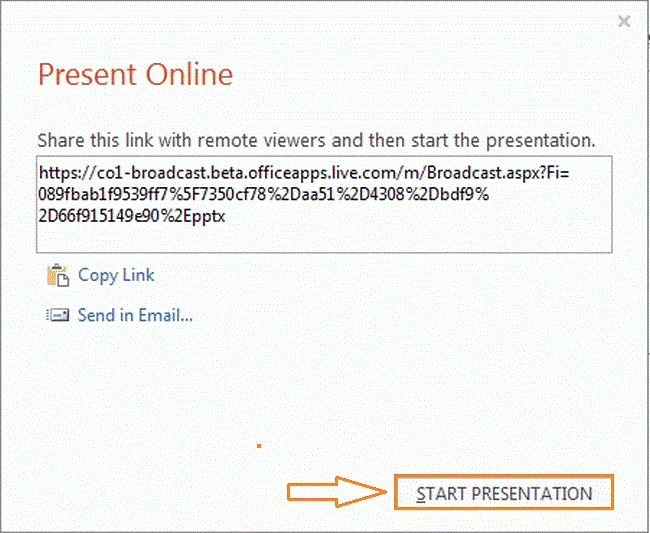
Now a URL is given for your document and you can share this link with remote viewers and then start the presentation. Now a Present Online dialog box will look like this:
Step 7
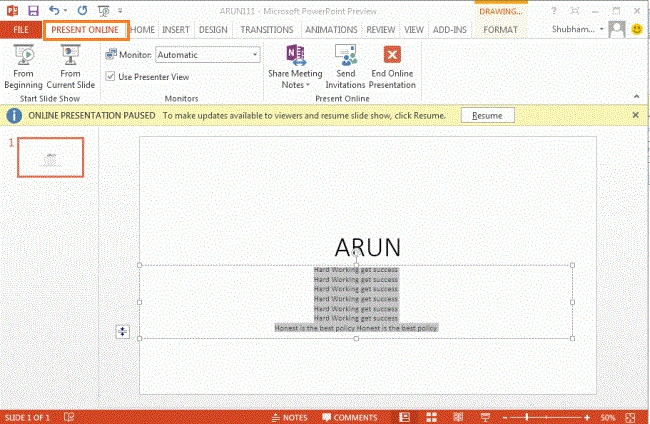
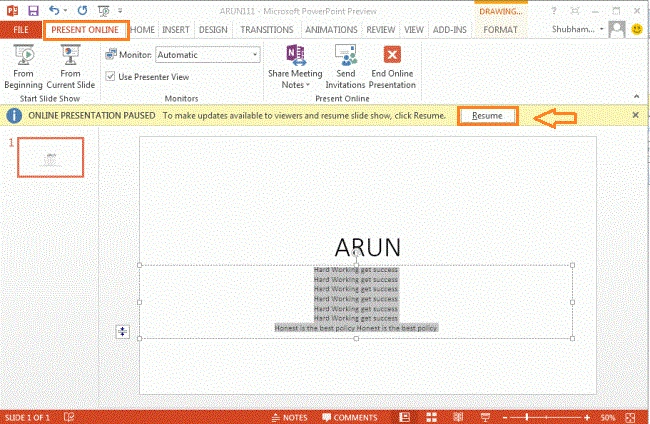
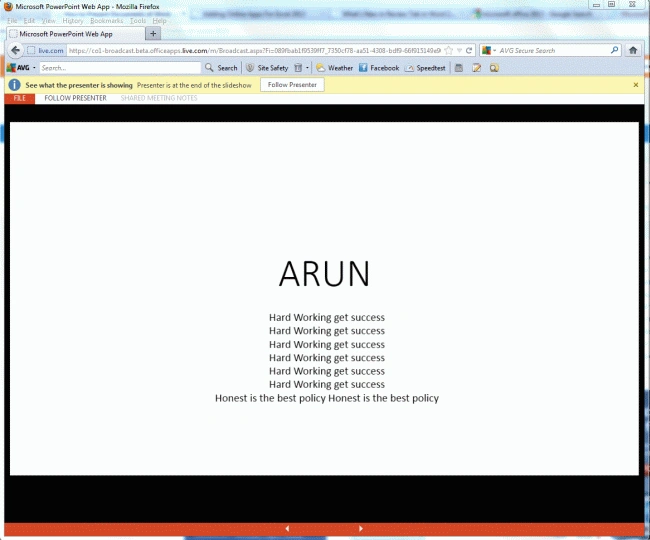
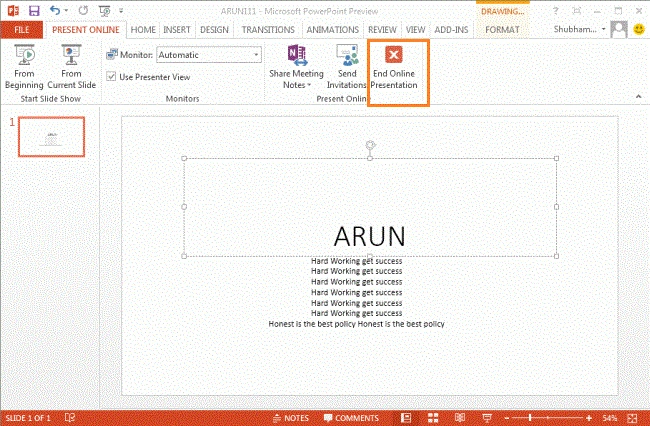

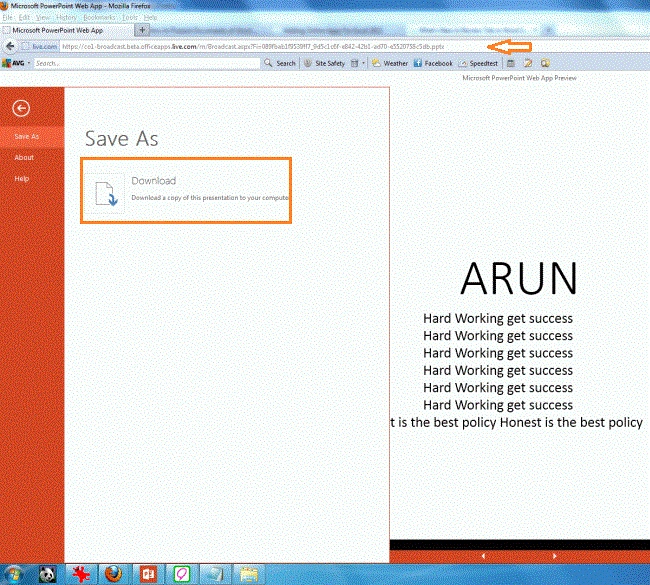
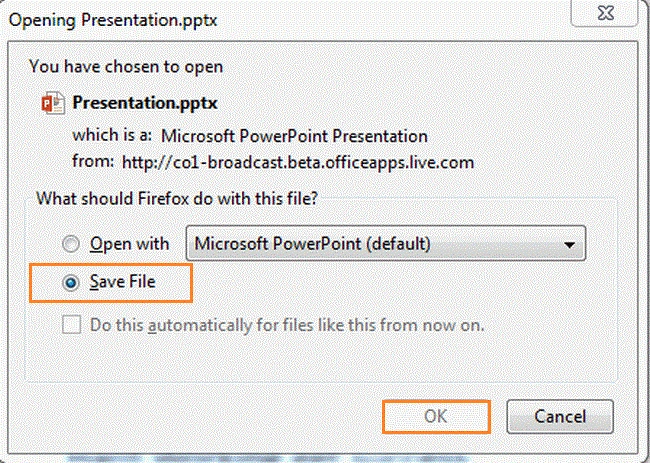
Join the conversation! Your thoughts help the community grow.