

Introduction
Reset Network
For resetting your network settings, first, you will click search.
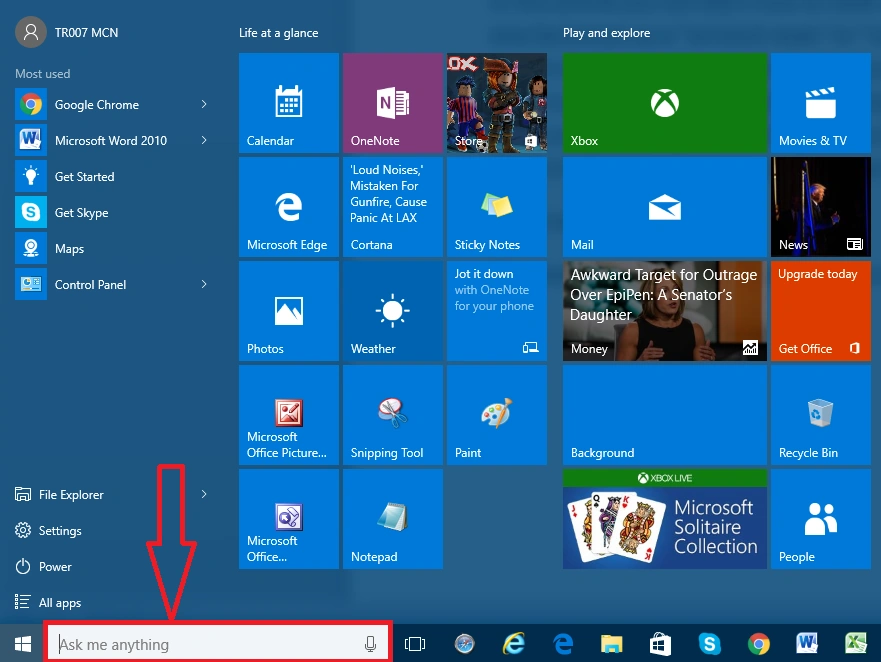
After clicking the search button, you will type “cmd” in the search box.
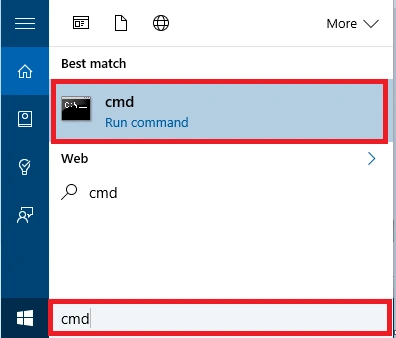
After typing the “cmd” in your search, one cmd run command comes in the dialogue box. After the search, you click on the dialogue box and you get a black command window, as shown below-
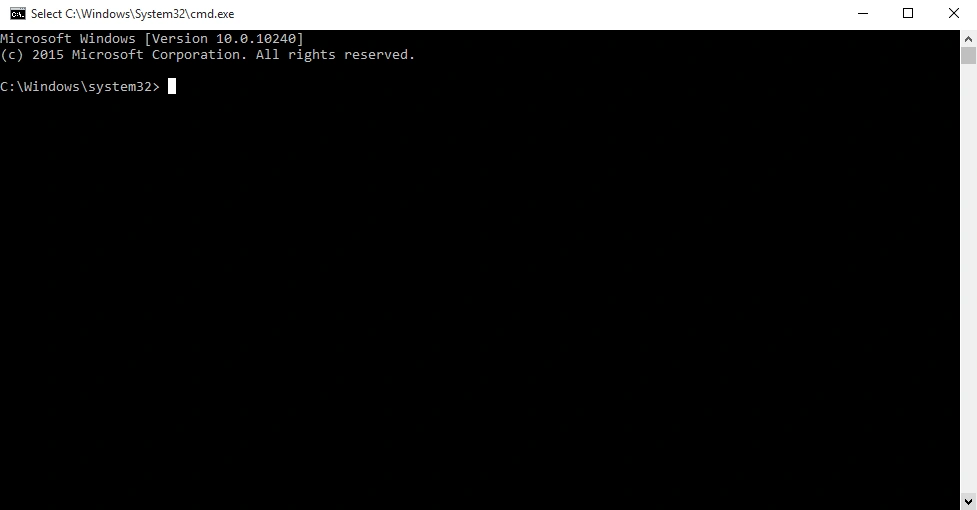
In this command box, you will type netsh Winsock reset and then hit the Enter key on your keyboard.
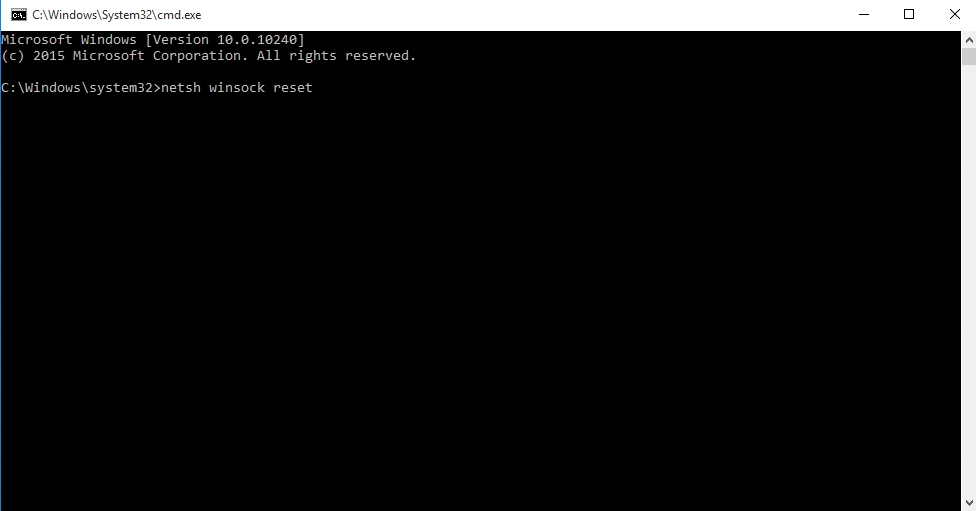
After enter key, you will wait for the command prompt to run through the Reset. Once it’s complete, you’ll see the message “netsh Winsock reset completed successfully”. Restart your computer to finish the rest of the settings.
Summary
In this article, we learned about how to reset your network in Windows 10
Delpin Susai RajPosted Aug 30, 2016, 3:33 AM
Nice