

Introduction
In this article I will explain the process of saving a photo in iPhone Simulator Image Gallery.
To understand it we use the following procedure.
Step 1
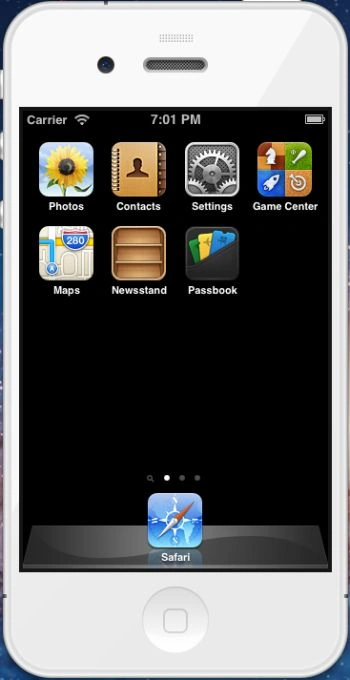
Click on the iOS Simulator to open it.

Step 2
Drag and drop the image to the Desktop to save a photo in the iPhone Simulator Image Gallery.
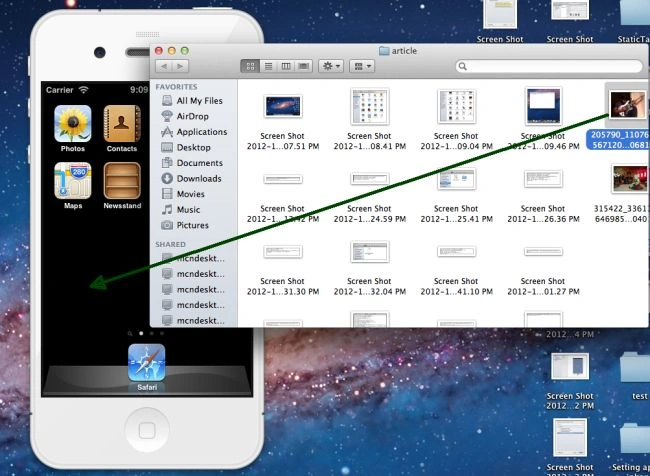
Step 3
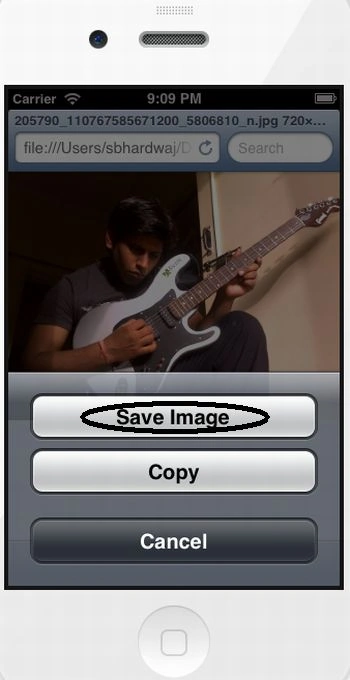
Now long press the mouse button in the iPhone Simulator.




Join the conversation! Your thoughts help the community grow.