

Spinner
- Start the Eclipse IDE.
- Create a new project.
- Create a MainActivity.java file.
- Create an activity_main.xml for layout design.
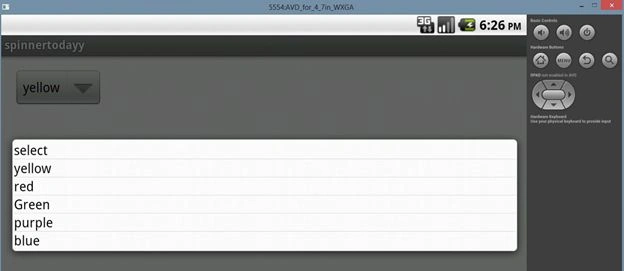
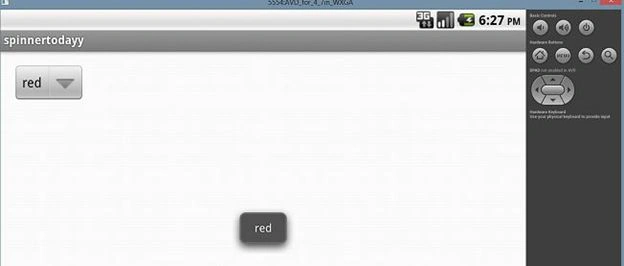
- Declare a spinner in the XML layout, for example:
- <Spinner
- android:layout_width="wrap_content"
- android:layout_height="wrap_content"
- android:id="@+id/ss"/>
- Declare a string array with some elements and pass these elements to the ArrayAdapter.
For instance
- String[] str={"select","yellow","red","Green","purple","blue"};
- ArrayAdapter<String> adap=new ArrayAdapter<String>
- (this, android.R.layout.simple_spinner_item,str);
The code is given below.
MainActivity.java
Join the conversation! Your thoughts help the community grow.