

Introduction
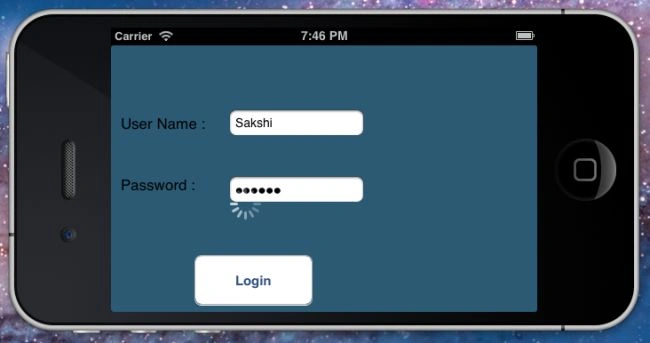
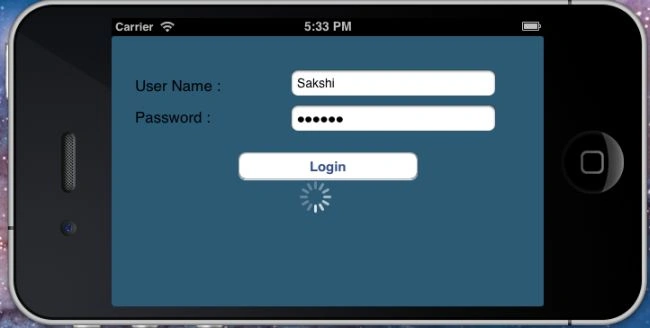
In this article I will try to teach you how to set the screen orientation of an iPhone. In other words, when we make an application in Portrait mode and test in the device, it's content position changes when we move the device into Landscape mode. To understand that use the following procedure.
Step 1
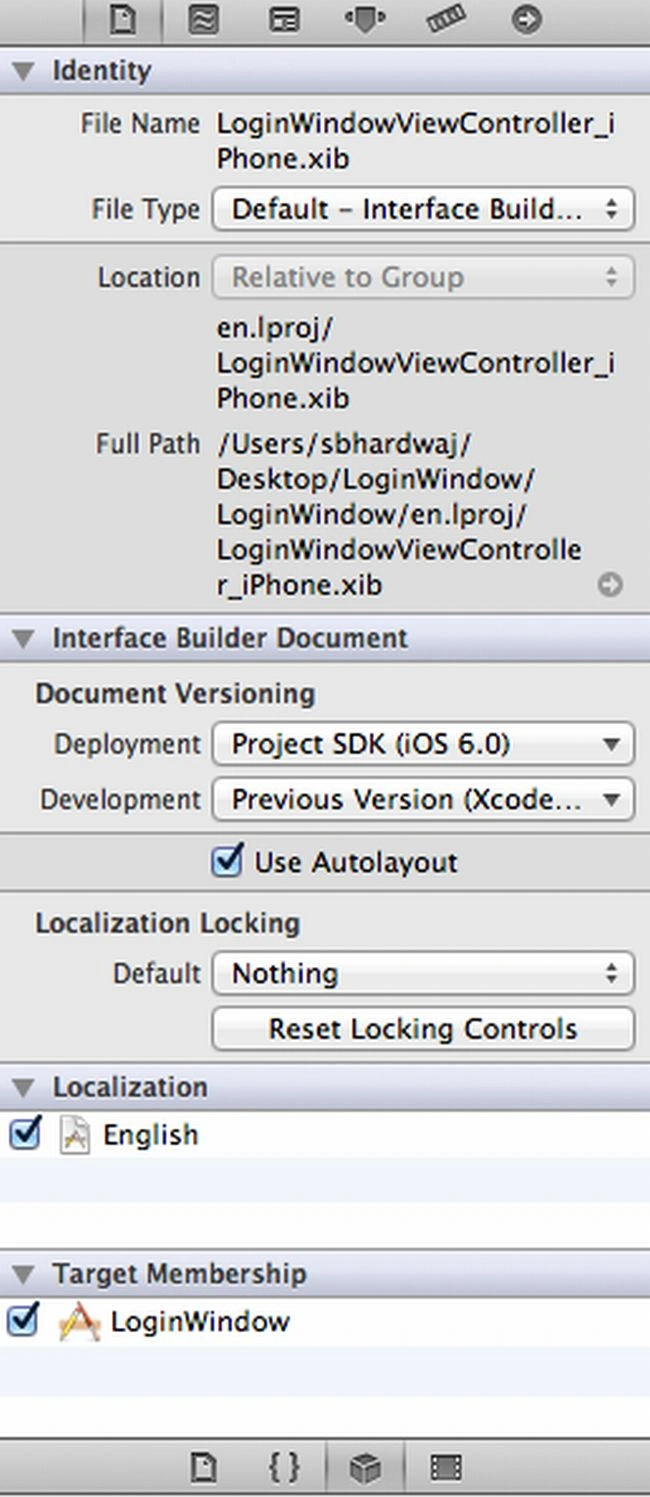
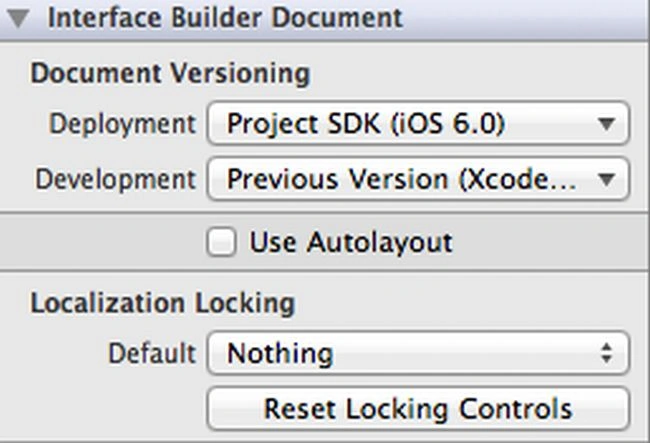
Open ViewController.Xib and click on the top side of the Property window of Xcode. Select file inspector and Unmark "Use Autolayout".
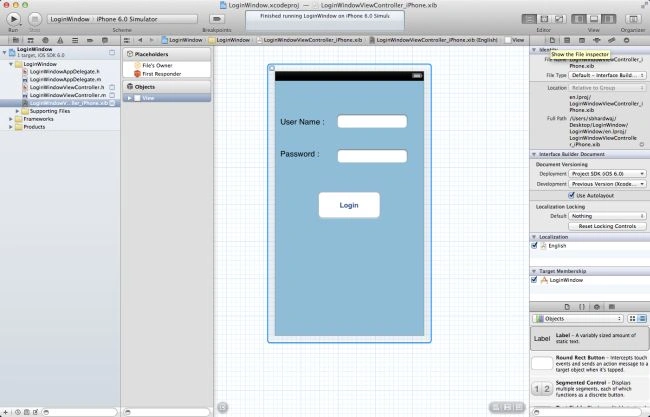
Initially, mark "Use Autolayout":
Here unmark "Use Autolayout":
Step 2
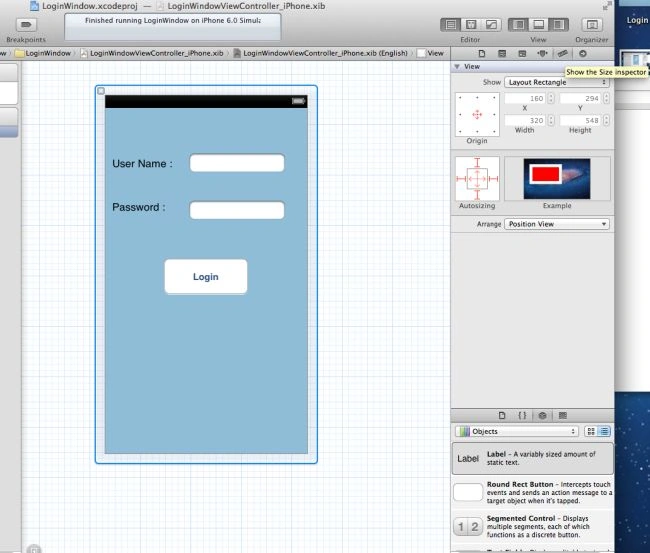
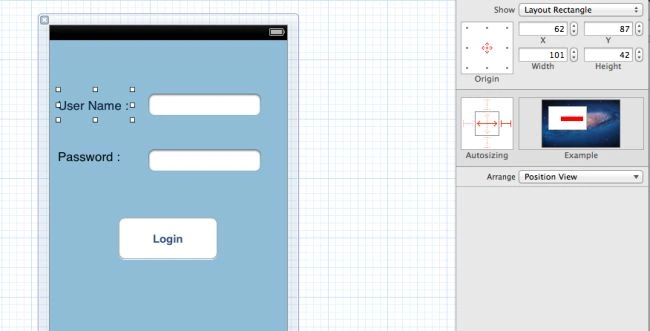
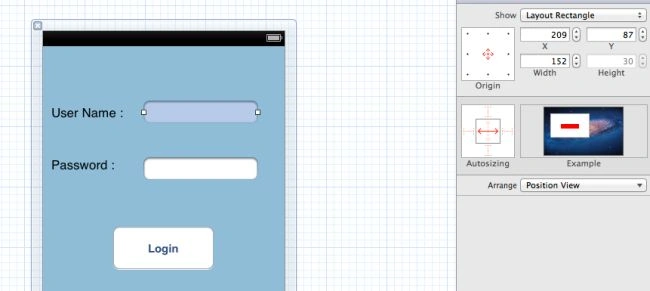
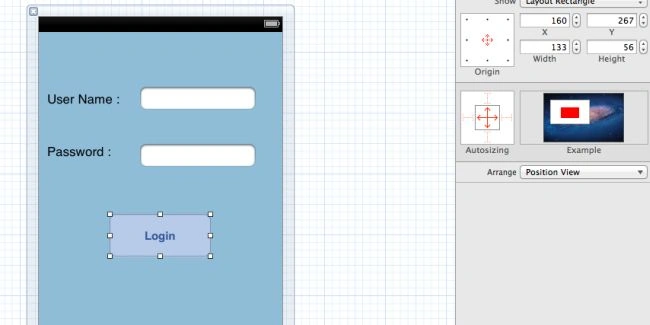
Now click on the Size inspector at the top side of the Property window:
Step 3
Join the conversation! Your thoughts help the community grow.