

Introduction
I keep getting emails from people asking this again and again.
The funny thing is, I thought I wrote an article on C# Corner but anyway, here it is again.
First, find the app you want to remove. You can use WIN+Q and type your app name into the Search TextBox and find your app Icon.
Alternatively, you can scroll through the apps installed on your machine.
Let's say, I want to uninstall the C# Corner app.
Step 1
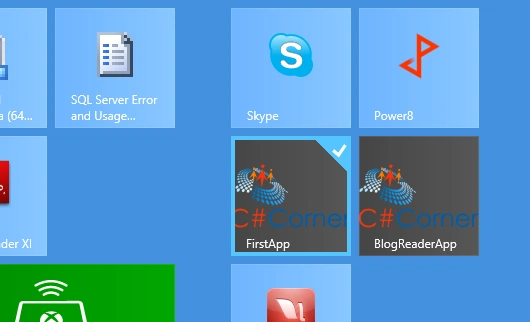
Right-click or touch the app icon. It should be checked.
Step 2
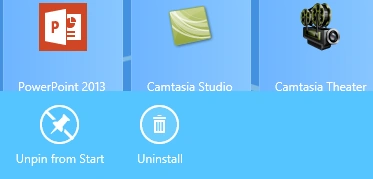
You will see an Uninstall icon at the bottom-left corner. Select that.
Step 3
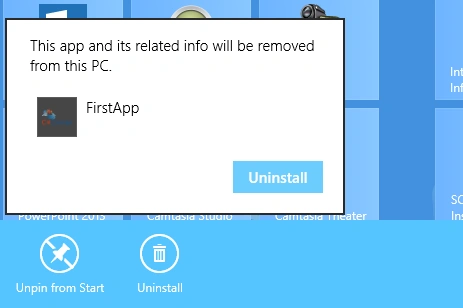
You may get a confirmation dialog. Confirm by selecting the Uninstall button.
You are done.
Summary
In this article, we learned about How to Uninstall an App in Windows 8.
Join the conversation! Your thoughts help the community grow.