

In this article I will show you how to use Colors in XNA.
Colors are very complex structures which will be defined simply in this article but know that it is.Allright lets start.
Lets have a look at the structure of a color:
a new Instance of a Color:
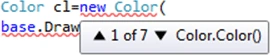
a new Vector3 based Color:
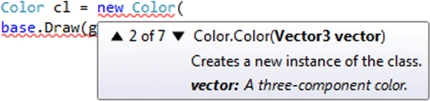
a new Vector4 based Color:
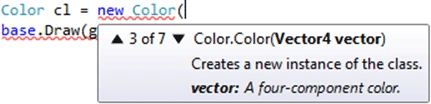
a new 3-float based Color:
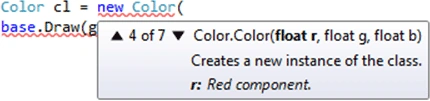
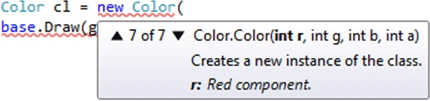
a new 3-int based Color:
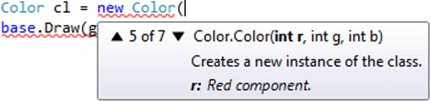
a new 4-float based Color:
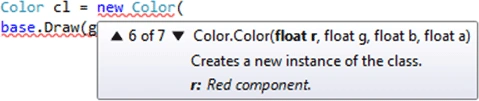
a new 4-int based Color:
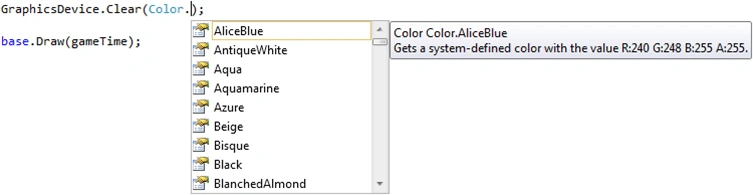
Setting the Color for clearing the screen:
FromNonPremultiplied converts a non-premultipled alpha color to a color that contains premultiplied alpha.Why do we need premultiplied alpha? As Shawn Hargreaves explained in his blog: It is a superset of both conventional and additive blending. If you set alpha to zero while RGB is non zero, you get an additive blend. This can be handy for particle systems that want to smoothly transition from additive glowing sparks to dark pieces of soot as the particles age.And It plays nice with DXT Compression which only supports transparent pixels with an RGB of zero.Which means all the things about FromNonPremultiplied is : Transparency.While in traditional Alpha Blending RGB and alpha are independent in Premultiplied Alpha these two are linked.So its a new feature added on XNA 4.0.Lets see how they seem in code:
1st way to use it is to set it as a Vector4-based Color.

The other way is to set 4 integer values:

Color.Lerp linearly interpolates between two colors.Which means you can mix them in your code using 2 Colors and an amount of value:

Color.Multiply helps you multiply a color with a float-based scale variable:

Lets create a sample to use them all:
Add these codes in your Draw function and use them in order.
Color cl1 = new Color();
Color cl2 = new Color(new Vector3(100.0f,
150.0f, 50.0f)); //Vector3

Join the conversation! Your thoughts help the community grow.